GigE Area Scan Camera User Manual
30
Set Acquisition Burst Frame Count
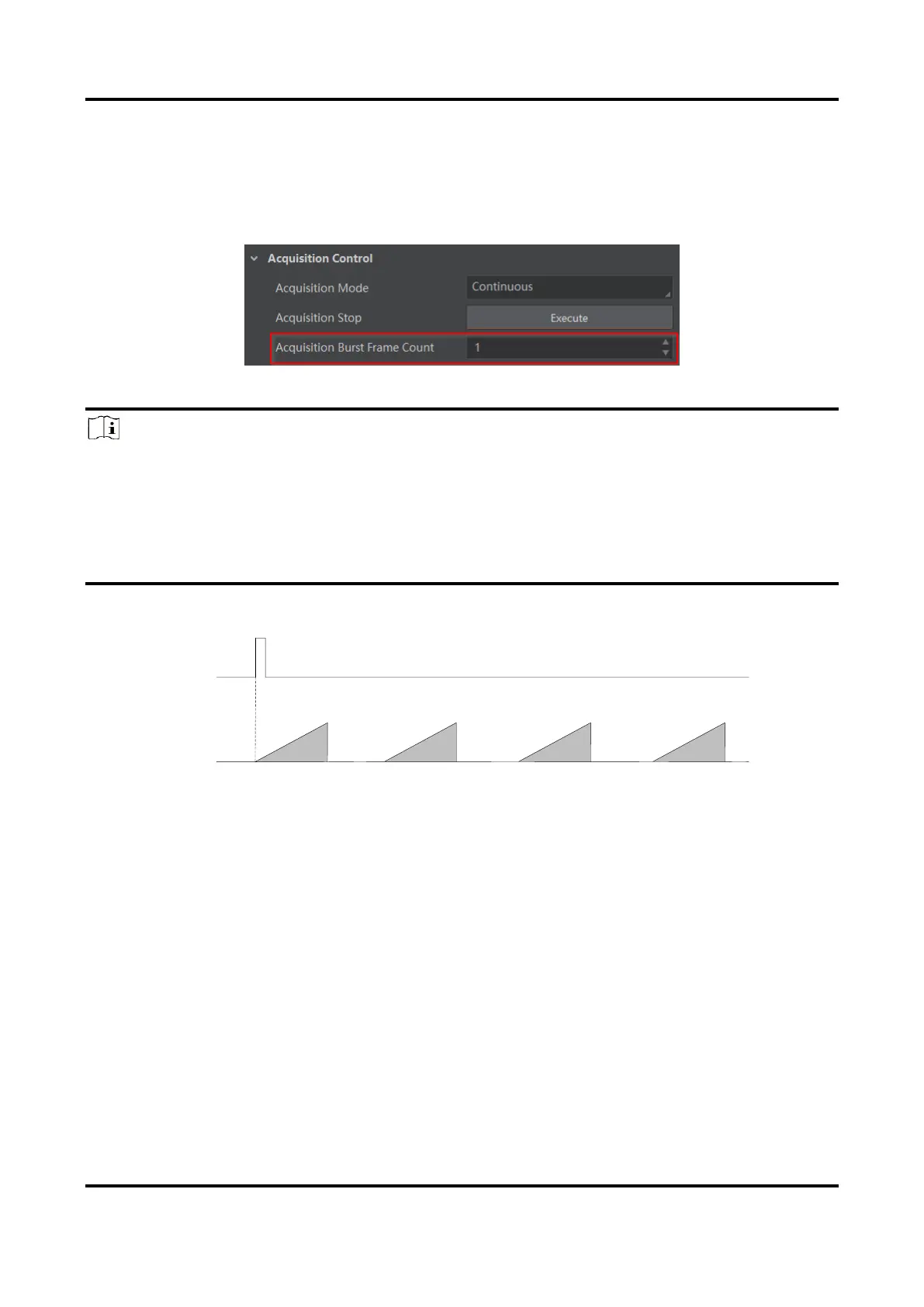
In external trigger mode, you can set acquisition burst frame count. Go to Acquisition
Control → Acquisition Burst Frame Count, and enter Acquisition Burst Frame Count
according to actual demands.
Figure 8-15 Set Acquisition Burst Frame Count
Note
●
The range of Acquisition Burst Frame Count is from 1 to 1023.
●
If Acquisition Burst Frame Count is 1, the device is in single frame trigger mode. If
Acquisition Burst Frame Count is larger than 1, the device is in multi-frame trigger
mode.
●
If Acquisition Burst Frame Count is n, when input 1 trigger signal to the device, the
device stops acquiring images after exposing n times and outputting n frame images.
Figure 8-16 Sequence Diagram of Acquisition Burst Frame Count
Set Trigger Activation
The device supports triggering image acquisition in the rising edge, falling edge, level high,
level low or any edge of the external signal. Go to Acquisition Control → Trigger
Activation, and select Rising Edge, Falling Edge, Level High or Level Low as Trigger
Activation.
●
Rising Edge: It means that when the level signal sent by external device is in rising edge,
the device receives trigger signal and starts to acquire images.
●
Falling Edge: It means that when the level signal sent by external device is in falling edge,
the device receives trigger signal and starts to acquire images.
●
Level High: The level high of the trigger signal is valid. As long as the trigger signal is in
level high, the device is in image acquisition status.
●
Level Low: The level low of the trigger signal is valid. As long as the trigger signal is in



 To Next Page