GigE Area Scan Camera User Manual
37
The device outputs signals to external devices when it starts
doing the capture of a frame.
The device outputs signals to external devices when it stops
doing the capture of a frame.
The device outputs signals to external devices when it has a
software trigger.
The device outputs signals to external devices when it has a
hardware trigger.
The device outputs signals to external devices when it has a
counter trigger.
The device outputs signals to external devices when it has a
timer trigger.
Note
The specific line sources may differ by device models.
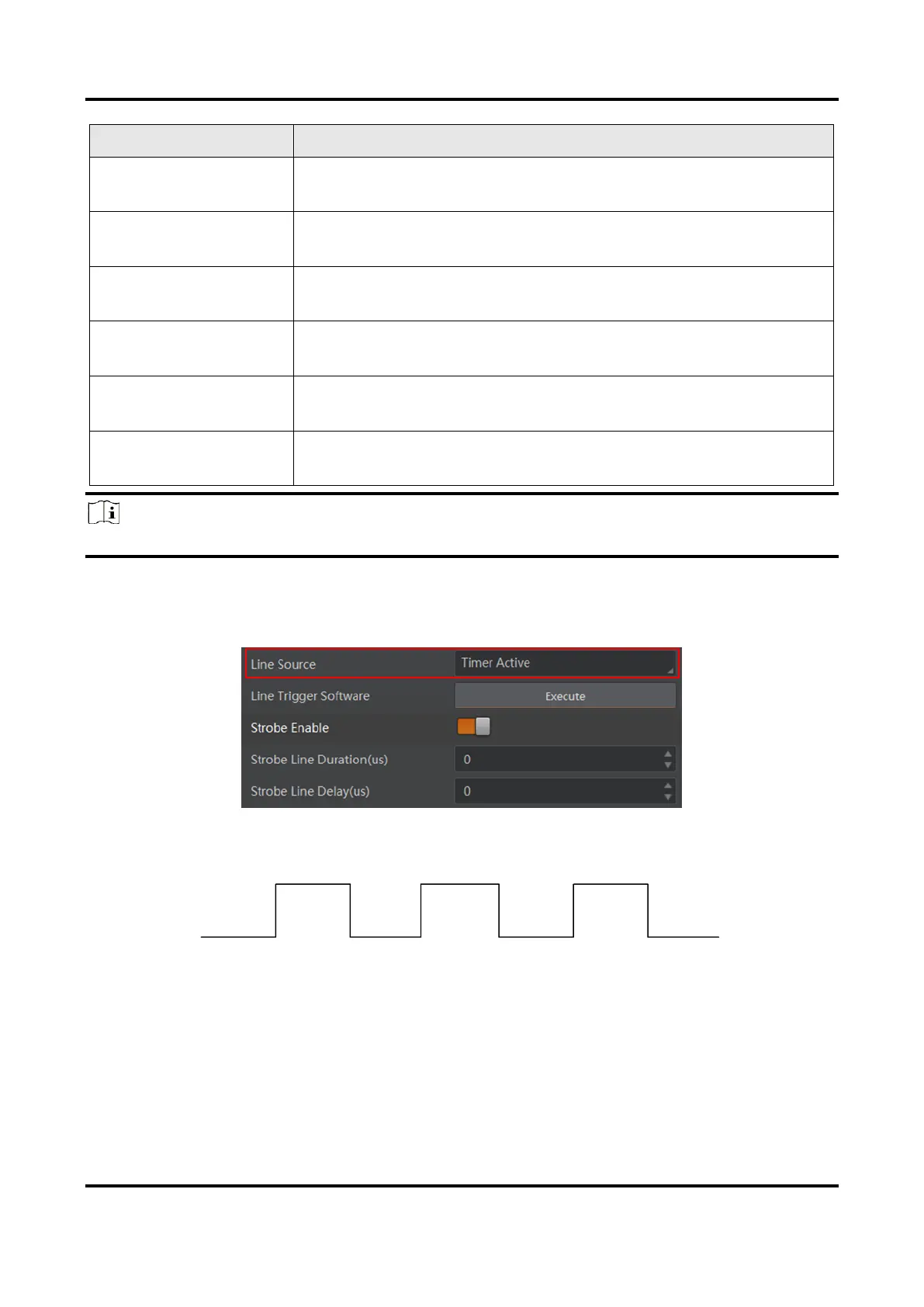
If Timer Active is selected as Line Source, you can click Execute in Line Trigger Software,
and enter Strobe Line Delay according to actual demands. The device will output signals
whose duration is configured in Strobe Line Duration.
Figure 9-4 Timer Active Parameters
Duration
Delay
Delay
Delay
Duration
Duration
Delay
Figure 9-5 Sequence Diagram of Timer Active



 To Next Page