GigE Area Scan Camera User Manual
38
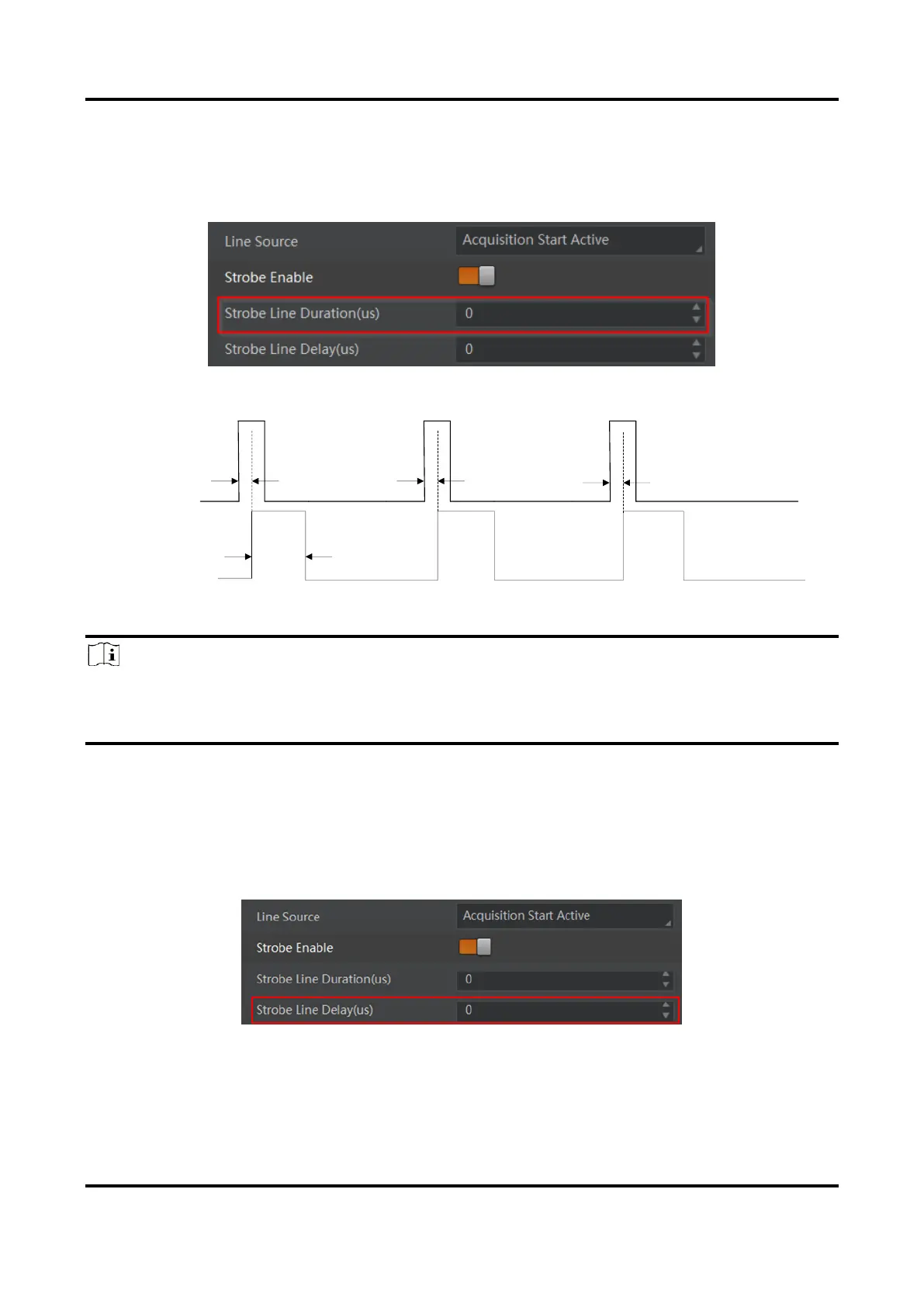
Set Strobe Line Duration
After enabling strobe signal, you can set its duration. Go to Digital IO Control → Strobe
Line Duration, and enter it according to actual demands.
Figure 9-6 Set Strobe Line Duration
Figure 9-7 Sequence Diagram of Strobe Line Duration
Note
When the Strobe Line Duration value is 0, the strobe duration is equal to the exposure time.
When the Strobe Line Duration value is not 0, the strobe duration is the configured value
you set.
Set Strobe Line Delay
The strobe line delay function allows the device to output signal in a delay time. Go to
Digital IO Control → Strobe Line Delay, and enter it according to actual demands. The
range of Strobe Line Delay is from 0 μs to 10000 μs.
Figure 9-8 Set Strobe Line Delay



 To Next Page