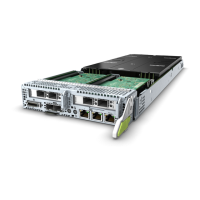
Figure 5-166 Installing the rear I/O board
Step 5 Install the bottom cover of the rear I/O module in the arrow direction. See step (1)
in Figure 5-167. Then ip the rear I/O module 180° in the arrow direction. See
step (2) in Figure 5-167.
RH8100 V3 Server
User Guide 5 Removing and Installing Parts of the RH8100 V3
Issue 30 (2019-12-19) Copyright © Huawei Technologies Co., Ltd. 301

 To Next Page
 Loading...