12
5
5
BASIC OPERATION
1
2
3
4
6
7
8
9
10
11
12
13
14
15
16
17
Quick Reference
■ Receiving and transmitting
D Receiving
1. Select a channel by rotating [CH/GRP], or
pushing the keypad keys. (p. 11)
2. When receiving a call, rotate [VOL] to adjust the
audio output level.
TIP:
When a call is received:
• The icon is displayed.
• You can hear receive audio from the speaker.
• The S-meter displays the received signal strength.
D Transmitting
1. Select a channel by rotating [CH/GRP] or pushing
the keypad keys. (p. 11)
2. Push [Ω] or [≈] to display “TX FREQ Monitor” in
the Software Key area.
3. Hold down [TX FREQ Monitor]
to temporarily
monitor the transmit frequency of the selected
channel.
• The transmit frequency is displayed and blinks.
NOTE: If the channel is busy, wait until it becomes
clear, or change to another channel.
4. Hold down [PTT] on the handset to transmit.
• is displayed.
NOTE: If “SWR” is displayed during the transmission,
check your antenna system.
5. Speak into the microphone at your normal voice
level.
6. Release [PTT] to receive.
• is displayed.
NOTE: For the Time-out Timer (TOT) function
The TOT function inhibits continuous transmission
beyond a preset time period after the transmission
starts. 10 seconds before transmission is cut off, a
beep sounds to indicate the transmission will be cut
off. Release [PTT] once to end your transmission
and reset the timer. You cannot transmit for 10
seconds after it is cut off.
IMPORTANT: To maximize the readability of your
transmitted signal, pause for a second after pushing
[PTT], and then hold the handset 5 to 10 cm from
your mouth and speak at your normal voice level.
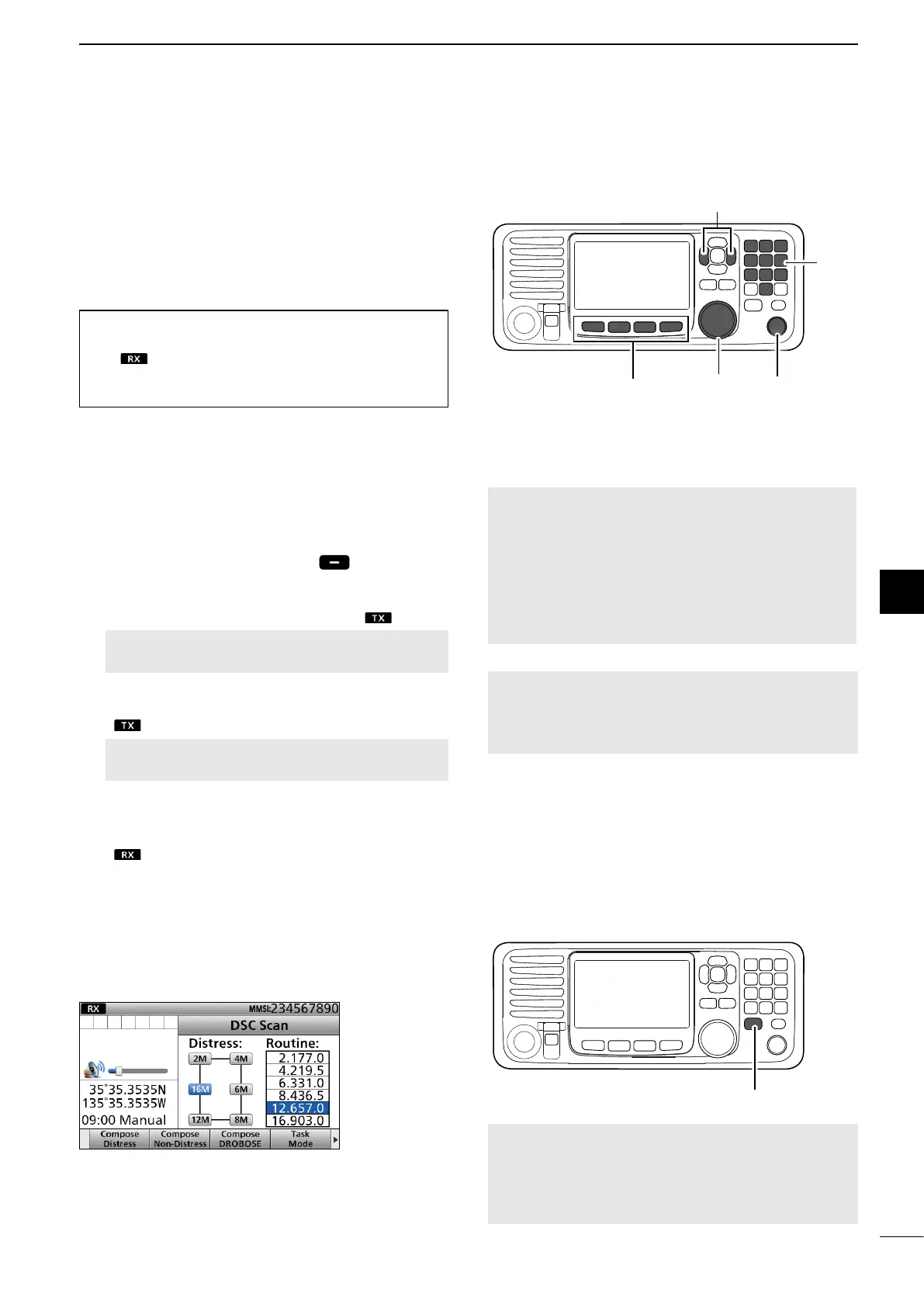
[Ω]/[≈]
[CH/GRP]Software Keys
KEY PAD
■ DSC scan
To receive a DSC call, such as an Individual call or a
Group call, push [D-SCAN] to enter the DSC watch
mode.
DSC watch mode
NOTE: The following frequencies are always
automatically monitored with this transceiver.
2187.5, 4207.5, 6312.0, 8414.5, 12577.0, and
16804.5 kHz
[D-SCAN]
[VOL]



 To Next Page