LIP-9070 iPKTS User Guide
5
2.8 Power up and Setup Wizard
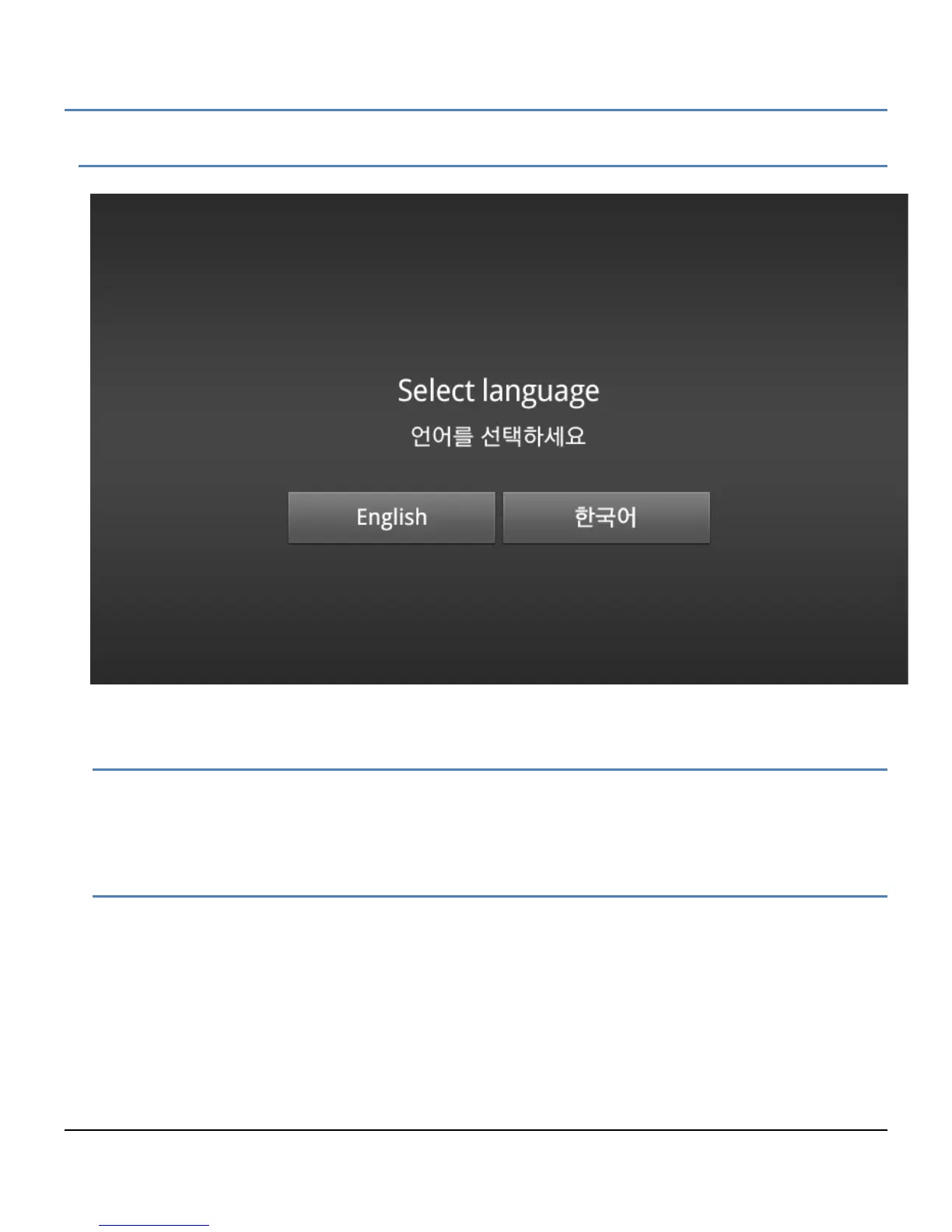
When connected to power, the phone will perform Setup Wizard for language selection.
2.8.1 Language Selection
When connected to power, the phone will perform language selection. User can choose Language to be used for
the Phone. Base on this selection, the software keyboard and IME for phone will be changed.
2.8.2 Protocol Selection
After select language it could be guided to select call protocol. To use LIP-9070 as iPECS iPKTS phone, choose
iPKTS protocol from below selection screen. Then will restart automatically.



 To Next Page