LIP-9070 iPKTS User Guide
61
12.6.1 SD Card
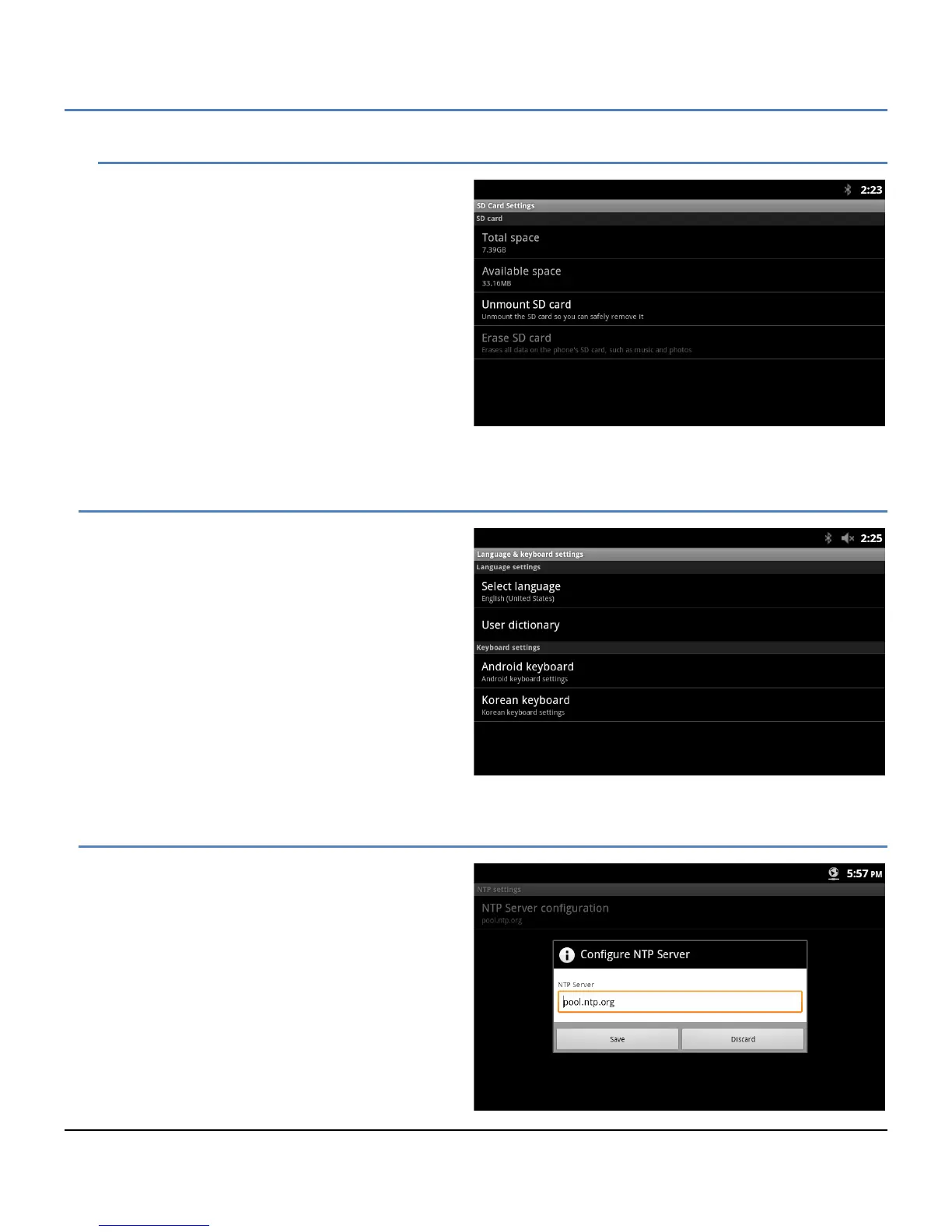
An SD Card can be inserted in the card slot on the
right side of the LIP-9070. With the SD Card
Settings, the total and available memory on the card
displays, a card can be safely removed with the
Unmount command and the data on the card may
be erased.
12.7 Language & Keyboard
The Language and Keyboard menu includes:
Select language: select from the available
display languages.
User dictionary: selects the dictionary.
Android keyboard: select and configure the
standard Android qwerty keyboard.
Korean keyboard: select and configure the
Korean keyboard.
12.8 NTP settings
NTP (Network Time Protocol) Server Configuration
defines the URL of an NTP sever the LIP-9070 will
employ to determine the time when verifying VPN
certificates.



 To Next Page