LIP-9070 iPKTS User Guide
30
6.4 Managing a Contact Record
6.4.1 Edit Contact Information
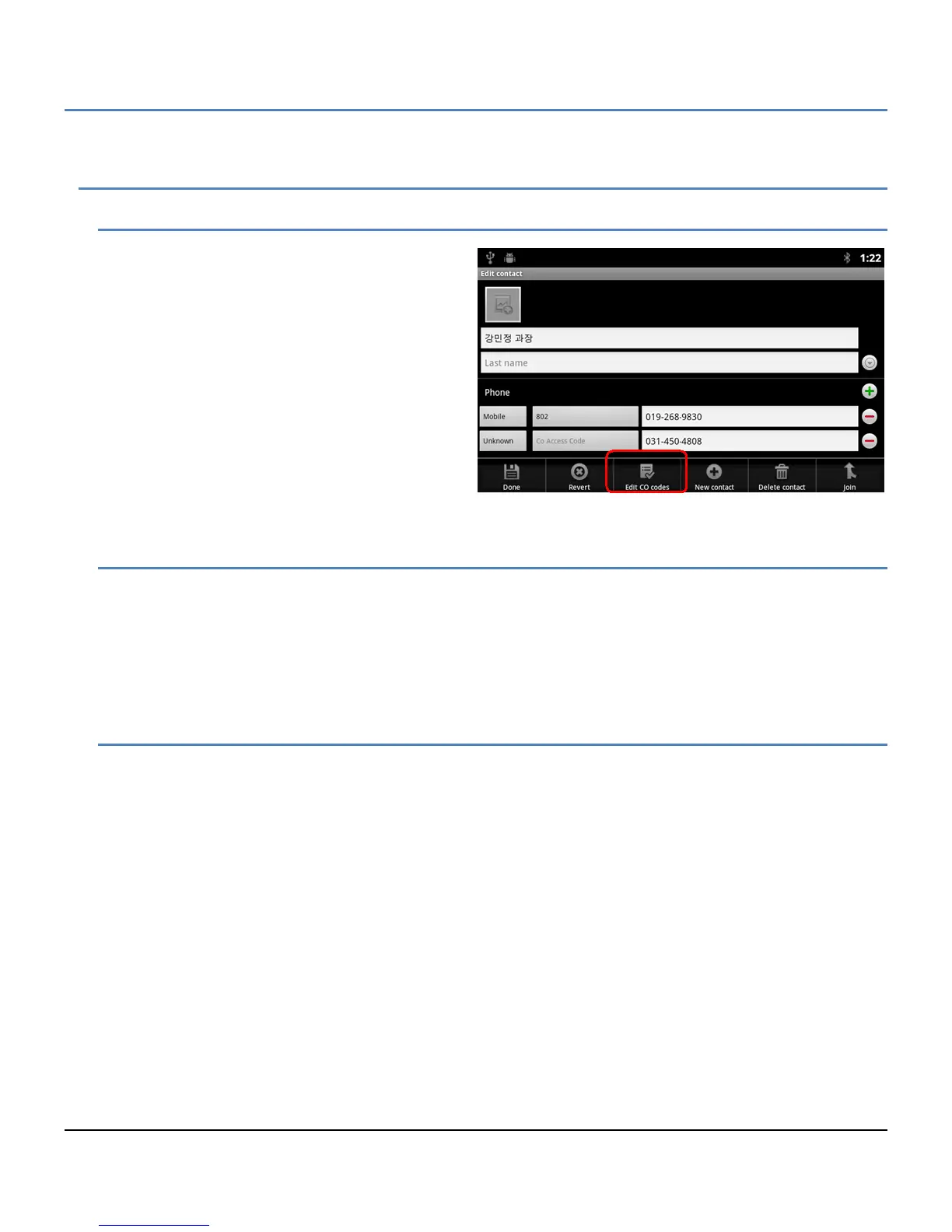
To edit the information for a Contact,
1. Open the Contacts list by touching the
Contact icon in the Apps Dock or the iPECS
Call window.
2. Touch and hold the desired Contact.
3. In the popup menu, select ‘Edit contact’.
4. Modify the desired information and press
Done.
Note
° The ‘Revert’ button returns to the previous
screen.
6.4.2 Deleting a Contact
To delete a Contact,
1. Open the Contacts list by touching the Contact icon in the Apps Dock or the iPECS Call window.
2. Touch and hold the desired Contact.
3. Touch the Menu button.
4. Select ‘Delete contact’.
6.4.3 Joining Contact records
When Contacts are imported from multiple sources, a contact may have multiple identical records. In this case, a
record can be selected and joined with other records.



 To Next Page