LIP-9070 iPKTS User Guide
28
6.3.1.1 CO Access Code
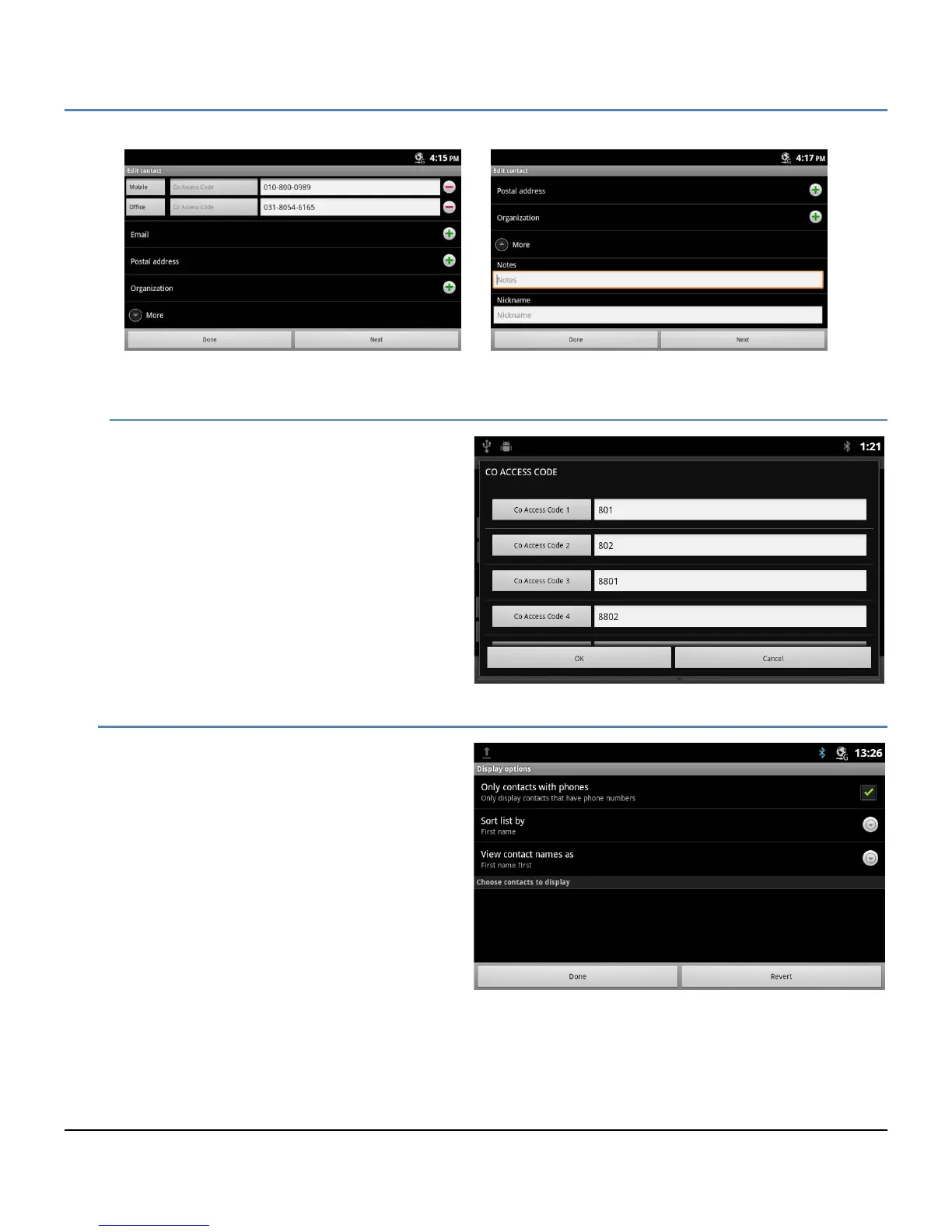
When an outside phone number is assigned to a
contact, a CO line or trunk is needed to place the
call. In this case, the iPECS system may require
a CO/Trunk Access Code, such as ‘9’, to select a
CO Line/Trunk for the call.
Touching the ‘Co Access Code’ button displays a
list of codes available. Select the desired code
for use with each external number.
6.3.2 Display Options
The Display options determine the displayed
records, the sorting options for the Contact list and
the way names are displayed.
To change the Display options:
1. Open the Contacts database by touching the
Contact icon in the Apps Dock or the iPECS
Call window.
2. Touch the Menu button.
3. Select ‘Display options’.
4. Complete selections in the Display options
screen and select ‘Done’.



 To Next Page