LIP-9070 iPKTS User Guide
56
12 Settings
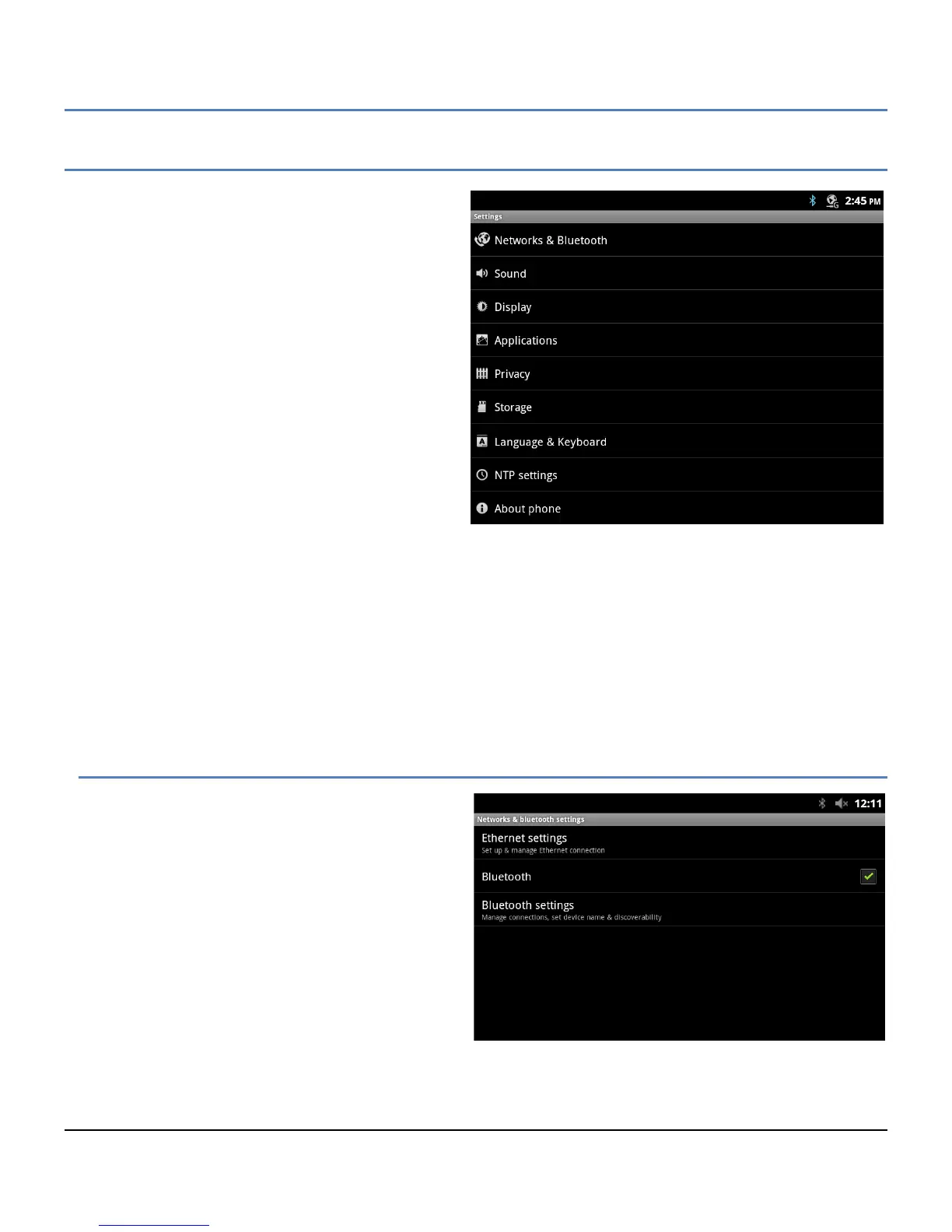
The System Settings menu, which accessed with the
Setting icon in the Dock or the Home screen option
menu, contains a list of items that have a global effect
on operation of the LIP-9070. In general, your
administrator should configure the Settings. The listing
includes:
Networks and Bluetooth: Section 12.1, assign
characteristics of the LAN and the Bluetooth
interface.
Sound: adjust audio levels, Section 12.2, assign
incoming call ringtone and ringtone for
Notifications.
Display: Section 12.3, adjust display brightness,
enable animations and configure the screen
time-out.
Applications: Section 12.4, manage and control
applications, and view storage use.
Privacy: Section 12.5, return the LIP-9070 to
factory default and erase contacts and all user
data from memory.
Storage: Section 12.6, view storage of built-in memory and external SD card, manage SD card and unmounts
the SD card.
Language & Keyboard: Section 12.7, select language, select keyboard type and configure Asian keyboards.
NTP Settings: Section 12.8, configure Network Time Protocol server.
About phone: Section 12.9, phone version display and update software.
Note
° You may need to scroll down the screen to see all selections.
12.1 Network and Bluetooth
The Network and Bluetooth selection from the
settings menu include:
Ethernet Settings: configure the LIP-9070
Ethernet ports for the LAN and an attached PC.
Bluetooth: enable the Bluetooth interface.
Bluetooth Settings: configure the interface,
scan for devices and select devices for pairing.



 To Next Page