LIP-9070 iPKTS User Guide
6
2.9 Registration
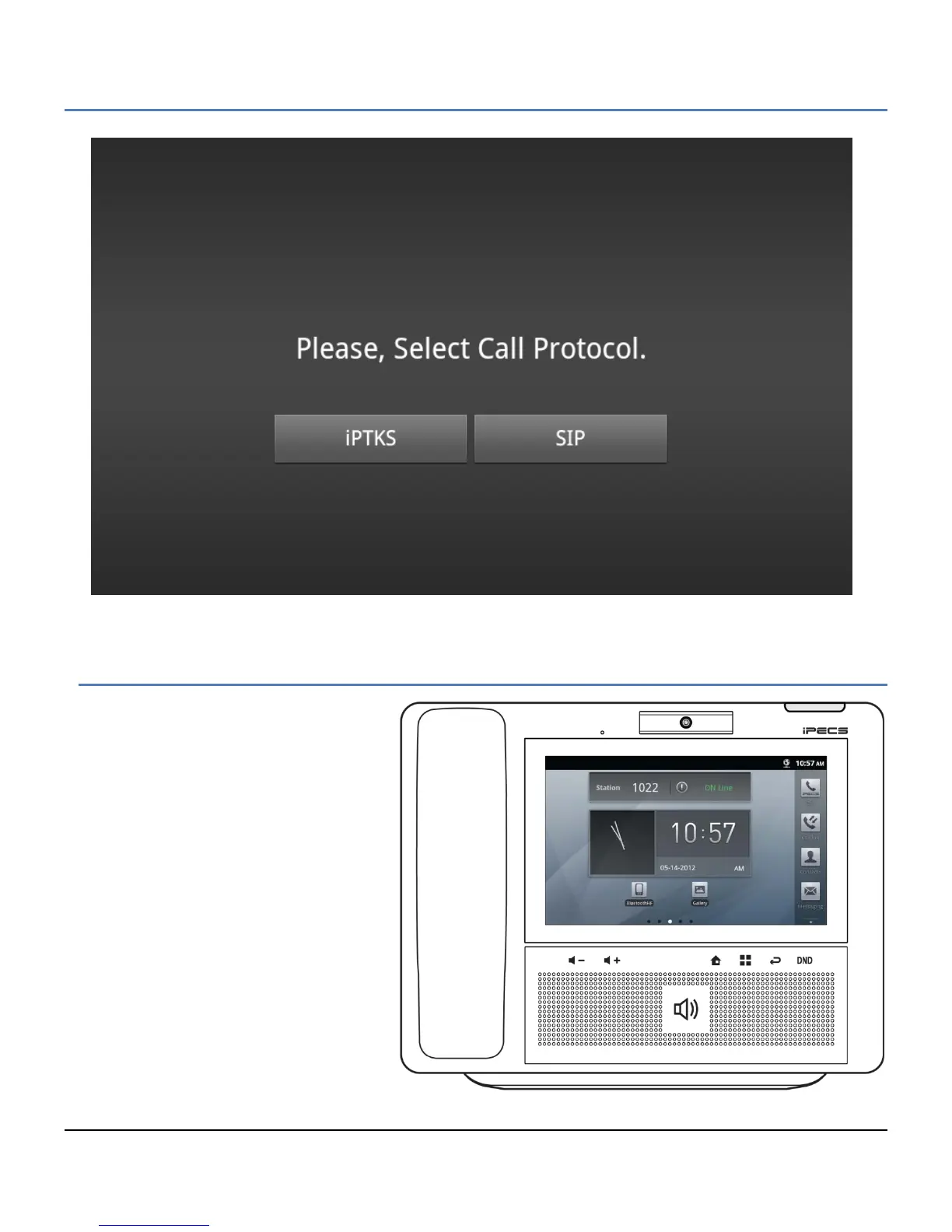
When connected to power and the network,
the phone will perform its power-up routine
and then attempt to locate and register with
the iPECS system. During the process the
display will indicate status including
‘Searching for MFIM’, which is the iPECS
call server. In a default configuration,
iPECS will permit registration of the phone,
and will assign a station number and other
characteristics to the phone. Once
complete the phone is fully operational and
displays the Home screen with the Station
Number and status (On Line) shown above
the clock.
If the iPECS network settings have been
changed or the phone is installed in a
remote location, the phone will not be able
to complete registration. The phone screen
will display a No Acknowledgement or
other fault message. In this case,
assistance of the iPECS administrator may
be required. iPECS may require configuration to allow registration of the LIP-9070. In addition, the IP settings of



 To Next Page