LIP-9070 iPKTS User Guide
26
6 Working with Contacts
With Contacts users have quick access to a database of
up to 1000 commonly called contacts. The database can
be searched and communication with a contact
established. Users can manage the database, adding,
deleting and editing contact information.
Contact information is stored in a VCard format that can
be imported to or exported from an SD card or an
external Bluetooth device.
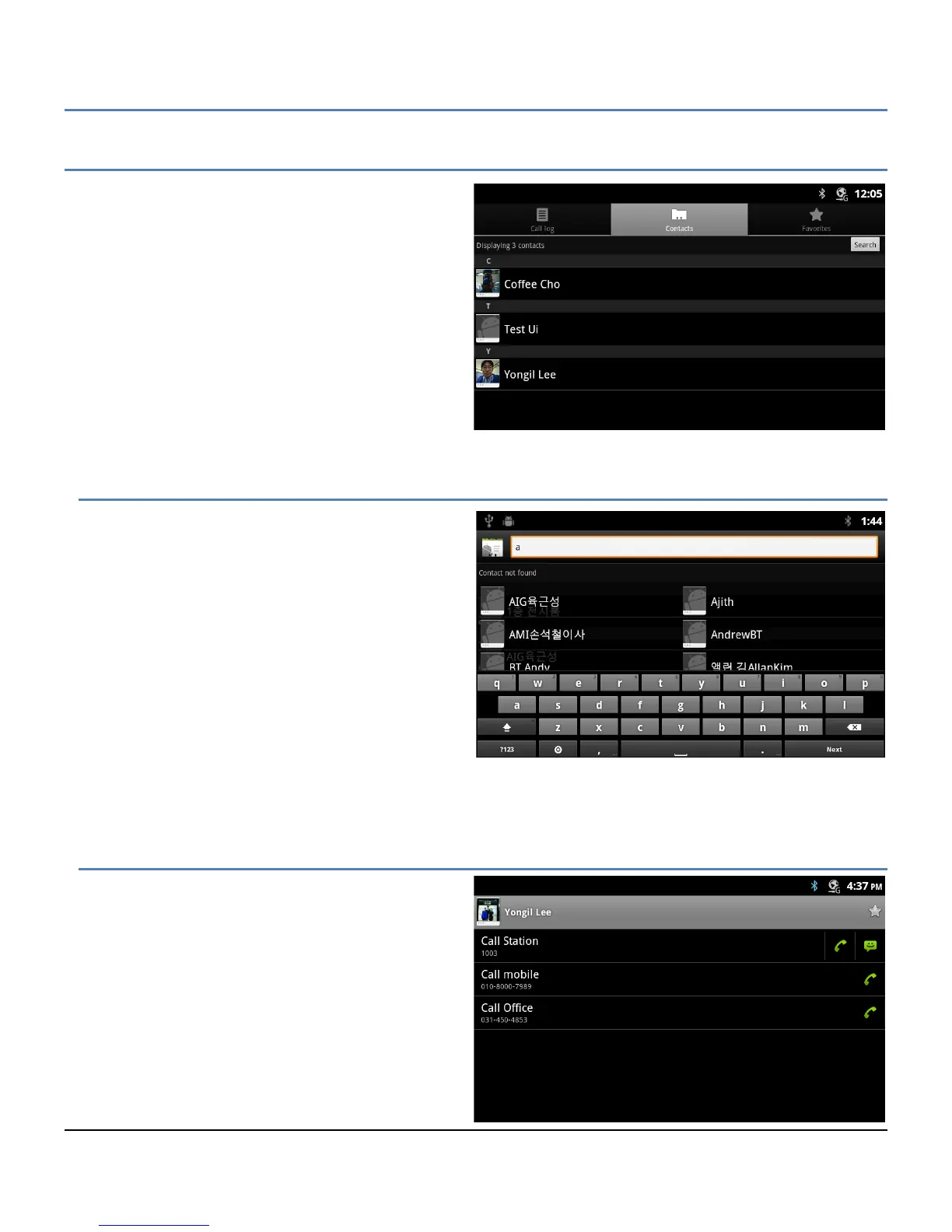
The Contacts list is opened with the Contacts icon in the
iPECS Call window (section 5) or from the Apps Dock
(section 4).
6.1 Searching the Contacts
The Contact list can be searched to quickly locate a
contact for further activity such as calling the contact.
To search for a contact:
1. Open the Contact app by touching the Contact
icon in the Apps Dock or the iPECS Call
window.
2. Touch the Search button in the upper right.
3. Touch the Search text box to display the soft
keyboard.
4. Enter the search text. As characters are
entered, matching records display.
Once located, the Contact can be called or the Contact Option menu can be opened to manage the contact.
6.2 Communicating with Contacts
After locating a contact, the contact is selected
(tapped) to display the options available for
communicating with the contact. When an option is
selected, the appropriate screen opens for the
communication, the iPECS Call window or the SMS
screen.
To use Contacts to set up a communication:
1. Open the Contacts list by touching the
Contacts icon in the Apps Dock or iPECS
Call window.
2. Locate and touch the desired contact.



 To Next Page