LIP-9070 iPKTS User Guide
10
4 Mini-Tab Phone Display Basics
The LIP-9070 phone employs a Mini-tab running the Android OS as the phone display and the main user input device.
The Mini-tab is equipped with several apps and widgets which are discussed in separate sections of this manual as
below.
iPECS Phone, section 5
Contacts, section 6
Call Logs, section 7
SMS, section 8
Appointment Calendar, section 9
Alarm Clock, section 10.1
Camera, section 10.2
Gallery, section 10.2
Music, section 10.3
Settings, section 12
In addition to the major applications above, several widgets are installed in the LIP-9070. Widgets are small
applications that display on a Launcher screen and are self-contained, that is no additional screens are needed by the
widget. Widgets may open a related application but are primarily intended to provide information such as the time,
date, or status of music playing. Widgets settings are discussed in section 4.8 and 4.9, and include:
Clock widget
Play Music widget
Calendar widget
iPECS Station (Call Info) widget
4.1 Basic User Gestures
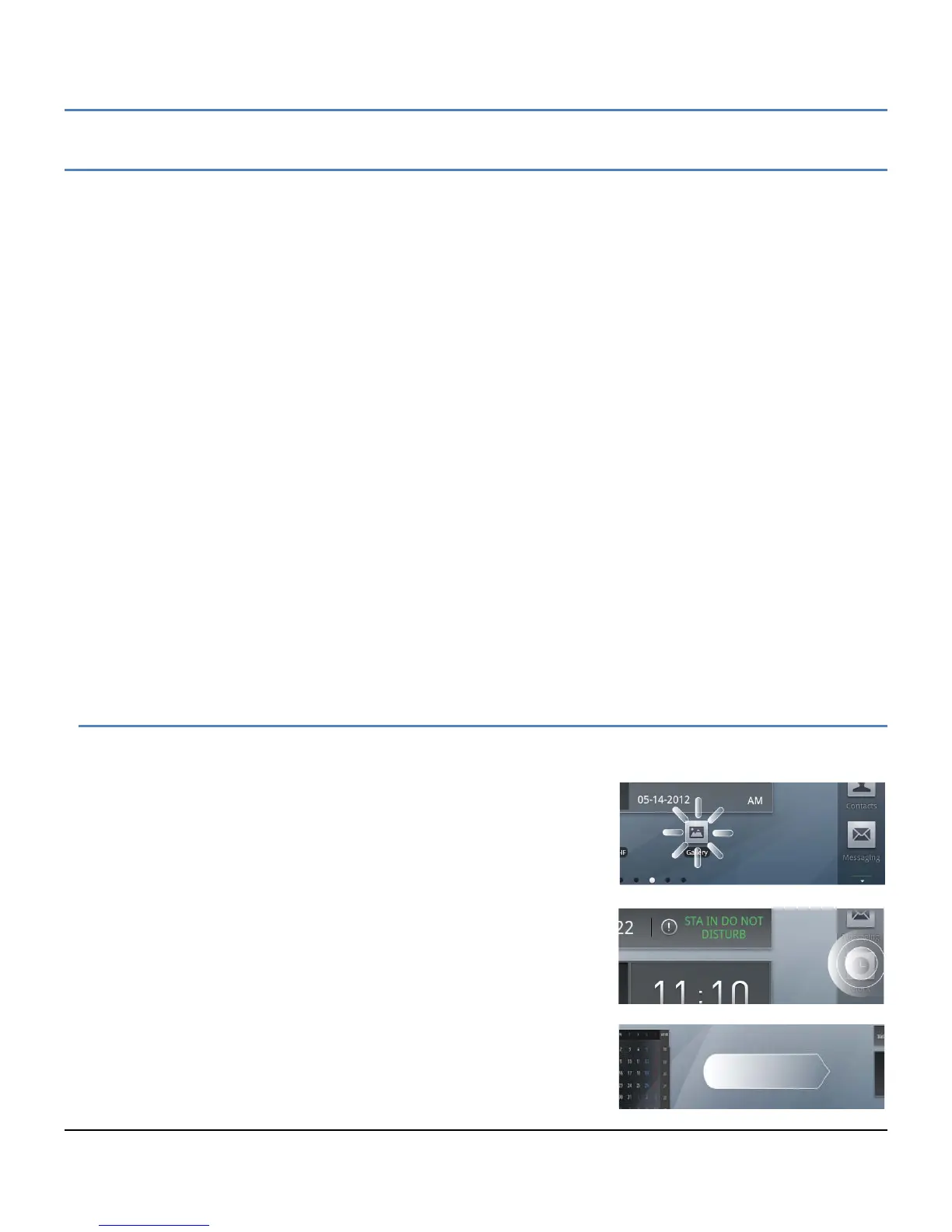
The Mini-tab uses a touchscreen as the user interface. There are several finger gestures supported by the Mini-tab
for user interaction.
Touch or Tap: To select items such as application icons, to press
onscreen buttons, or to type using the onscreen keyboard, touch or
tap the item.
Touch and Hold: To open the Context menu for an item, touch and
maintain contact with the screen until an action occurs.
Swipe or Flick: To move from one Launcher screen to another or
view the next or previous picture, touch the screen and quickly
move to the finger across the surface of the screen.



 To Next Page