LIP-9070 iPKTS User Guide
38
8.4.1 Deleting a Message Thread
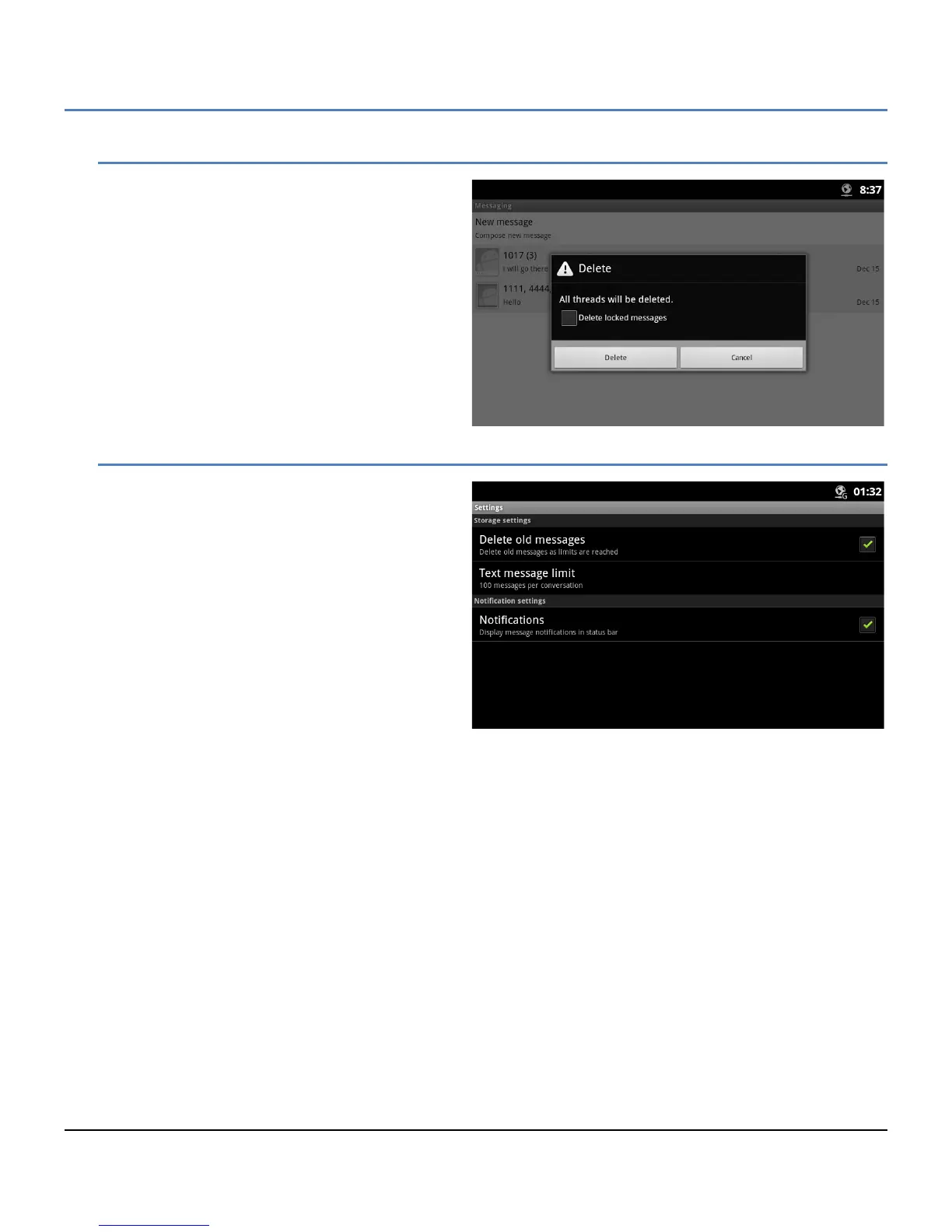
All messages in a thread can be deleted. When a
thread is deleted that contains a locked message,
the delete confirmation includes a check box to
delete the locked messages as well as the unlocked
messages in the thread. In addition, if the
sender/receiver is not a contact, a popup menu
appears to allow the sender/receiver to be added to
the Contacts database.
8.4.2 Messaging Settings
The Settings for the Messaging screen includes
items for managing the message retention and
activating new message notification.
Delete old messages: check the box to
delete old message when the message
limits are reached. If not checked, new
messages are ignored.
Text message limit: set the maximum
number of messages for each thread, 1 to
100.
Notifications: check the box to receive new
SMS message notifications in the Status
bar.



 To Next Page