LIP-9070 iPKTS User Guide
75
Appendix C Touch screen calibration
The LIP-9070 uses touch screen as user interface. If user have some problem to the touch screen operation the below
sequence could provide to do touch screen calibration manually.
1) Move to ‘Home’ screen.
2) Press ‘Menu’ key twice.
3) Press ‘Back’ key once.
4) Press ‘Volume down’ key seven times.
5) Press ‘Volume up’ key three times.
6) Press ‘Back’ key five times. -* have to do 3~6
th
within 10 second. *-
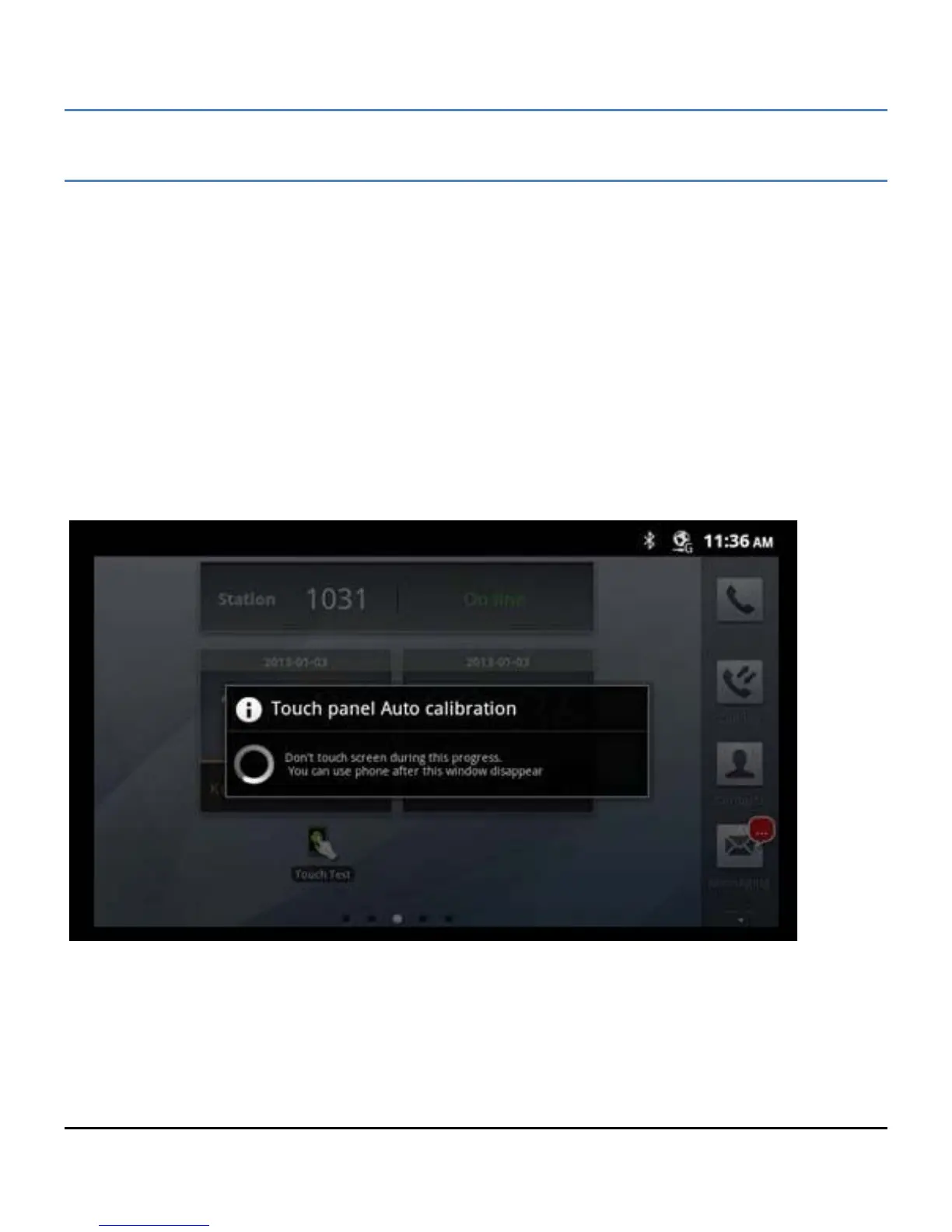
7) Then, start the calibration of touch panel and you can find below display.



 To Next Page