LIP-9070 iPKTS User Guide
49
10.3.5.5 Viewing Videos
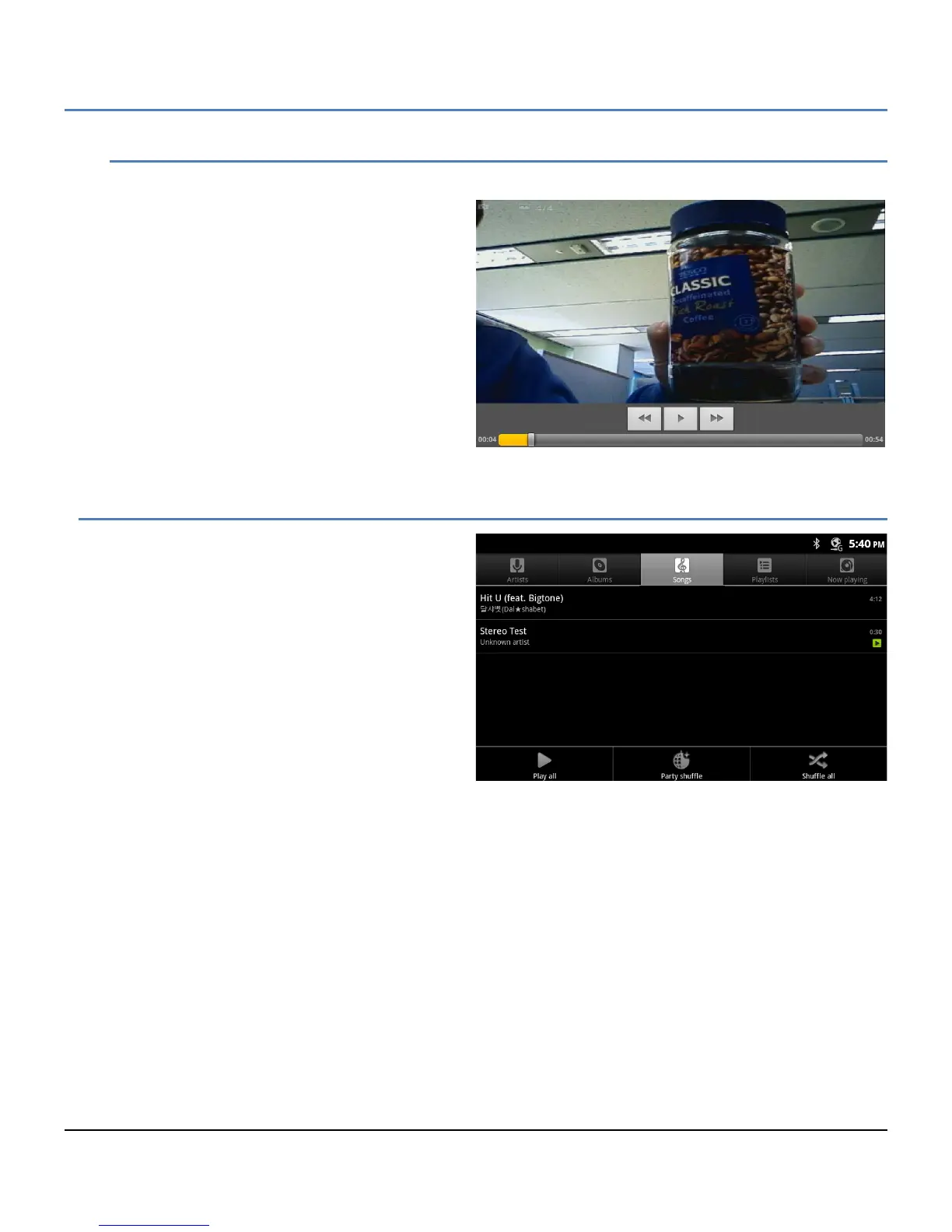
In the Gallery, videos can be selected for display. To display a video,
1. Touch the video thumbnail. The initial
frame in the video displays.
2. Touch the video frame to display the
Video controls for fast forward or reverse
as well as the play-pause control.
10.4 Playing Music
The Music application organizes, manages and plays
music and other audio files located on the SD card.
When the Music icon in the Dock or Launcher screen
is selected, the Music app builds a Music Library from
information in the audio files (MP3, MIDI and OOG
Vorbis formats) on the SD card. Constructing the
catalog takes a short period of several seconds or
longer depending on the number of files on the SD
card. When complete, the Music Library screen opens
where music is cataloged and sorted by Artists,
Albums, Songs, Playlists and ‘Now’ playing. To view
the contents of a list, select the tab.
Music can be selected ad hoc, from an album or
playlist, or randomly selected.
The Music Library screen Option menu varies slightly based on the specific library in view. The menu has song
shuffling tools appropriate for the view.
Note
° Albums may include a tag indicating a Gallery photo to use as the Thumbnail. If the tag is included, the
LIP-9070 will display the thumbnail.



 To Next Page