LIP-9070 iPKTS User Guide
60
12.4 Applications
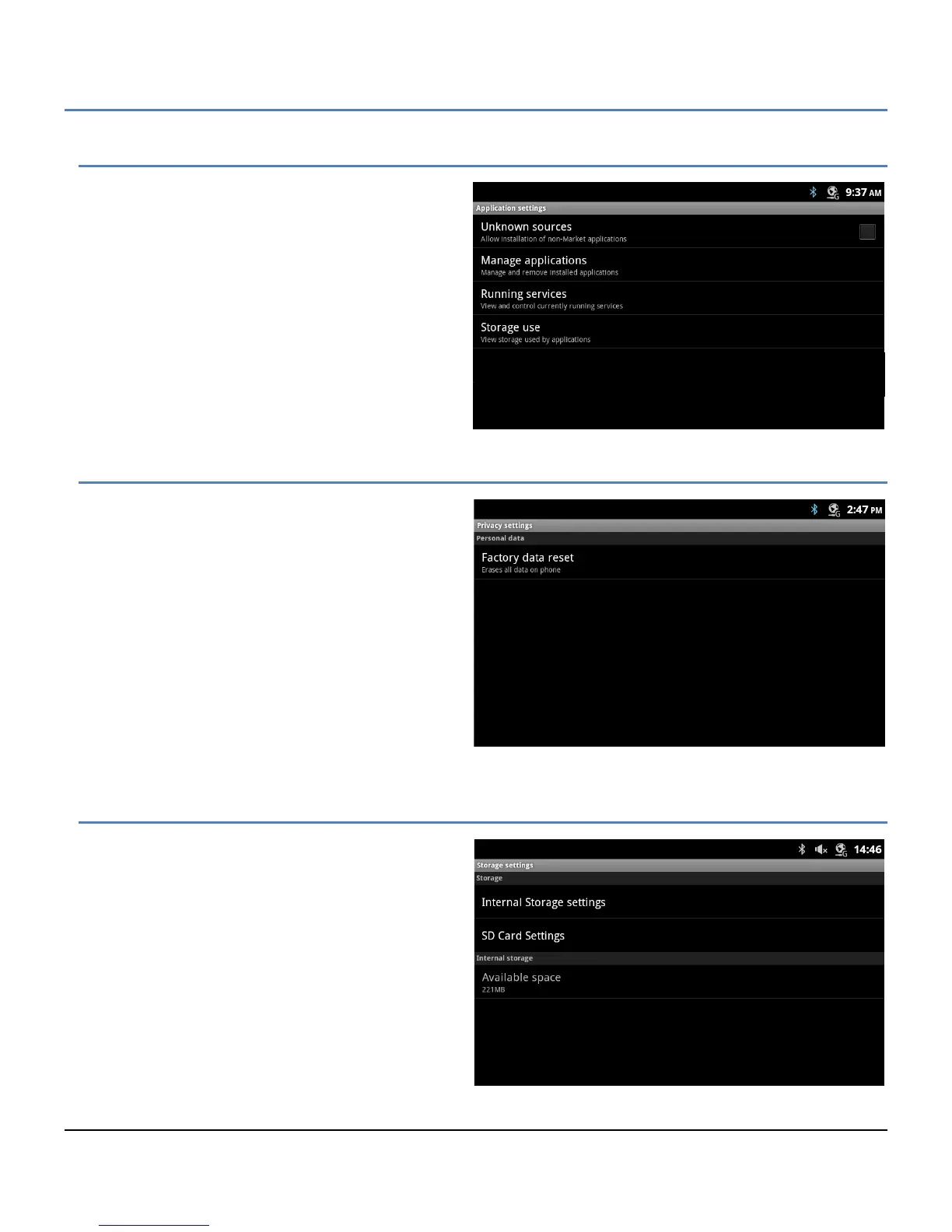
The Applications settings menu is used to manage
and view the status of Android applications in the LIP-
9070. Selections include:
Unknown sources: permit installation of
applications from sources other than the
Android apps store.
Manage applications: manage installed
applications.
Running services: manage active process
and services.
Storage use: view the storage in use by
active applications.
12.5 Privacy
Privacy is used to return the LIP-9070 to the default
configuration. The reset removes all entries in the
Contacts and Calendar databases, and all other
personal data stored in the internal Flash memory.
Note the reset to default does not impact information
stored on the SD card.
12.6 Storage
The Storage settings are provided to view and
manage the internal memory and the SD card.
Settings include:
Internal Storage settings: view the status of
the system memory.
SD Card Settings: Section 12.6.1, view and
manage SD card.
Available space: memory space available for
user data.



 To Next Page