LIP-9070 iPKTS User Guide
37
8.3 Message Options
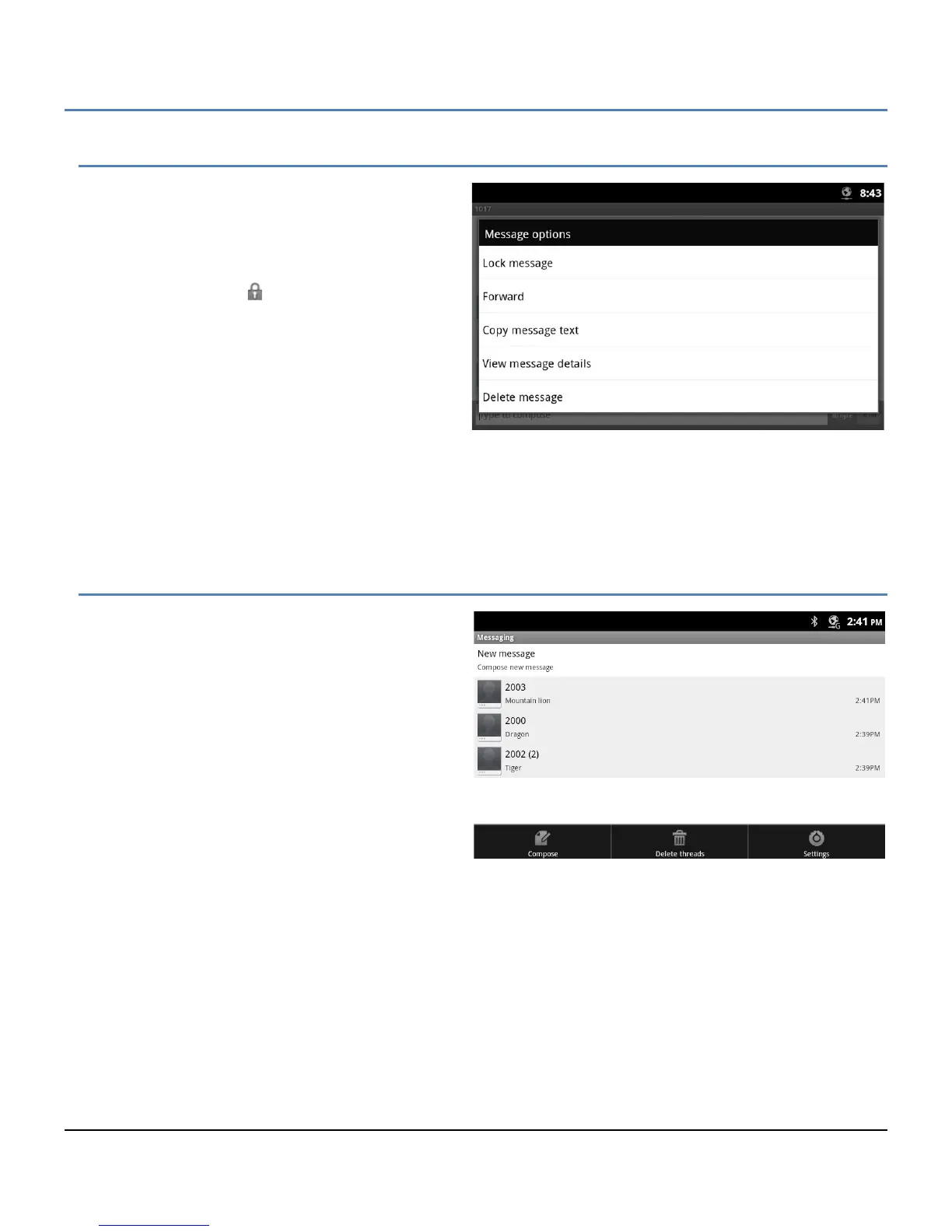
Several actions can be taken relative to a message
employing the Context menu. To view the menu,
touch and hold a message. In the menu, the following
tools are available.
Lock Message: lock a message to avoid
accidental deletion. If a message is locked, a
pad lock icon, , appears to the right of the
message record. To unlock a message,
touch and hold the message record.
Forward: send a copy of the message to
another user.
Copy Message Text: copy a selected
message, enter the ‘To’ user and send.
View message details: view details including
date and time sent or received and receiver or sender.
Delete message: delete the message. If the message is locked, an alert is provided before deletion. Also if
the message is to/from a user that is not a contact, the user can be added to the Contacts database before
deletion of the message.
8.4 Messaging Screen Options Menu
The Messaging screen Options menu is displayed
when the Menu button is touched while viewing the
Messaging screen. The Options menu includes the
following tools.
Compose: section 8.1, compose a new SMS
Delete threads: section 8.4.1, delete all
messages in a thread.
Settings: section 8.4.2, set message retention
and notifications



 To Next Page