LIP-9070 iPKTS User Guide
68
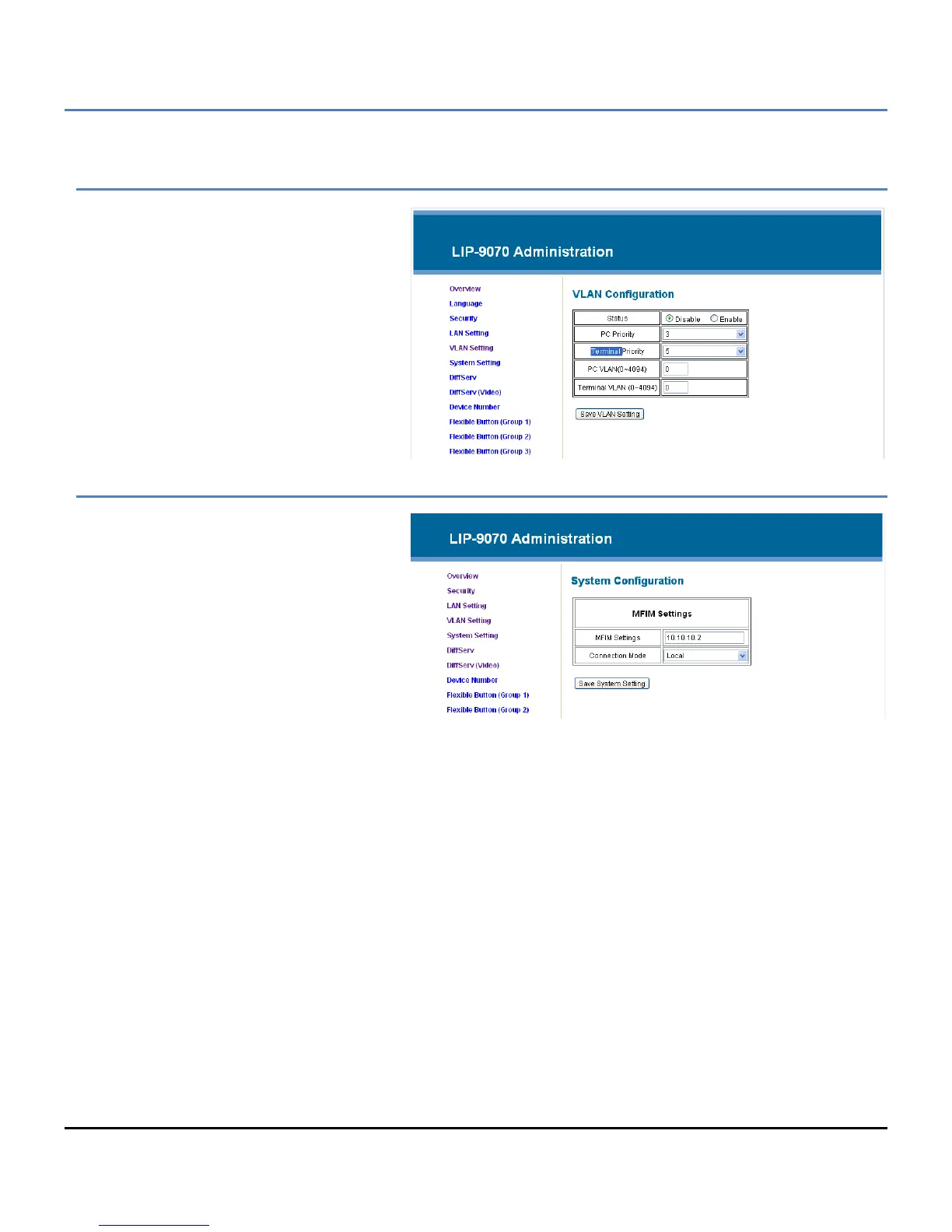
VLAN Settings
The VLAN Setting menu configures the Id
and password of Virtual LANs for both the
LAN and PC port. Enable the VLAN Status,
enter a priority and id for both the LAN and
PC port and save the changes.
The PC port should have a lower priority
than the terminal; typically a PC priority of 3
and Terminal priority of 5 provide acceptable
performance. Also, in general, the PC VLAN
id will be 0, while the Terminal VLAN id will
be a number between 1 and 4094.
System Setting
The System Setting assigns the IP address
of the iPECS system and the type of
connection that can be local, remote or
Local/remote. If these values are changed,
the phone must restart to properly register
with the iPECS system.



 To Next Page