LIP-9070 iPKTS User Guide
59
Note
° You may need to scroll down the screen to see all selections.
° If the Bluetooth voice or storage device selection is changed, the LIP-9070 must be rebooted. Refer to
section 5.5.6 to reboot using the Call Settings, or unplug the phone from power or, if PoE is used to power
the phone, unplug the LAN port.
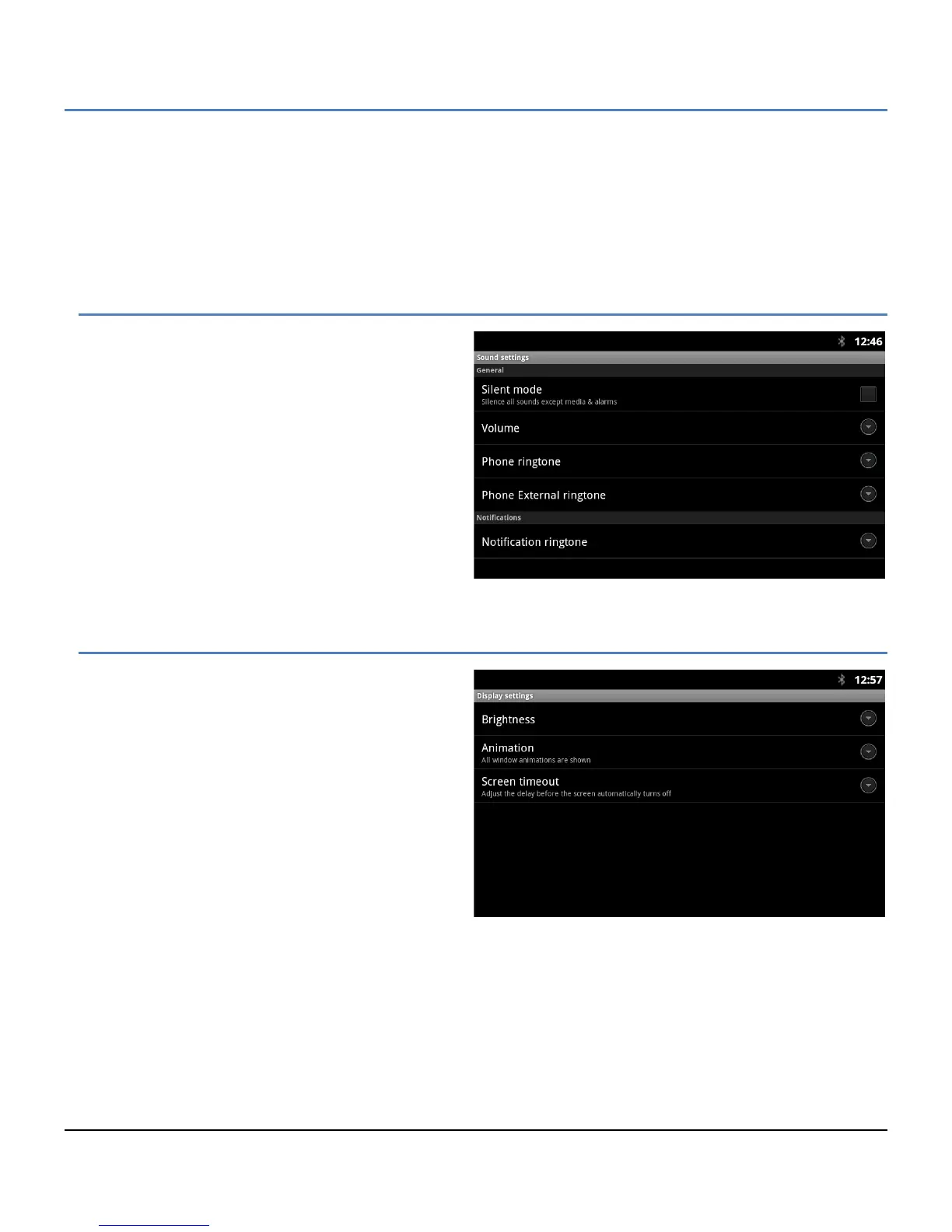
12.2 Sound
Sound settings control the ringtones and volume for
incoming calls and Notifications. The Sound settings
include:
Silent Mode: turn-off the ring signals for incoming
calls and most notifications, not alarm clock
notifications.
Volume: set the volume level for ringtones, voice
and alarm signals.
Phone ringtone: select the tone for incoming
intercom calls.
Phone External ringtone: select the tone for
incoming calls from a CO line or trunk.
Notifications: select the ringtone for new
message and missed call notifications.
12.3 Display
Display settings include:
Brightness: set the screen brightness.
Animation: set screen transition left to right
and smooth popup appearance.
Screen timeout: set the duration the screen
will stay on when the user takes no action
with the LIP-9070.



 To Next Page