LIP-9070 iPKTS User Guide
17
4.9 Handling Widgets
The LIP-9070 is equipped with four (4) widgets; Clock,
Calendar, Music and iPECS Station. Widgets can be
located on any Launcher screen with available space.
Touching a widget will open a related application,
Clock opens the Alarm Clock, Calendar opens the
Appointment Calendar, iPECS Station opens the
iPECS Phone window and Music opens the Music
Library.
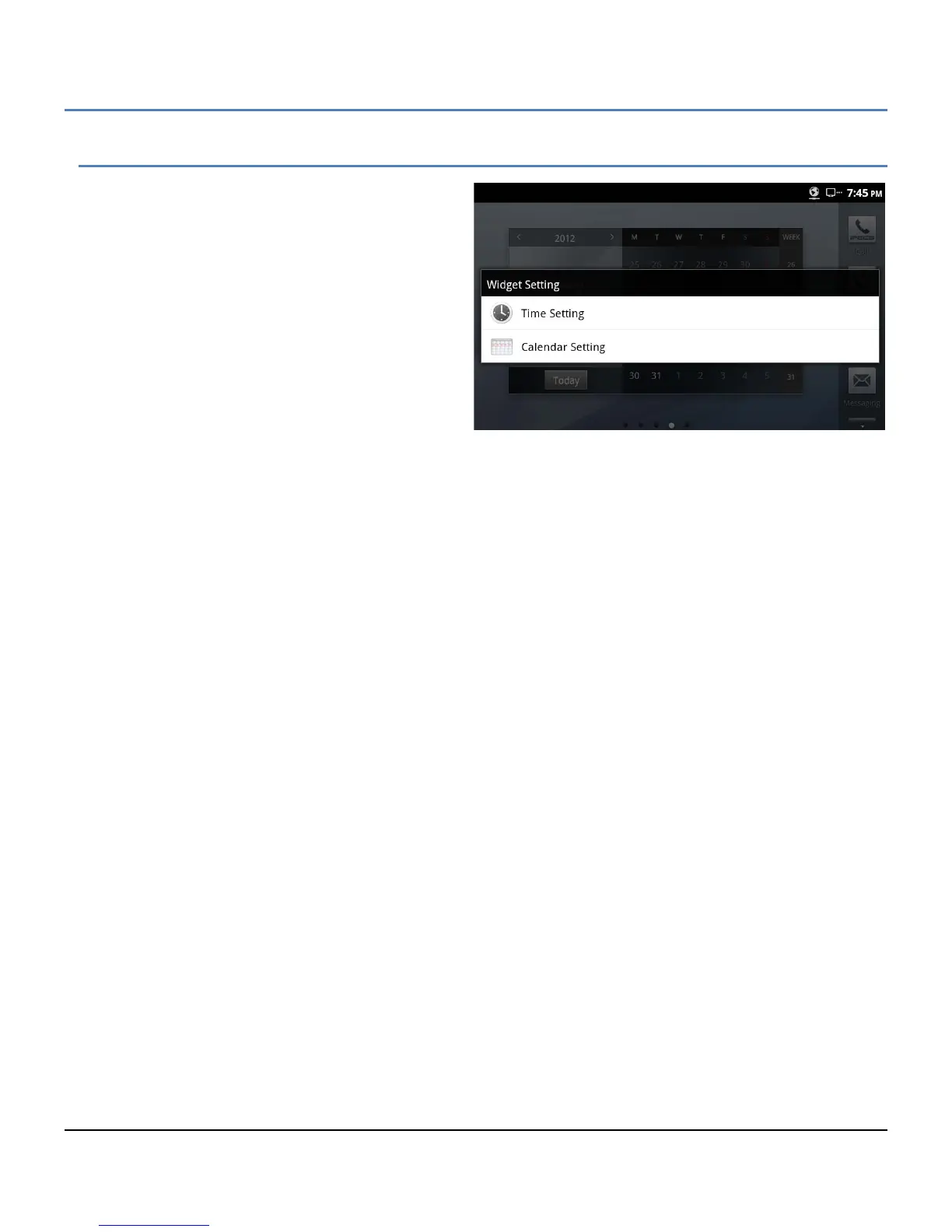
In addition, using Widgets Setting from the Option
menu, the time and date, and the weekday
appearance on the clock and calendar widget can be
changed to suit the user. Note the date and time are
determined by the information from the iPECS host.
To change the appearance of the time, date or weekday appearance,
1. On a Launcher screen touch the Option menu button.
2. Select ‘Widget Setting’.
3. For Date and Time Settings, select the clock format (12/24 hour) and the data format.
Or
For Calendar Setting, select the weekday order.
4. Touch the Back button to return to the Launcher screen.



 To Next Page