LIP-9070 iPKTS User Guide
47
10.3.5.1 Viewing a Slide show
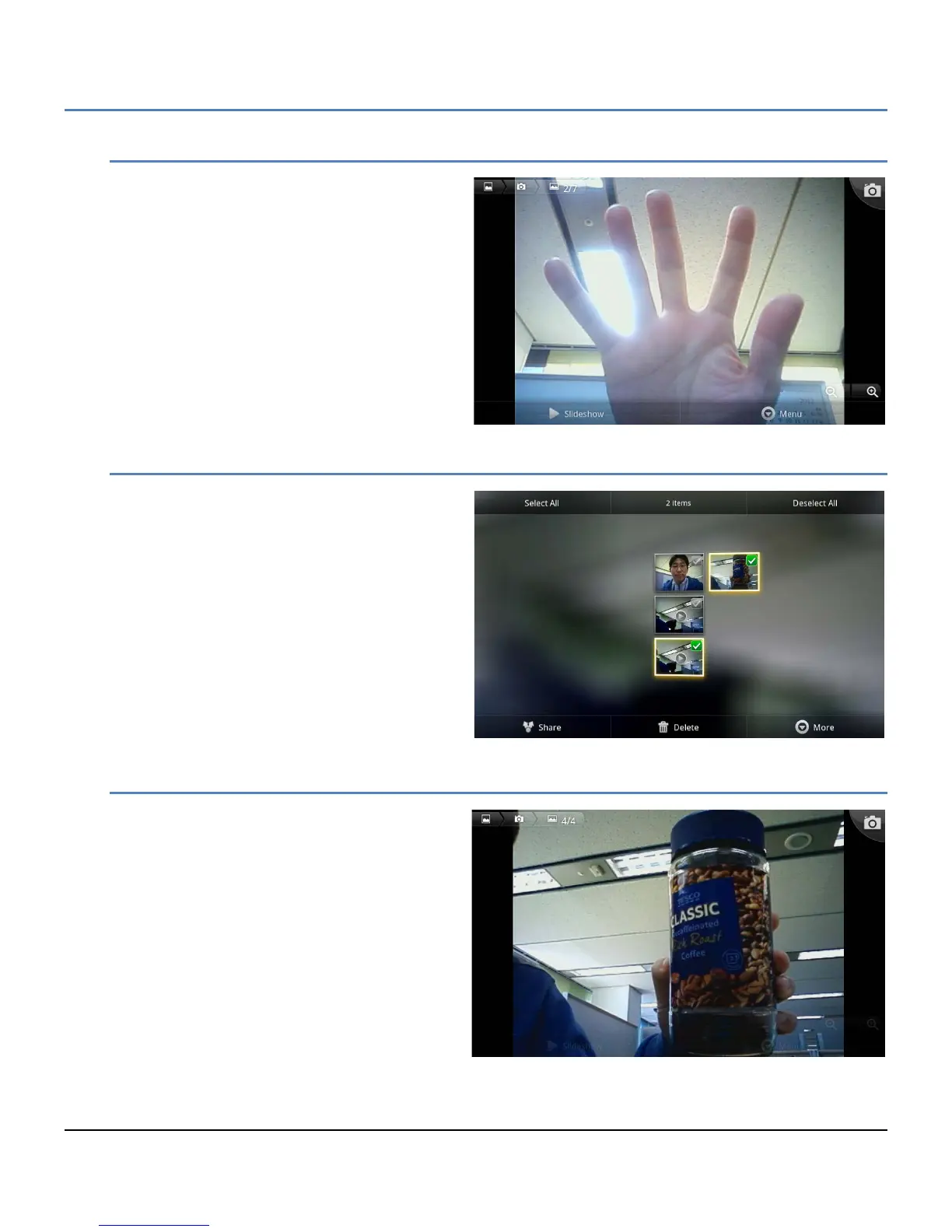
When the Slide show view is selected in the
Gallery, the Slide show screen appears. Each
picture and first video frame display. Each is
displayed for about 2 seconds and the next
picture or video displays. Videos display with the
play arrow, when touched the video plays. The
navigation arrow is used to view the next or
previous picture in the album. In addition, the
Picture tools are available under the Menu button
to modify the picture.
10.3.5.2 Selecting Multiple Pictures
Multiple pictures can be selected with the
‘Multiple select’ view. Once selected, the
pictures can be shared with a Bluetooth device or
deleted.
10.3.5.3 Viewing Pictures
In the Gallery, pictures can be selected for
display. To display a picture,
1. Touch the picture thumbnail.



 To Next Page