In the first four lines you must enter the IP number for the Unisab III you want to control re-
motely.
In Remote idle time you can define the idle time for the remote connection. With the shown
set-up the connection will be disconnected after 15 minutes without activity on the line.
In Remote Connect you can switch between Local which enables you to connect to a UniSim
software simulator at IP address 127.0.0.1, or to establish a Remote TCP/IP connection to an-
other Unisab III in order to remotely supervise and control this Unisab III.
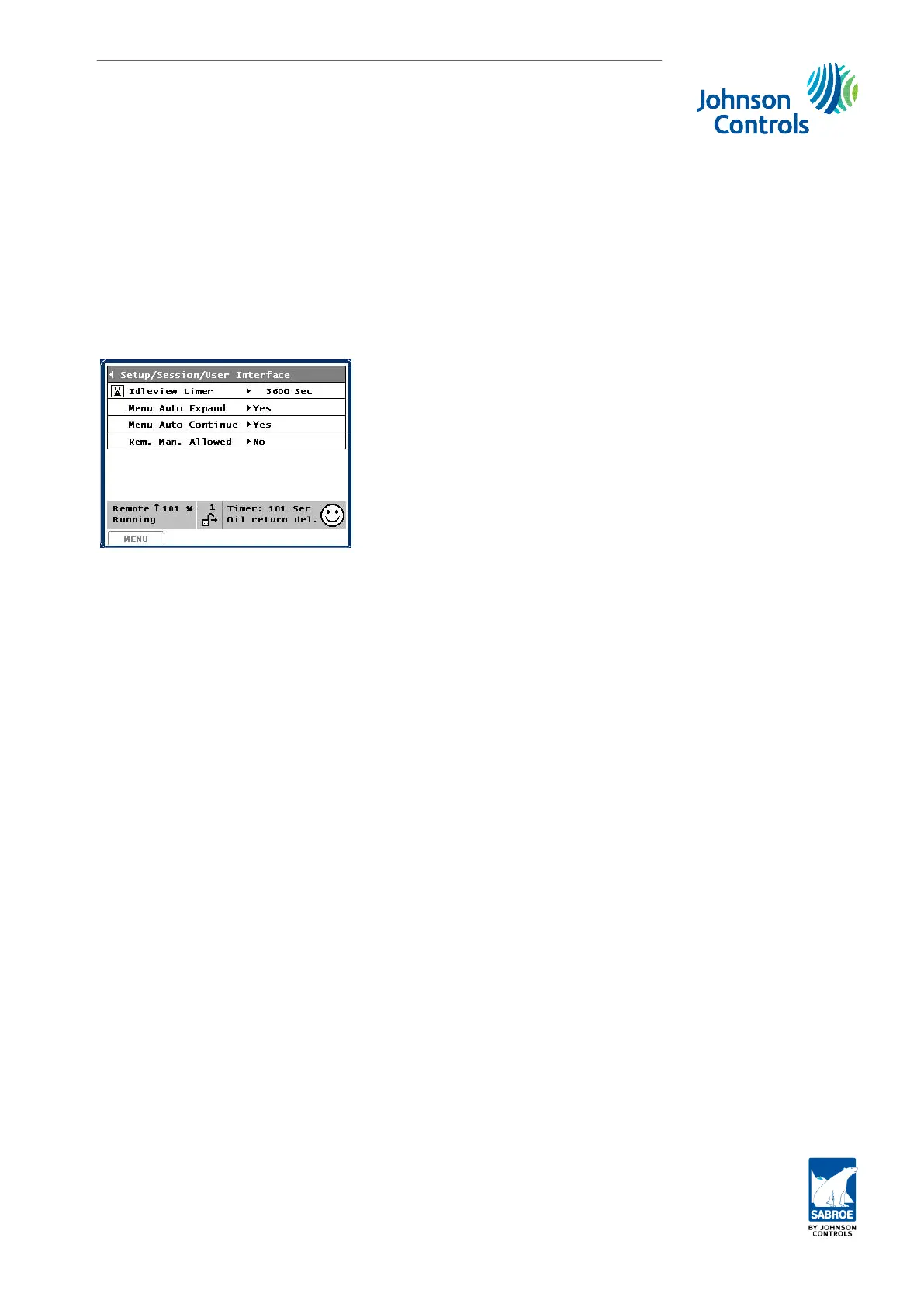
6.6.4 User interface
See subsection 1.2.5. Session, User interface.
Set-up
Engineering manual - Unisab III 1.10
001930 en 2014.09
231/319



 To Next Page
 Loading...