8.7.2 SabSim Data simulator
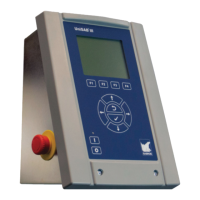
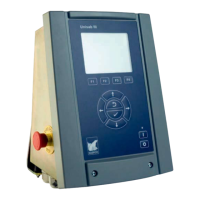
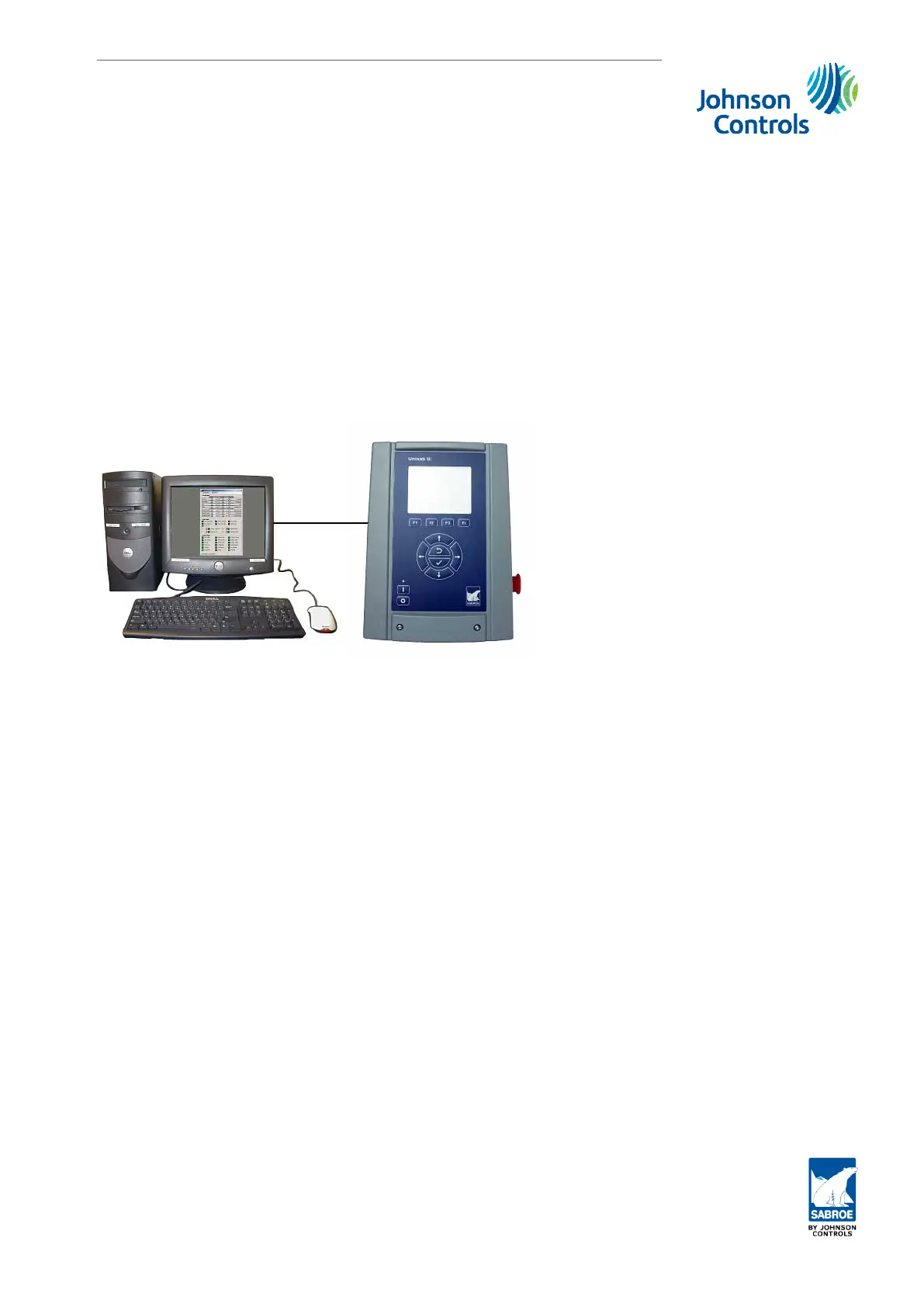
Connecting the SabSim Data simulator to the Unisab III panel
Start the SabSim Data simulator. Click on File and New. Click OK to the New Module (Com-
pressor Simulator) and the simulator picture will open.
Click on Connection/Configure and insert the IP address of the Unisab III panel you wish to
connect to and click OK (Port and node number should not be changed).
Click on Connection/Connect and the SabSim Data simulator should now be connected the
Unisab III panel. Check if Unisab III shows the values set on the data simulator.
It is possible to connect both the SabSim data simulator and the SabHMI simulator to the
same Unisab III panel at the same time.
Operation of SabSim is described in the manual Unisab III HW simulator and is quite intuitive.
8.7.3 Demo and training package - UniDemo
Connecting the SabSim Data simulator to the Unisab III HMI simulator.
Start the Unisab III HMI Simulator. In the menu Setup/Session/Remote Connect set Remote
Connect to Local. Start the SabSim Data simulator. Click on File and New in the SabSim Data
simulator. Click OK to the New Module (Compressor Simulator) and the simulator picture will
open.
Click on Connection/Configure and insert the IP address of the Unisab III HMI simulator (the
address is 127.0.0.1). Click OK (Port and node number should not be changed).
Click on Connection/Connect and the SabSim Data simulator should now be connected the
Unisab III HMI simulator. Check if data on the Unisab III HMI and data simulator are identical.
Unisab III (boot) and communication set-up
Engineering manual - Unisab III 1.10
001930 en 2014.09
271/319



 To Next Page
 Loading...