Mount the new print cassette in the reverse order as described above. When Unisab III is
powered up again, check the installed program version and if necessary update to another
version. If the configuration files were transferred to the SD card before the print cassette
was replaced the files can be uploaded to the new cassette. See chapter 8. Unisab III (boot)
and communication set-up for a description on how to update the program version and upload
configuration files.
After replacement of the print cassette it is also recommended to check/recalibrate all pres-
sure and position transmitters. See chapter 7. Calibration for a description on how to calibrate
the various transmitters.
10.1.3 Replacing battery
The battery is used for the internal clock in Unisab III (for troubleshooting see chapter 9.). If
the clock is not running correctly, replace the battery.
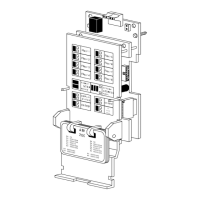
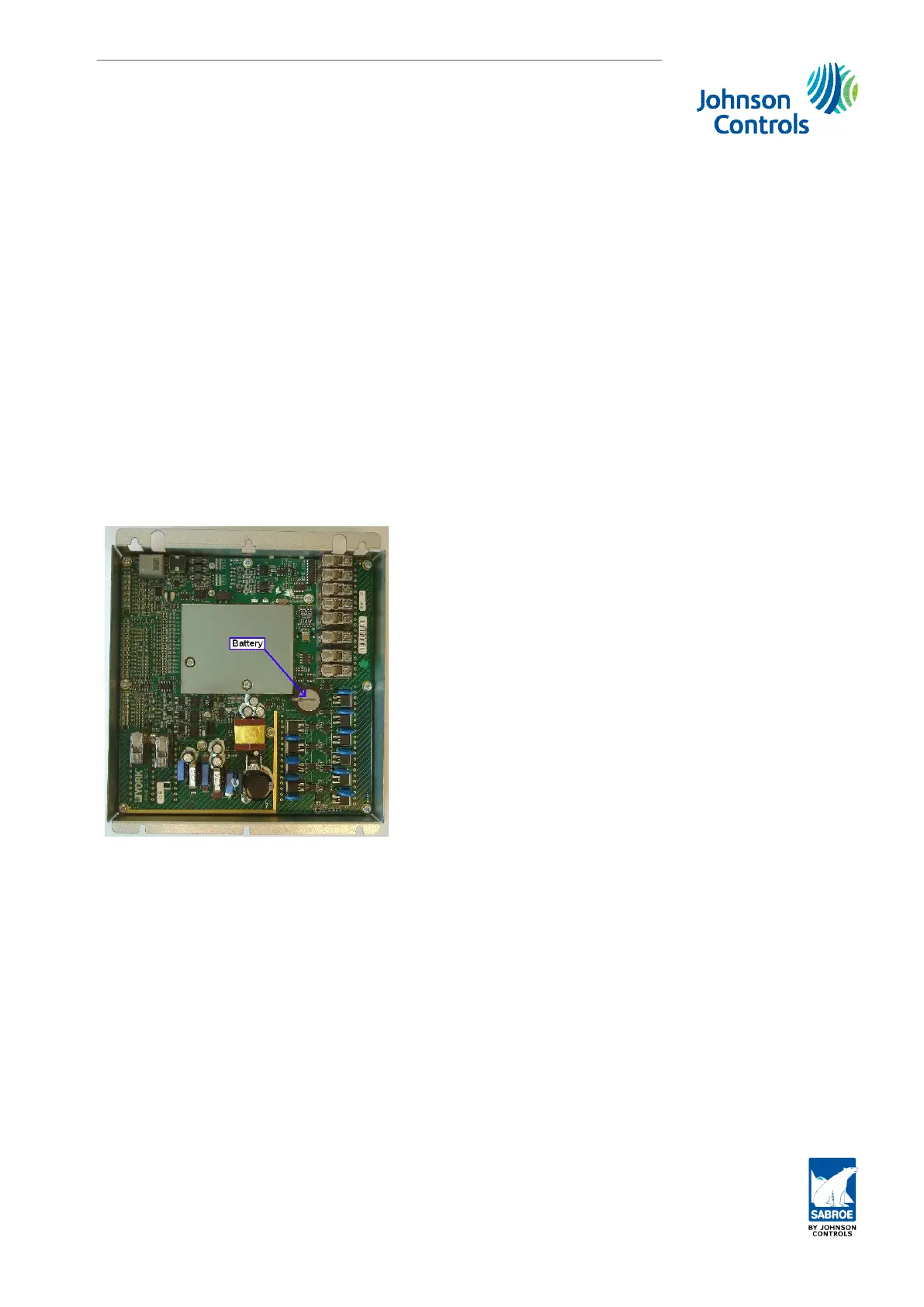
The internal battery is located on the back side of the print cassette as shown in chapter
7. Calibration. To replace the battery, the print cassette must be removed from the control
cabinet. Remove the print cassette as described above in subsection 10.1.2. and replace the
battery.
Fig. 57: Battery location on print cassette
The replaced battery is a lithium cell type and must be deposited in an environmentally safe
way according to government recommendation and instructions.
Not complying with this removal instruction or not depositing the used battery in a safe way
may result in pollution of the atmosphere and contamination of ground-cover and water.
Parts replacement
Engineering manual - Unisab III 1.10
001930 en 2014.09
313/319



 To Next Page
 Loading...