June 2018
328 Legrand PDU User Guide
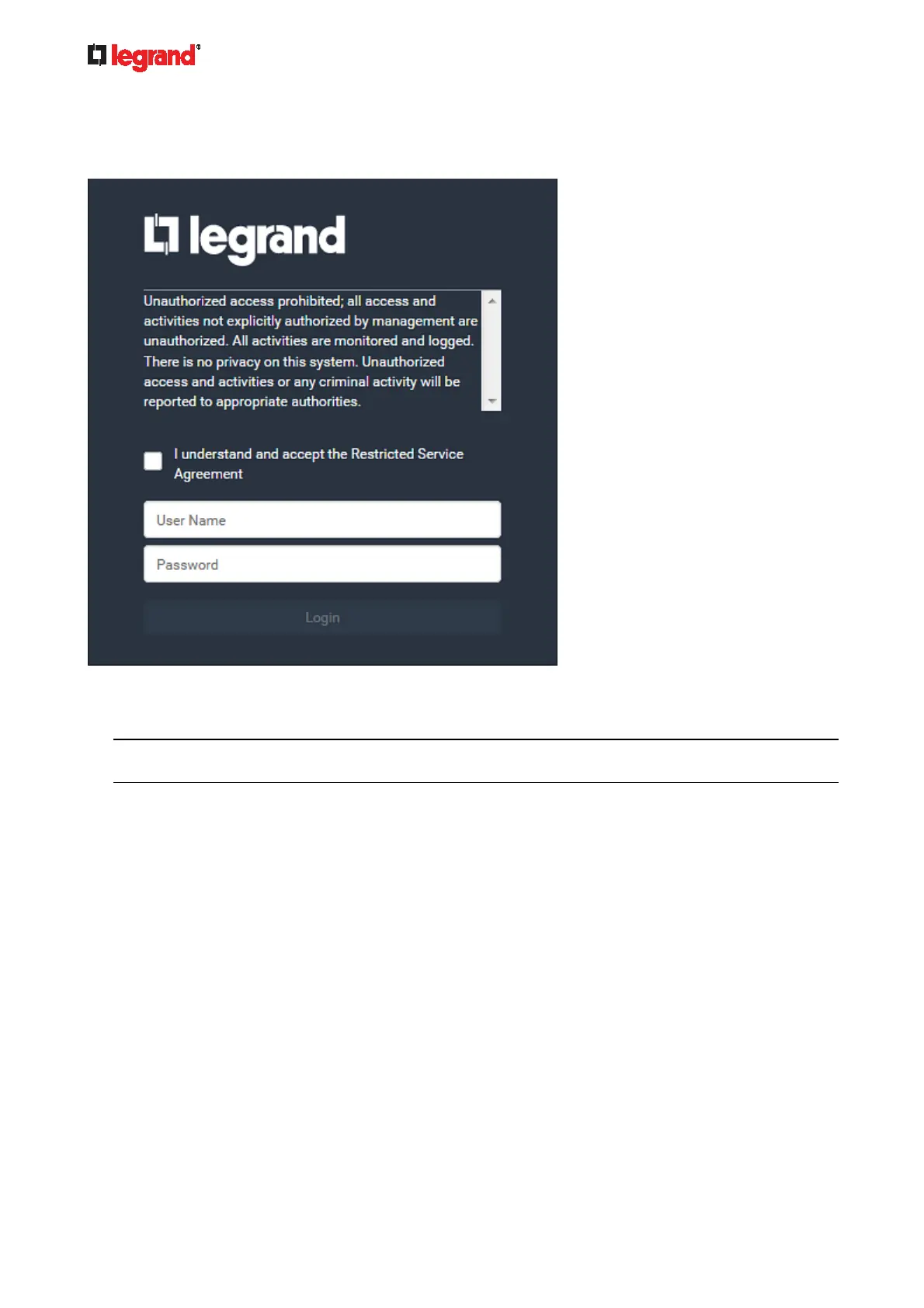
After the Restricted Service Agreement feature is enabled, the agreement's content is displayed on the login
screen.
Do either of the following, or the login fails:
In the web interface, select the checkbox labeled "I understand and accept the Restricted Service
Agreement."
Tip: To select the agreement checkbox using the keyboard, first press Tab to go to the checkbox and
then Enter.
In the CLI, type y when the confirmation message "I understand and accept the Restricted Service
Agreement" is displayed.
Specifying the Agreement Contents
This command allows you to create or modify contents of the Restricted Service Agreement.
config:# security restrictedServiceAgreement bannerContent
After performing the above command, do the following:
1. Type the text comprising up to 10,000 ASCII characters when the CLI prompts you to enter the content.
2. To end the content:
a. Press Enter.
b. Type --END-- to indicate the end of the content.
c. Press Enter again.



 To Next Page