June 2018
Legrand PDU User Guide 59
Control Buttons
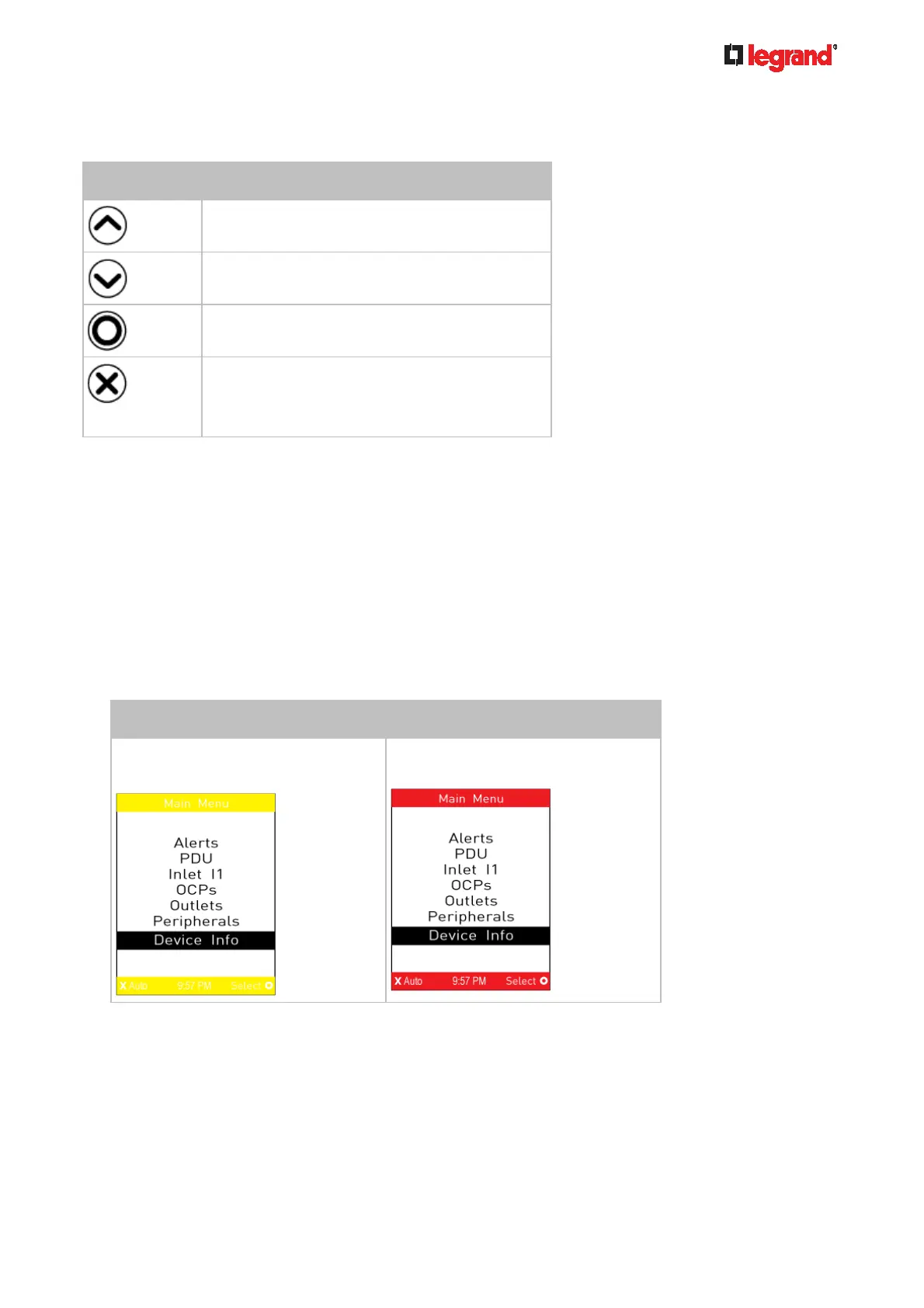
Use the control buttons to navigate to the menu in the manual mode.
Button Function
Up
Down
OK
Back
-- OR --
Switch between automatic and manual modes
Operating the Dot-Matrix LCD Display
Enter manual mode when you want to operate the dot-matrix LCD display. You can use the dot-matrix LCD
display to:
Show information of the Legrand PDU, built-in components, or connected peripheral devices
Control outlets if your model supports outlet-switching
Control actuators if any
Color changes of the display's top and bottom bars:
In the manual mode, both the top and bottom bars will turn yellow or red to indicate the presence of any
alert. For color definitions, see Yellow- or Red-Highlighted Sensors (on page 120).
Screen with yellow bars Screen with red bars
All alerts enter the warning level only.
Partial or all alerts enter the critical
level.



 To Next Page