June 2018
60 Legrand PDU User Guide
Both bars turn black when there are NO alerts.
Screen with black bars
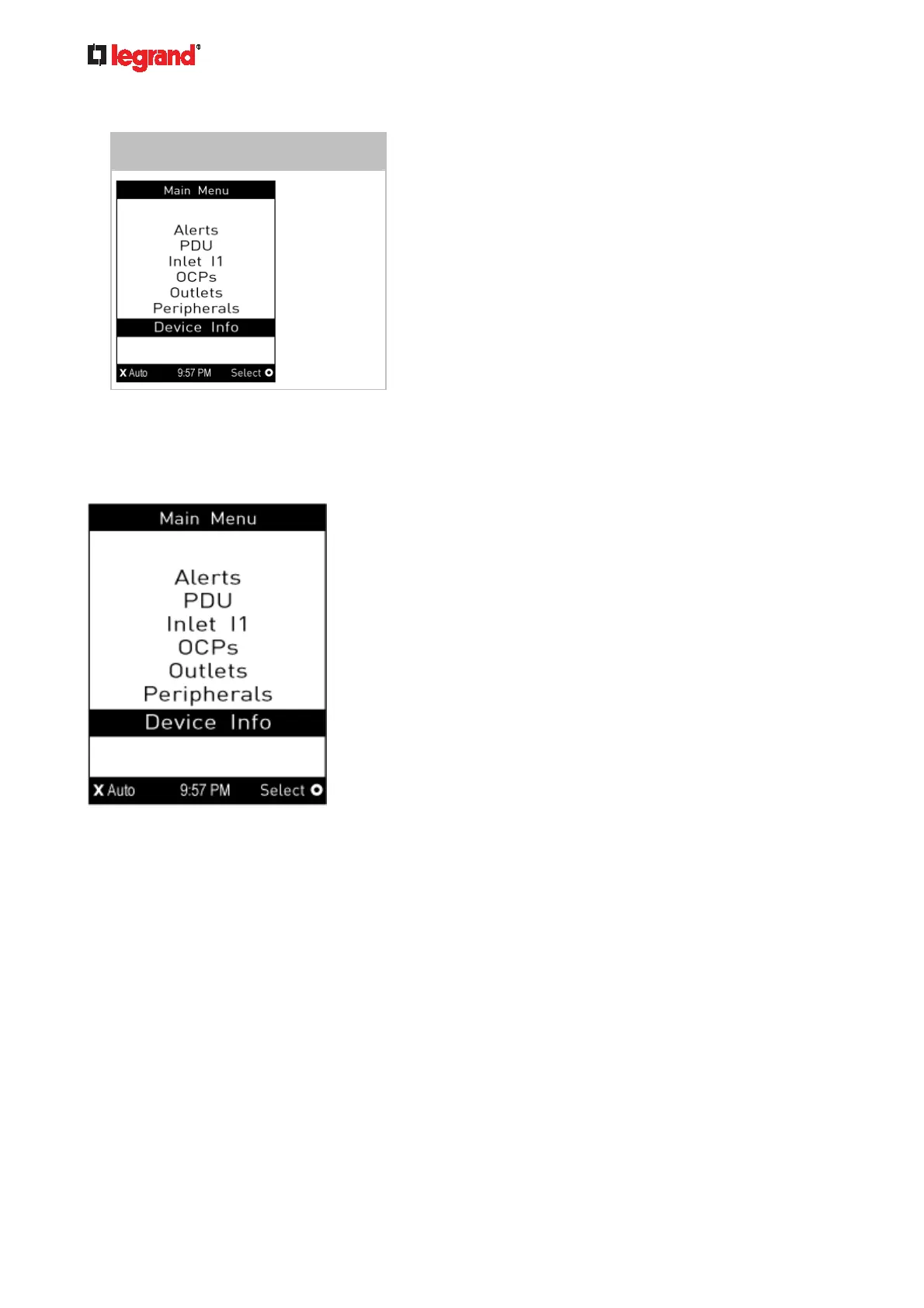
Main Menu
The Main Menu contains 5 to 7 menu commands, depending on the model.
Control buttons that can be used and the system time are shown at the bottom of the LCD display.
If any alerts exist, the top and bottom bars on the LCD display change the color from black to yellow or red.
See Operating the Dot-Matrix LCD Display (on page 59).



 To Next Page