Chapter 4
| Interface Configuration
Trunk Configuration
– 115 –
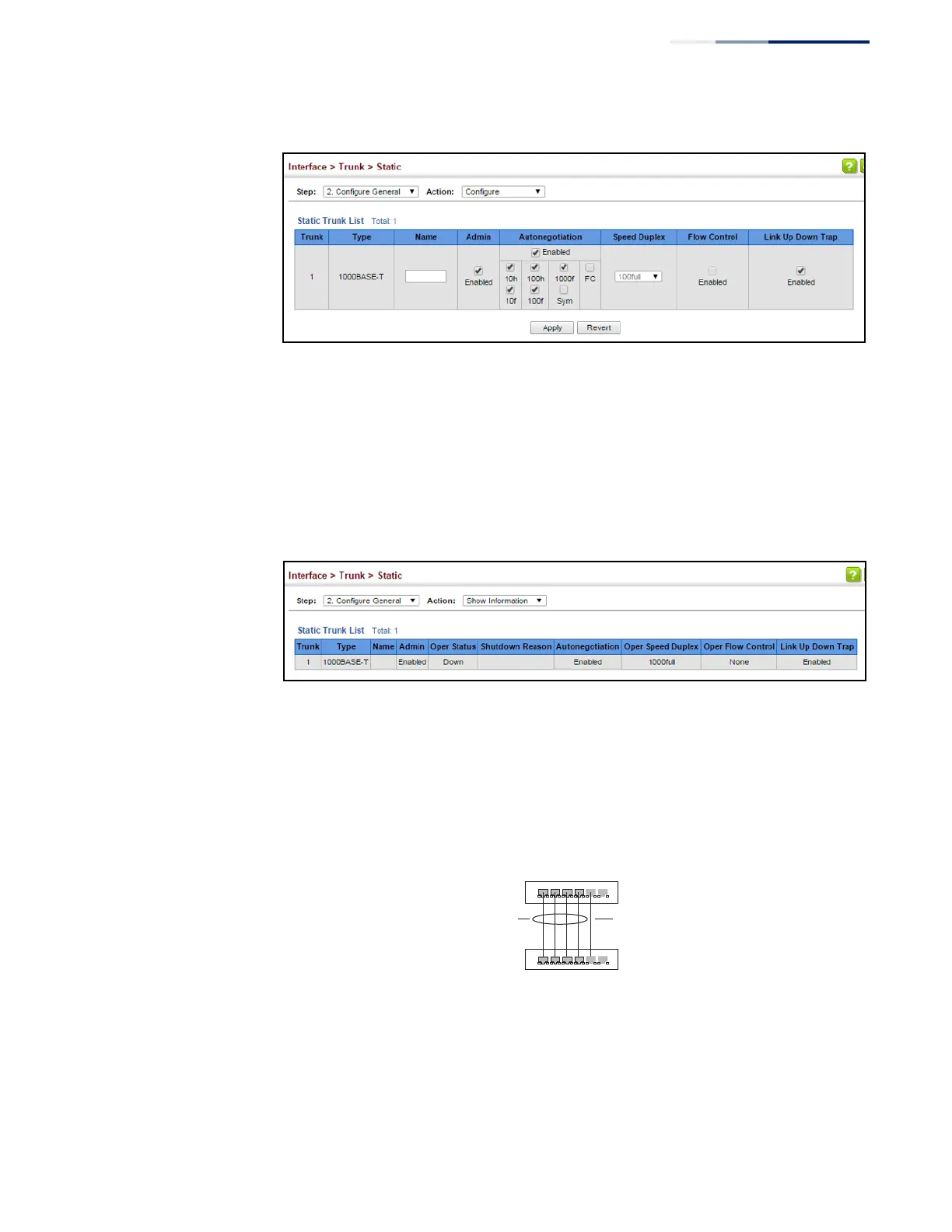
Figure 47: Configuring Connection Parameters for a Static Trunk
To display trunk connection parameters:
1.
Click Interface, Trunk, Static.
2.
Select Configure General from the Step list.
3.
Select Show Information from the Action list.
Figure 48: Showing Information for Static Trunks
Configuring a
Dynamic Trunk
Use the Interface > Trunk > Dynamic pages to set the administrative key for an
aggregation group, enable LACP on a port, configure protocol parameters for local
and partner ports, or to set Ethernet connection parameters.
Figure 49: Configuring Dynamic Trunks
Command Usage
◆
To avoid creating a loop in the network, be sure you enable LACP before
connecting the ports, and also disconnect the ports before disabling LACP.
active
links
}
}
dynamically
enabled
configured
members
backup
link















 To Next Page