Chapter 17
| IP Configuration
Setting the Switch’s IP Address (IP Version 4)
– 452 –
Web Interface
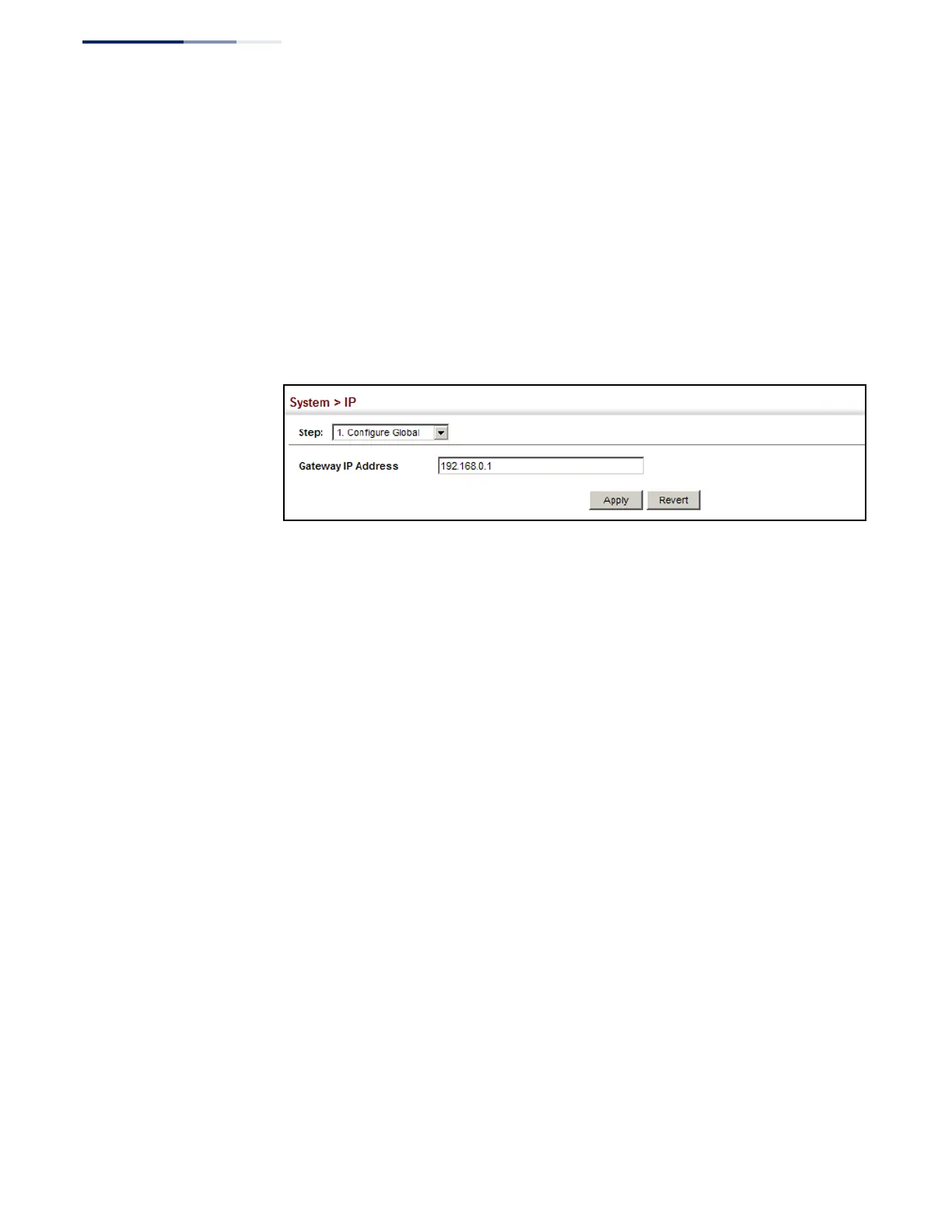
To configure an IPv4 default gateway for the switch:
1.
Click System, IP.
2.
Select Configure Global from the Action list.
3.
Enter the IPv4 default gateway.
4.
Click Apply.
Figure 302: Configuring the IPv4 Default Gateway
Configuring IPv4
Interface Settings
Use the System > IP (Configure Interface – Add Address) page to configure an IPv4
address for the switch. The default IPv4 address for VLAN 1 is set to 192.168.1.1
using the subnet mask 255.255.255.0. To change the switch’s default settings to
values that are compatible with your network, you may need to a establish a
default gateway between the switch and management stations that exist on
another network segment.
You can direct the device to obtain an address from a BOOTP or DHCP server, or
manually configure a static IP address. Valid IP addresses consist of four decimal
numbers, 0 to 255, separated by periods. Anything other than this format will not
be accepted.
Parameters
These parameters are displayed:
◆
VLAN – ID of the VLAN to be used for management access. By default, all ports
on the switch are members of VLAN 1. However, the management station can
be attached to a port belonging to any VLAN, as long as that VLAN has been
assigned an IP address. (Range: 1-4094; Default: VLAN 1)
◆
IP Address Mode – Specifies whether IP functionality is enabled via manual
configuration (User Specified), Dynamic Host Configuration Protocol (DHCP), or
Boot Protocol (BOOTP). If DHCP/BOOTP is enabled, IP will not function until a
reply has been received from the server. Requests will be broadcast periodically
by the switch for an IP address. DHCP/BOOTP responses can include the IP
address, subnet mask, and default gateway. (Default: User Specified)















 To Next Page