Chapter 13
| Basic Administration Protocols
Remote Monitoring
– 379 –
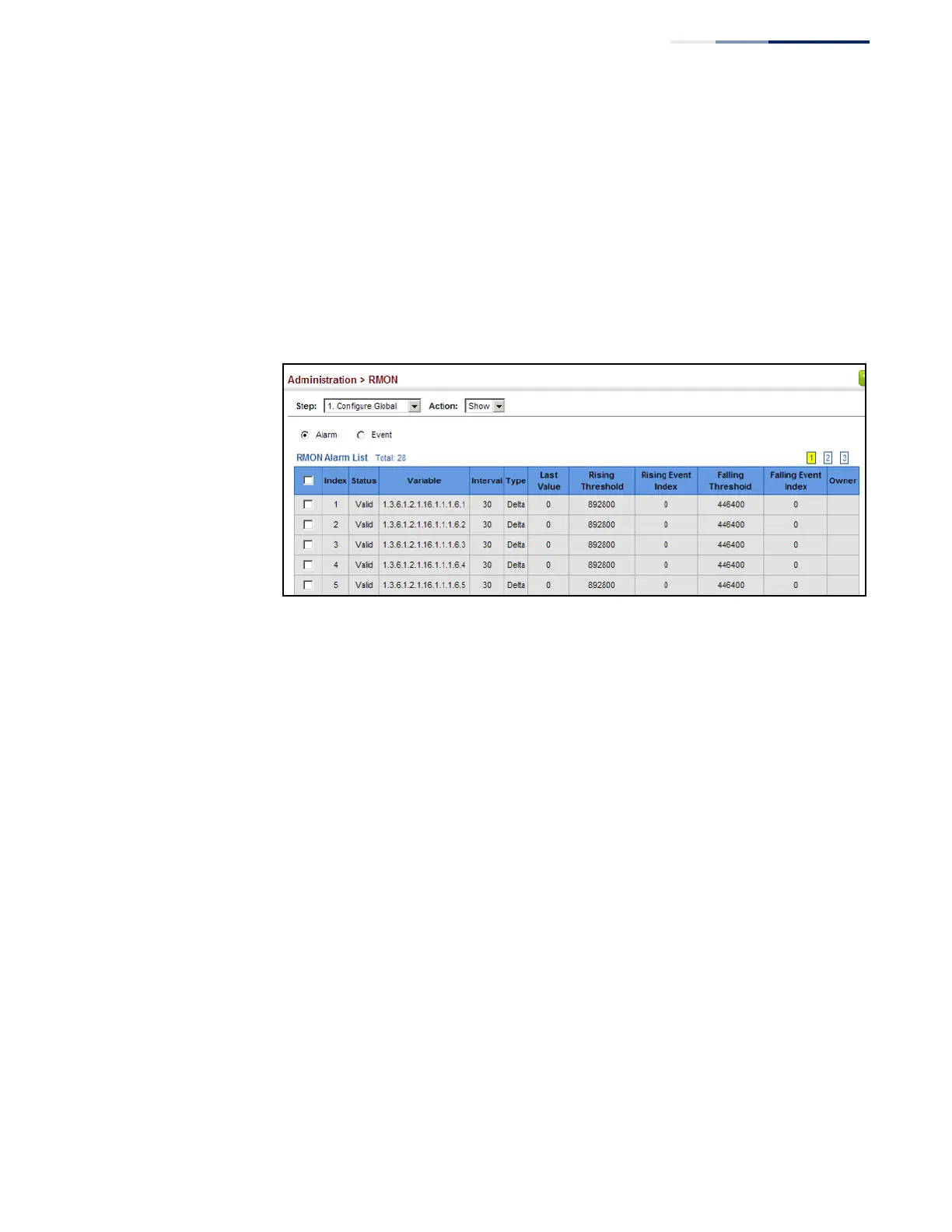
To show configured RMON alarms:
1.
Click Administration, RMON.
2.
Select Configure Global from the Step list.
3.
Select Show from the Action list.
4.
Click Alarm.
Figure 243: Showing Configured RMON Alarms
Configuring RMON
Events
Use the Administration > RMON (Configure Global - Add - Event) page to set the
action to take when an alarm is triggered. The response can include logging the
alarm or sending a message to a trap manager. Alarms and corresponding events
provide a way of immediately responding to critical network problems.
Command Usage
◆
If an alarm is already defined for an index, the entry must be deleted before any
changes can be made.
◆
One default event is configured as follows:
event Index = 1
Description: RMON_TRAP_LOG
Event type: log & trap
Event community name is public
Owner is RMON_SNMP
Parameters
These parameters are displayed:
◆
Index – Index to this entry. (Range: 1-65535)















 To Next Page