Chapter 13
| Basic Administration Protocols
LBD Configuration
– 391 –
◆
Trap – Sends a trap when a loopback condition is detected, or when the switch
recovers from a loopback condition. (Options: Both, Detect, None, Recover;
Default: None)
■
Both – Sends an SNMP trap message when a loopback condition is
detected, or when the switch recovers from a loopback condition.
■
Detect – Sends an SNMP trap message when a loopback condition is
detected.
■
None – Does not send an SNMP trap for loopback detection or recovery.
■
Recover – Sends an SNMP trap message when the switch recovers from a
loopback condition.
◆
Release – Releases all interfaces currently shut down by the loopback
detection feature.
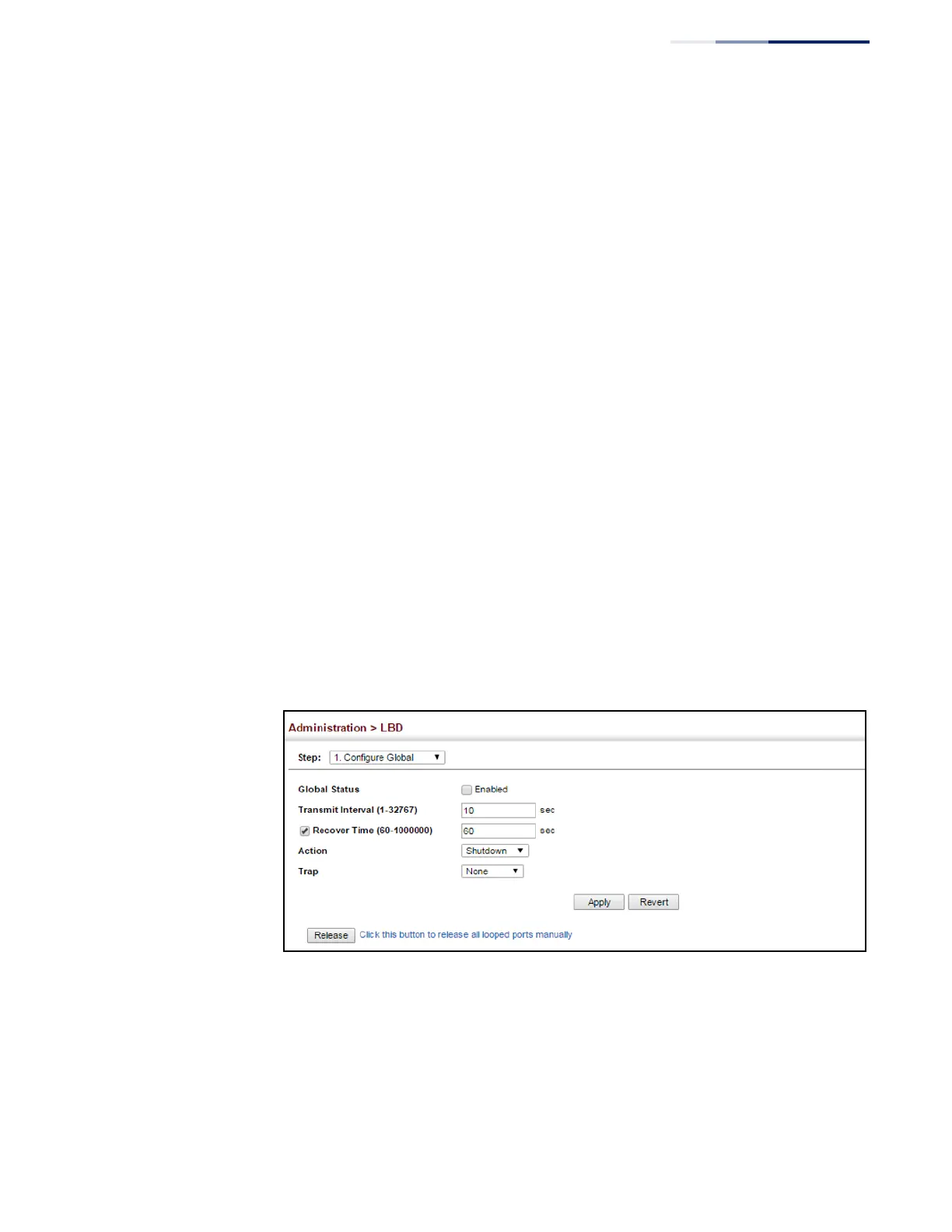
Web Interface
To configure global settings for LBD:
1.
Click Administration, LBD, Configure Global.
2.
Make the required configuration changes.
3.
Click Apply.
Figure 256: Configuring Global Settings for LBD















 To Next Page