Chapter 12
| Security Measures
Network Access (MAC Address Authentication)
– 246 –
The maximum number of secure MAC addresses supported for the switch
system is 1024.
Web Interface
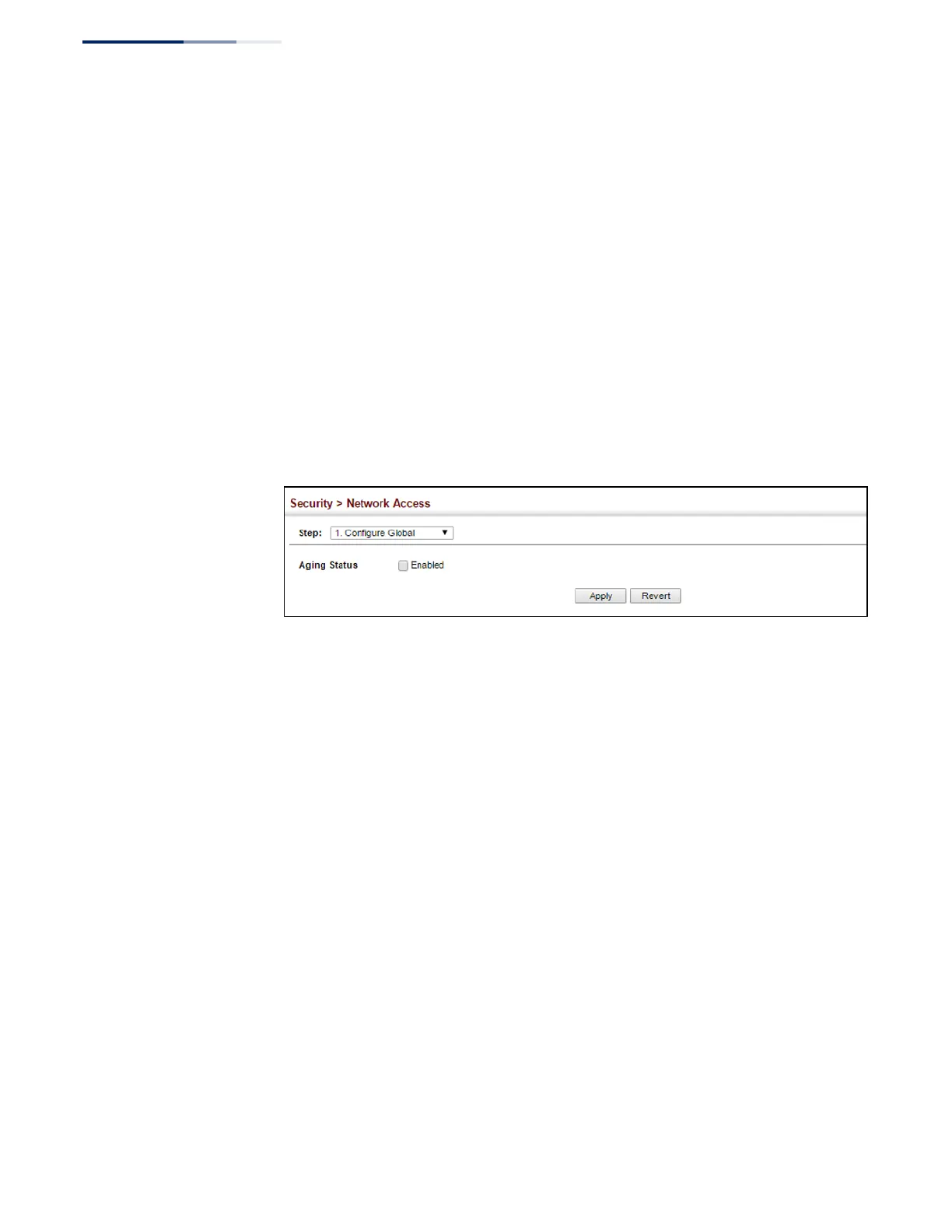
To configure aging status and reauthentication time for MAC address
authentication:
1.
Click Security, Network Access.
2.
Select Configure Global from the Step list.
3.
Enable or disable aging for secure addresses, and modify the reauthentication
time as required.
4.
Click Apply.
Figure 156: Configuring Global Settings for Network Access
Configuring
Network Access
for Ports
Use the Security > Network Access (Configure Interface - General) page to
configure MAC authentication on switch ports, including enabling address
authentication, setting the maximum MAC count, and enabling dynamic VLAN or
dynamic QoS assignments.
Parameters
These parameters are displayed:
◆
Guest VLAN – Specifies the VLAN to be assigned to the port when 802.1X
Authentication or MAC authentication fails. (Range: 0-4094, where 0 means
disabled; Default: Disabled)
The VLAN must already be created and active (see “Configuring VLAN Groups”
on page 142). Also, when used with 802.1X authentication, intrusion action
must be set for “Guest VLAN” (see “Configuring Port Authenticator Settings for
802.1X” on page 294).
A port can only be assigned to the guest VLAN in case of failed authentication,
and switchport mode is set to Hybrid. (See “Adding Static Members to VLANs”
on page 144.)
◆
Dynamic VLAN – Enables dynamic VLAN assignment for an authenticated
port. When enabled, any VLAN identifiers returned by the RADIUS server
through the 802.1X authentication process are applied to the port, providing















 To Next Page