Chapter 5
| VLAN Configuration
IEEE 802.1Q VLANs
– 143 –
6.
Click Apply.
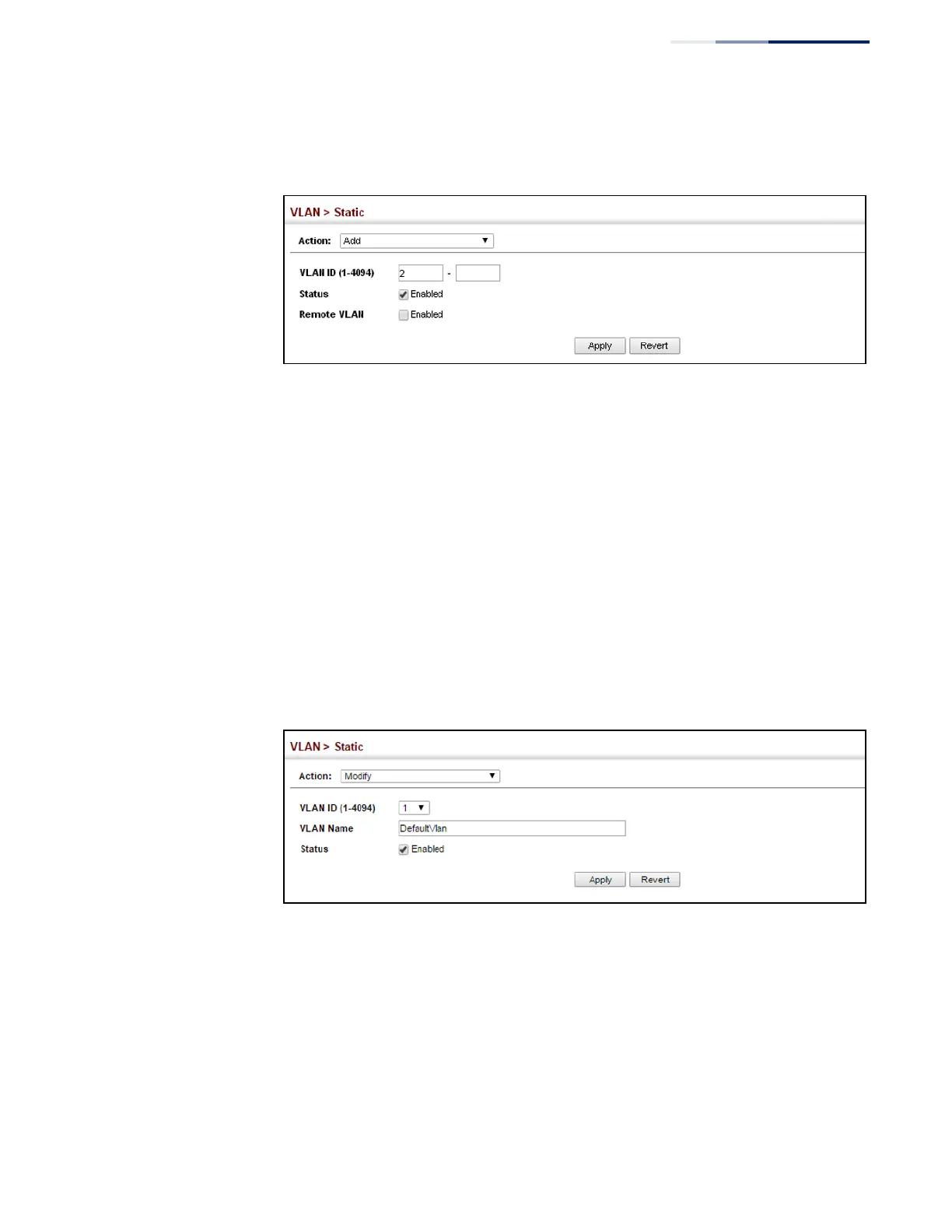
Figure 72: Creating Static VLANs
To modify the configuration settings for VLAN groups:
1.
Click VLAN, Static.
2.
Select Modify from the Action list.
3.
Select the identifier of a configured VLAN.
4.
Modify the VLAN name or operational status as required.
5.
Enable the L3 Interface field to specify that a VLAN will be used as a Layer 3
interface.
6.
Click Apply.
Figure 73: Modifying Settings for Static VLANs















 To Next Page