Chapter 4
| Interface Configuration
Traffic Segmentation
– 138 –
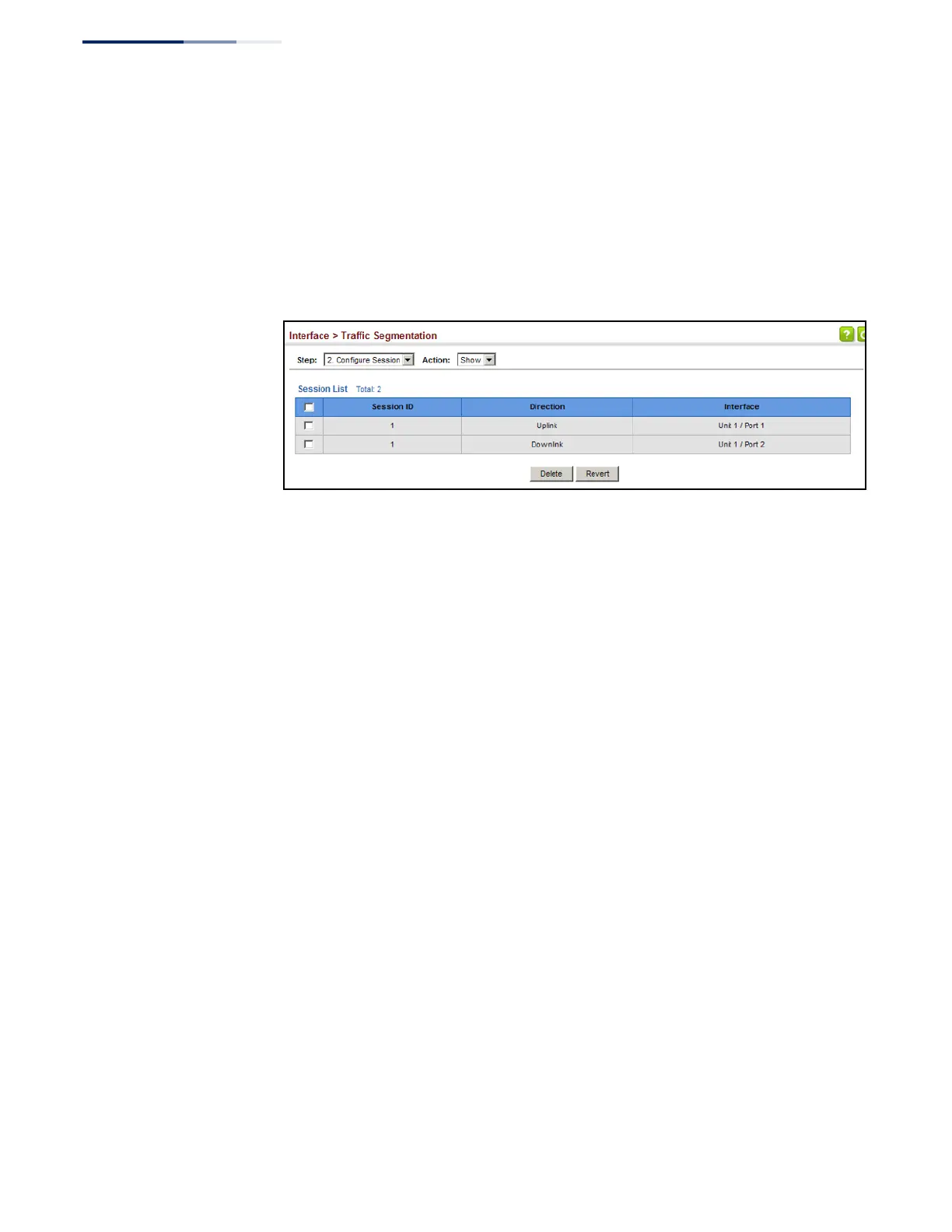
To show the members of the traffic segmentation group:
1.
Click Interface, Traffic Segmentation.
2.
Select Configure Session from the Step list.
3.
Select Show from the Action list.
Figure 70: Showing Traffic Segmentation Members















 To Next Page