Chapter 14
| Multicast Filtering
MLD Snooping (Snooping and Query for IPv4)
– 425 –
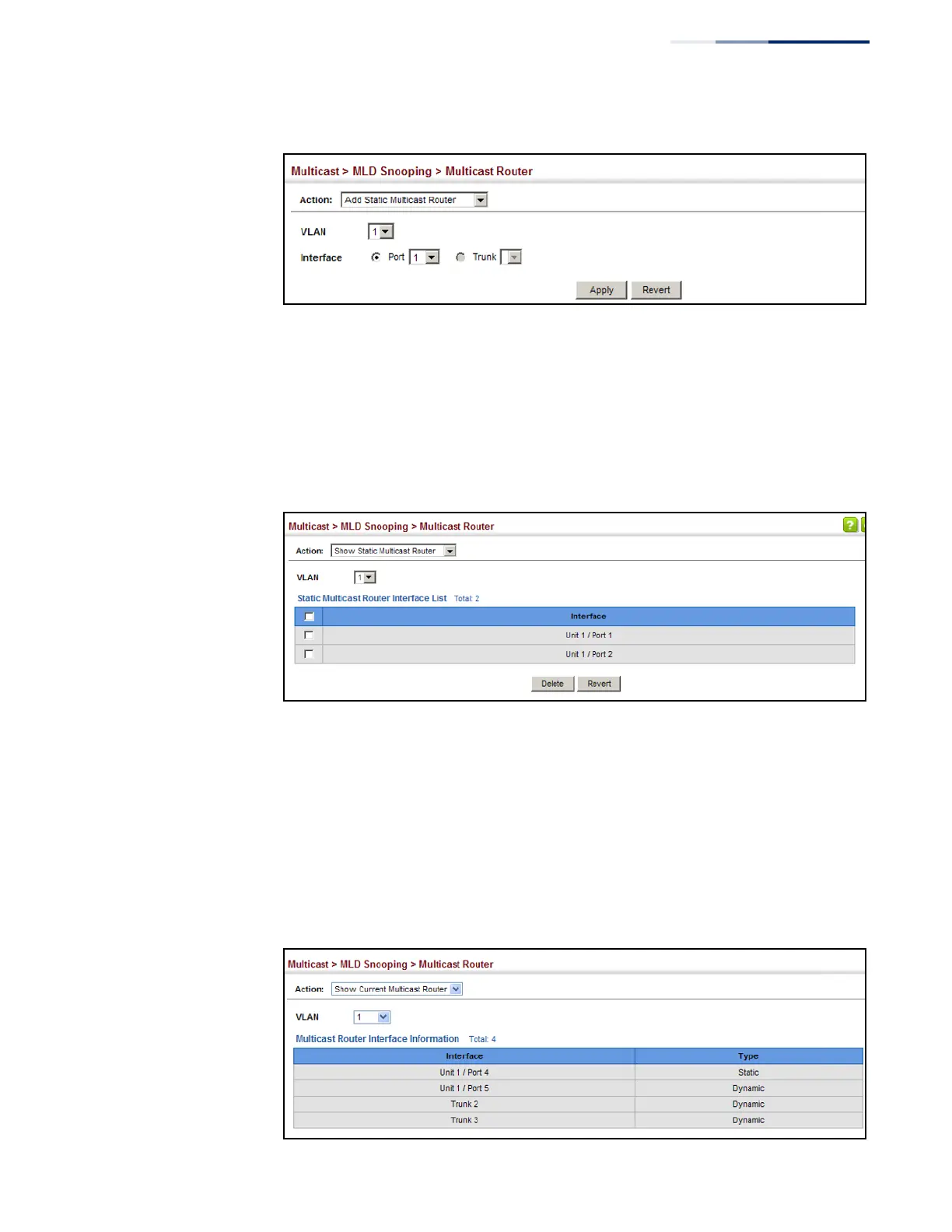
Figure 280: Configuring a Static Interface for an IPv6 Multicast Router
To show the static interfaces attached to a multicast router:
1.
Click Multicast, MLD Snooping, Multicast Router.
2.
Select Show Static Multicast Router from the Action list.
3.
Select the VLAN for which to display this information.
Figure 281: Showing Static Interfaces Attached an IPv6 Multicast Router
To show all the interfaces attached to a multicast router:
1.
Click Multicast, MLD Snooping, Multicast Router.
2.
Select Current Multicast Router from the Action list.
3.
Select the VLAN for which to display this information. Ports in the selected
VLAN which are attached to a neighboring multicast router/switch are
displayed.
Figure 282: Showing Current Interfaces Attached an IPv6 Multicast Router















 To Next Page