Chapter 16
| IP Services
Domain Name Service
– 439 –
◆
When an incomplete host name is received by the DNS service on this switch
and a domain name list has been specified, the switch will work through the
domain list, appending each domain name in the list to the host name, and
checking with the specified name servers for a match (see “Configuring a List
of Name Servers” on page 440).
◆
If all name servers are deleted, DNS will automatically be disabled.
Parameters
These parameters are displayed:
Domain Name – Name of the host. Do not include the initial dot that separates the
host name from the domain name. (Range: 1-68 characters)
Web Interface
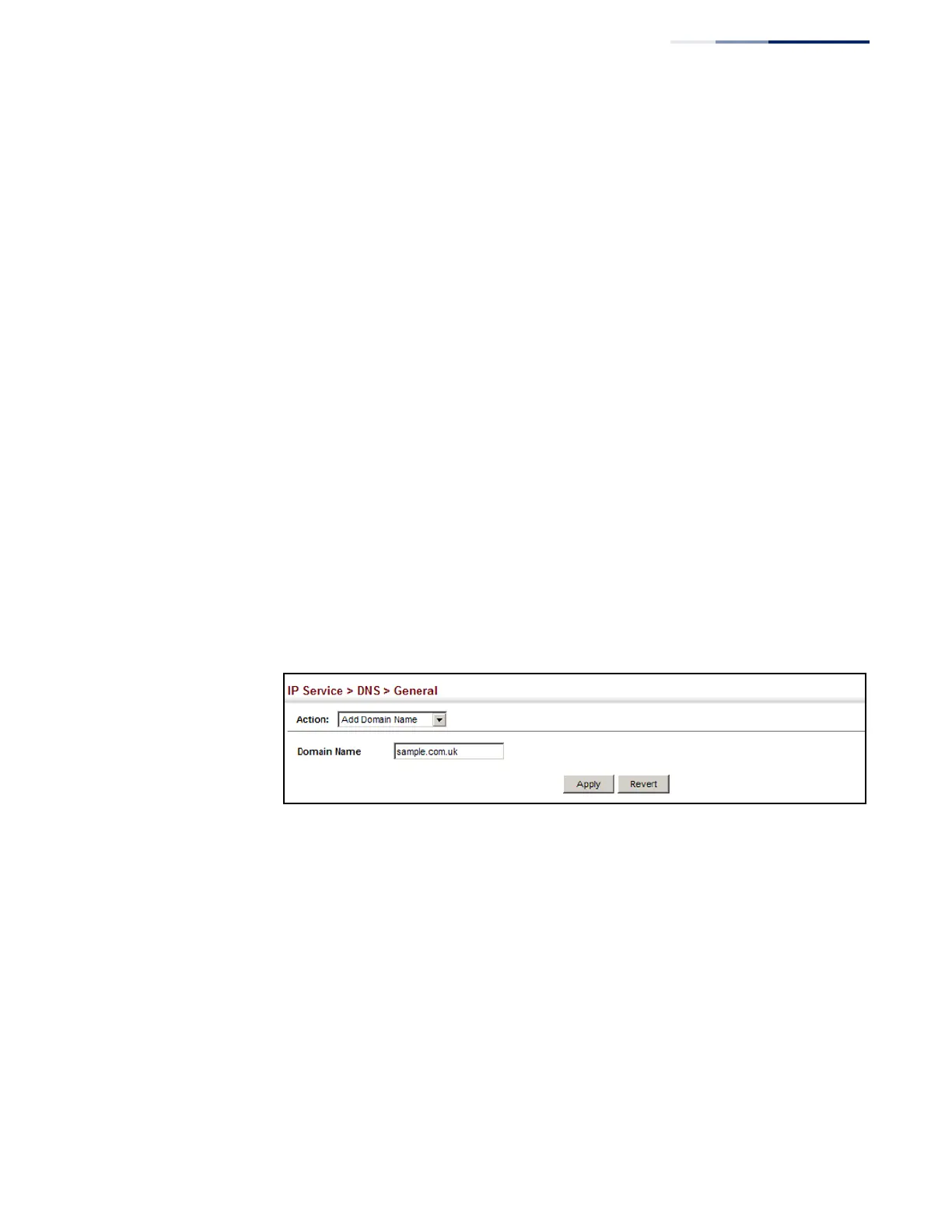
To create a list domain names:
1.
Click IP Service, DNS.
2.
Select Add Domain Name from the Action list.
3.
Enter one domain name at a time.
4.
Click Apply.
Figure 291: Configuring a List of Domain Names for DNS
To show the list domain names:
1.
Click IP Service, DNS.
2.
Select Show Domain Names from the Action list.















 To Next Page