Chapter 13
| Basic Administration Protocols
Simple Network Management Protocol
– 352 –
Web Interface
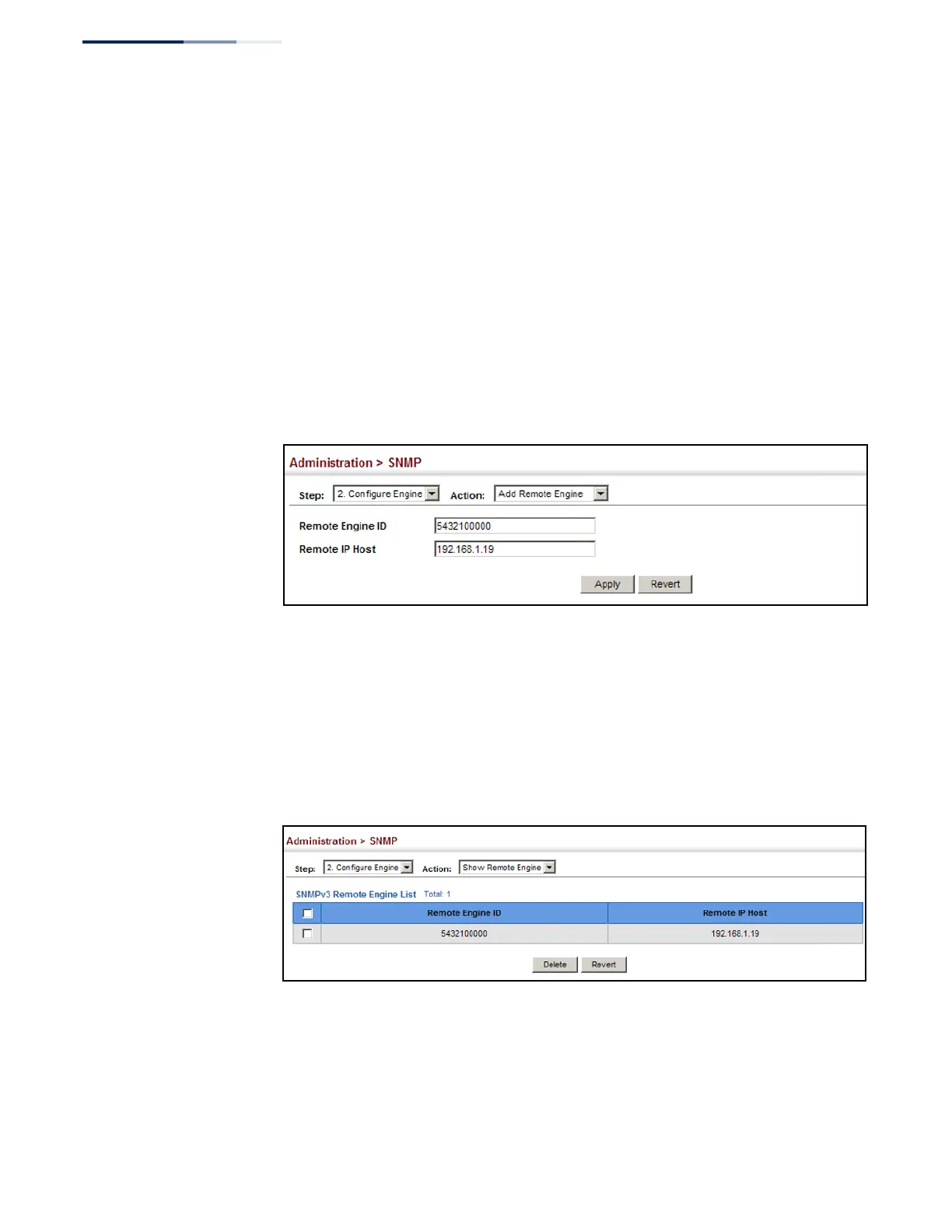
To configure a remote SNMP engine ID:
1.
Click Administration, SNMP.
2.
Select Configure Engine from the Step list.
3.
Select Add Remote Engine from the Action list.
4.
Enter an ID of a least 9 hexadecimal characters, and the IP address of the
remote host.
5.
Click Apply
Figure 220: Configuring a Remote Engine ID for SNMP
To show the remote SNMP engine IDs:
1.
Click Administration, SNMP.
2.
Select Configure Engine from the Step list.
3.
Select Show Remote Engine from the Action list.
Figure 221: Showing Remote Engine IDs for SNMP















 To Next Page