Chapter 14
| Multicast Filtering
Layer 2 IGMP (Snooping and Query for IPv4)
– 409 –
3.
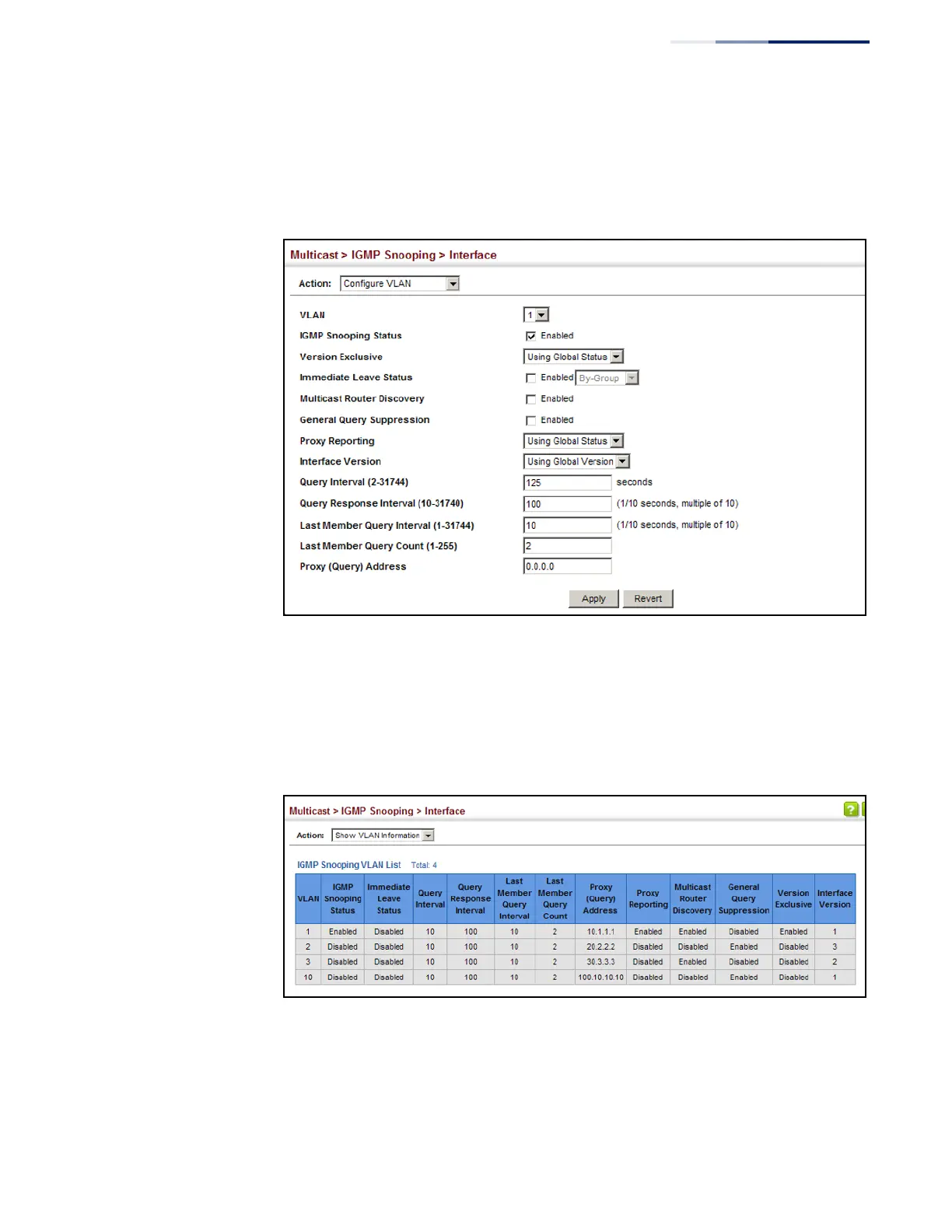
Select the VLAN to configure and update the required parameters.
4.
Click Apply.
Figure 265: Configuring IGMP Snooping on a VLAN
To show the interface settings for IGMP snooping:
1.
Click Multicast, IGMP Snooping, Interface.
2.
Select Show VLAN Information from the Action list.
Figure 266: Showing Interface Settings for IGMP Snooping















 To Next Page