Chapter 13
| Basic Administration Protocols
Simple Network Management Protocol
– 371 –
Web Interface
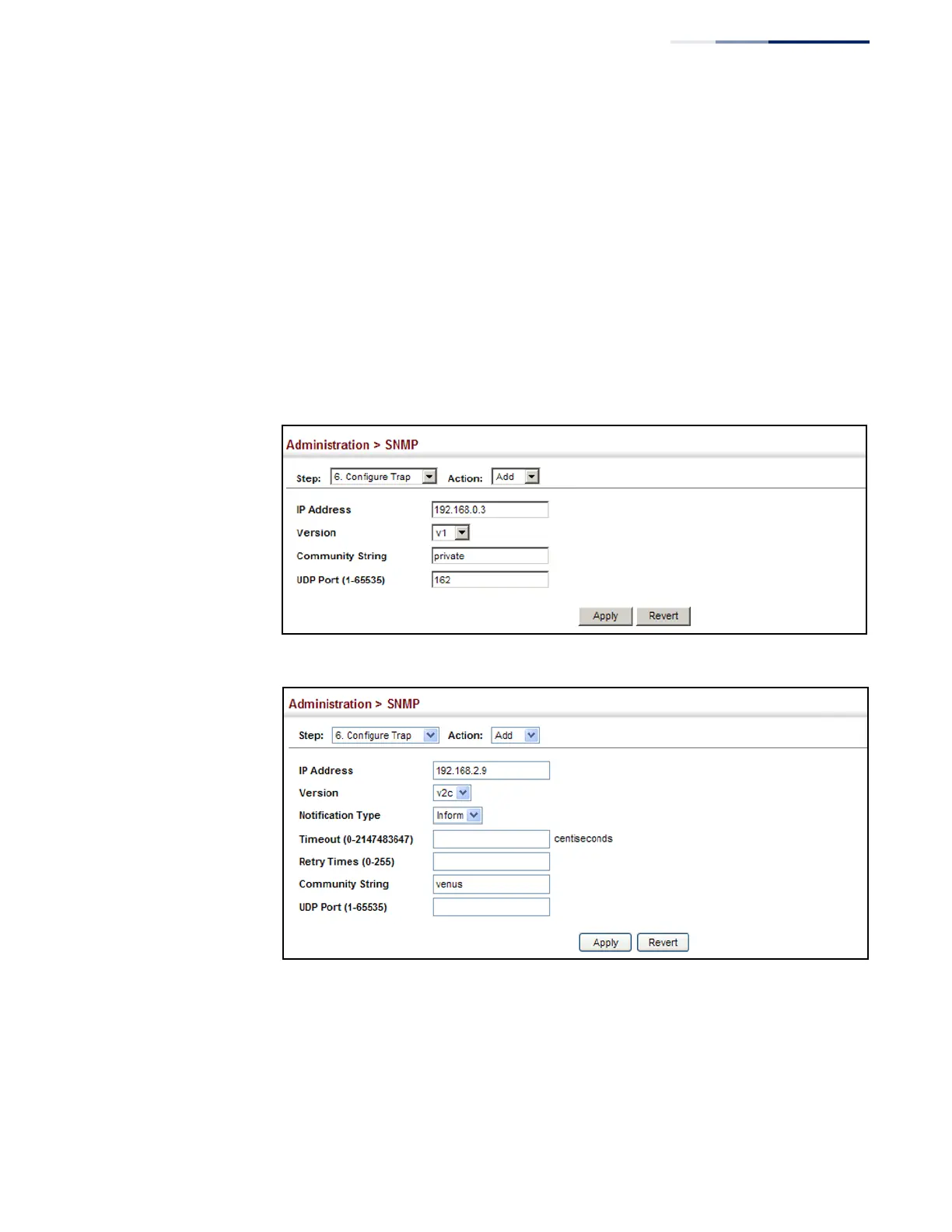
To configure trap managers:
1.
Click Administration, SNMP.
2.
Select Configure Trap from the Step list.
3.
Select Add from the Action list.
4.
Fill in the required parameters based on the selected SNMP version.
5.
Click Apply
Figure 235: Configuring Trap Managers (SNMPv1)
Figure 236: Configuring Trap Managers (SNMPv2c)















 To Next Page