Chapter 12
| Security Measures
IPv4 Source Guard
– 310 –
■
SIP – Enables traffic filtering based on IP addresses stored in the binding
table.
■
SIP-MAC – Enables traffic filtering based on IP addresses and
corresponding MAC addresses stored in the binding table.
◆
Filter Table – Sets the source guard learning model to search for addresses in
the ACL binding table or the MAC address binding table. (Default: ACL binding
table)
◆
Max Binding Entry – The maximum number of entries that can be bound to an
interface. (ACL Table: 1-5, Default: 5; MAC Table: 1-32, Default: 16)
This parameter sets the maximum number of address entries that can be
mapped to an interface in the binding table, including both dynamic entries
discovered by DHCP snooping (see “DHCP Snooping” on page 299) and static
entries set by IP source guard (see “Configuring Static Bindings for IPv4 Source
Guard” on page 311).
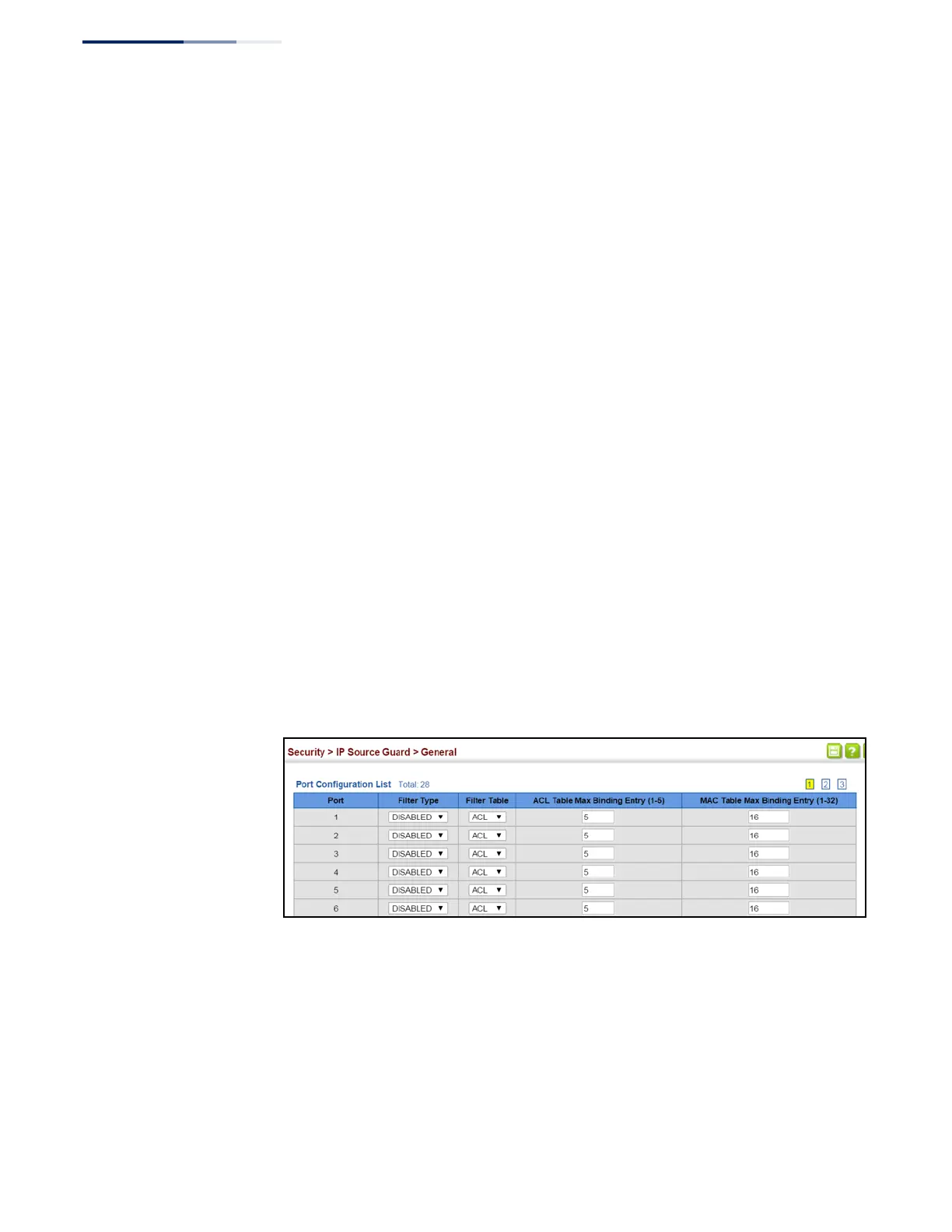
Web Interface
To set the IP Source Guard filter for ports:
1.
Click Security, IP Source Guard, General.
2.
Set the required filtering type, set the table type to use ACL or MAC address
binding, and then set the maximum binding entries for each port.
3.
Click Apply.
Figure 196: Setting the Filter Type for IPv4 Source Guard















 To Next Page