Chapter 13
| Basic Administration Protocols
Remote Monitoring
– 385 –
Web Interface
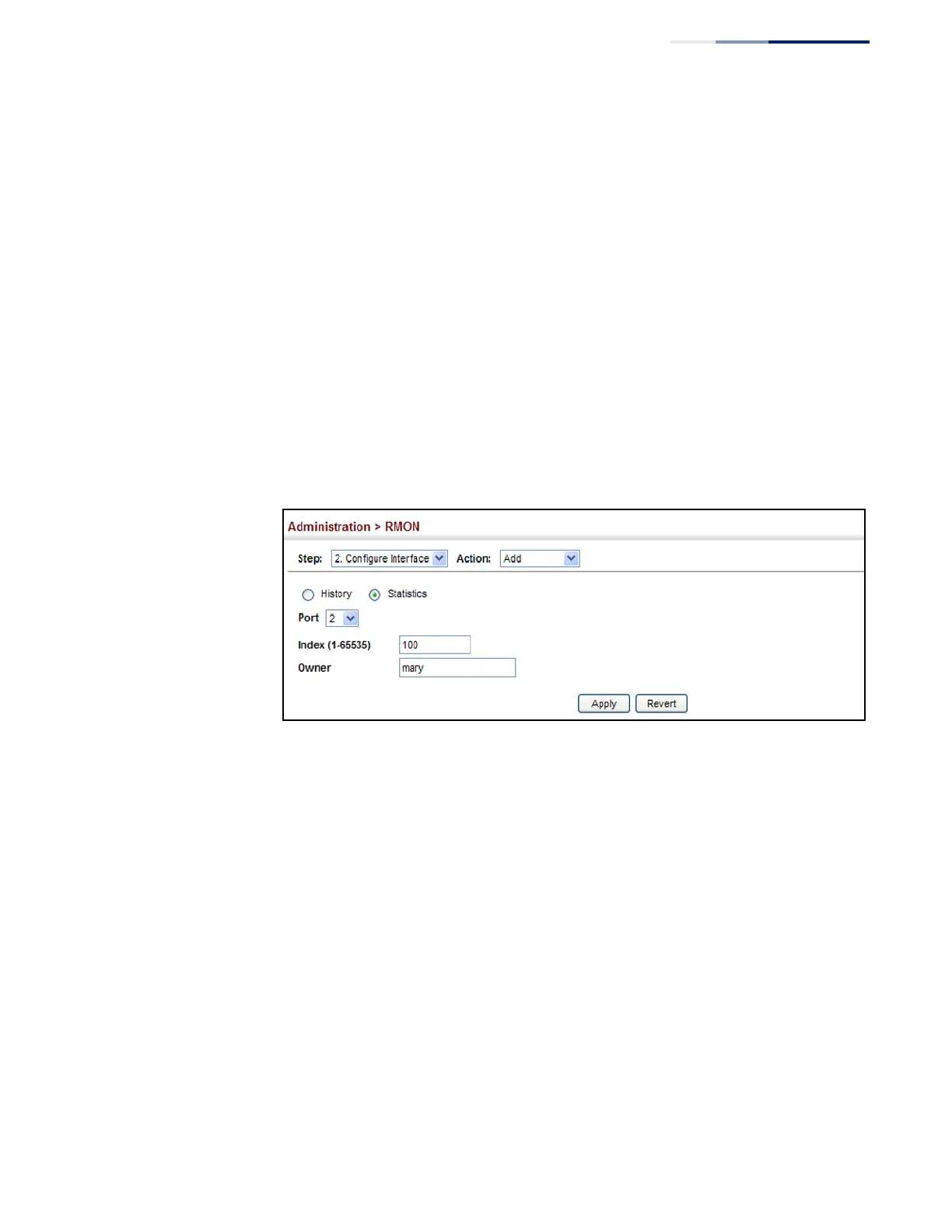
To enable regular sampling of statistics on a port:
1.
Click Administration, RMON.
2.
Select Configure Interface from the Step list.
3.
Select Add from the Action list.
4.
Click Statistics.
5.
Select a port from the list as the data source.
6.
Enter an index number, and the name of the owner for this entry
7.
Click Apply
Figure 249: Configuring an RMON Statistical Sample
To show configured RMON statistical samples:
1.
Click Administration, RMON.
2.
Select Configure Interface from the Step list.
3.
Select Show from the Action list.
4.
Select a port from the list.
5.
Click Statistics.















 To Next Page