Chapter 3
| Basic Management Tasks
Setting the System Clock
– 76 –
Setting the Time
Manually
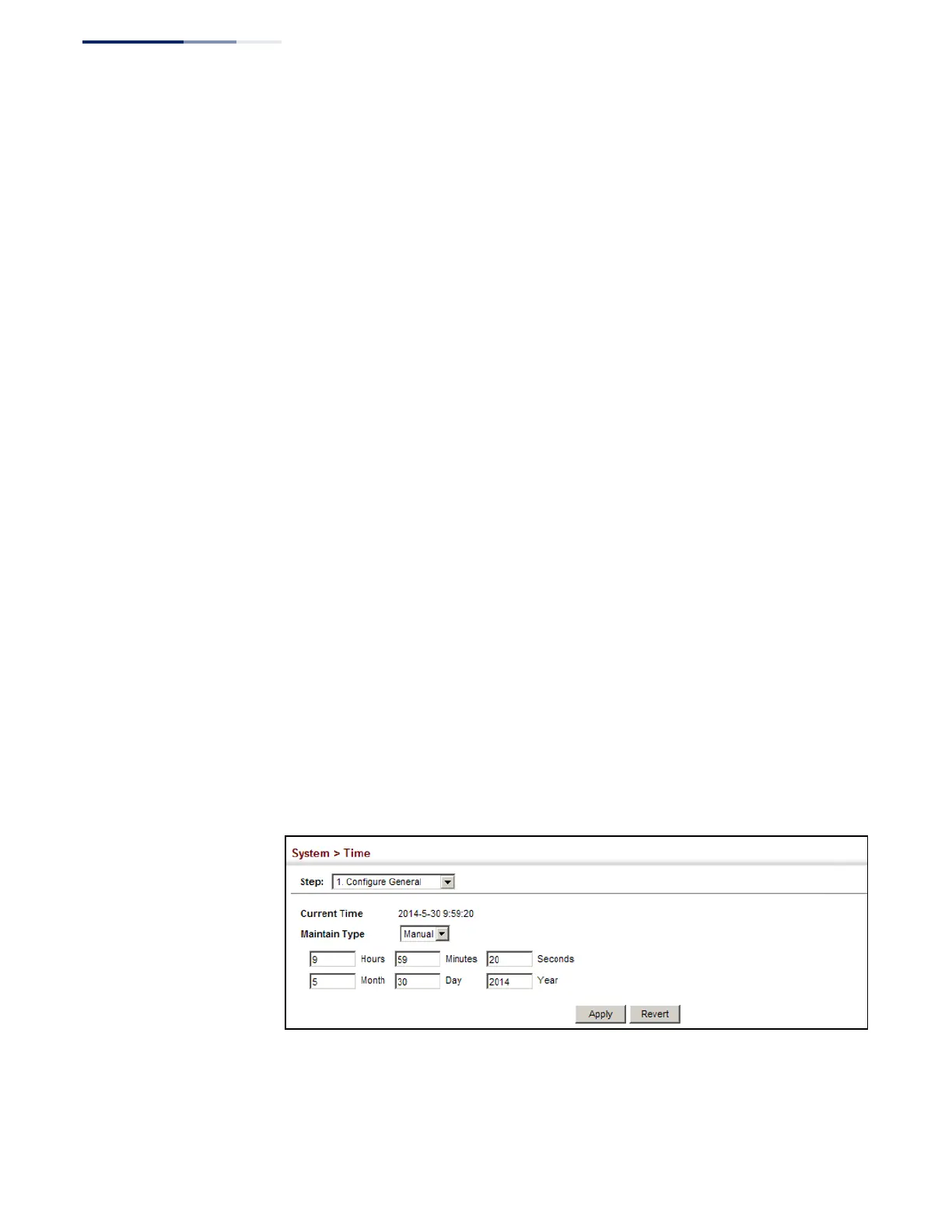
Use the System > Time (Configure General - Manual) page to set the system time on
the switch manually without using SNTP.
Parameters
The following parameters are displayed:
◆
Current Time – Shows the current time set on the switch.
◆
Hours – Sets the hour. (Range: 0-23)
◆
Minutes – Sets the minute value. (Range: 0-59)
◆
Seconds – Sets the second value. (Range: 0-59)
◆
Month – Sets the month. (Range: 1-12)
◆
Day – Sets the day of the month. (Range: 1-31)
◆
Ye a r – Sets the year. (Range: 1970-2037)
Web Interface
To manually set the system clock:
1.
Click System, then Time.
2.
Select Configure General from the Step list.
3.
Select Manual from the Maintain Type list.
4.
Enter the time and date in the appropriate fields.
5.
Click Apply
Figure 13: Manually Setting the System Clock















 To Next Page