Chapter 2
| Using the Web Interface
Navigating the Web Browser Interface
– 45 –
Panel Display
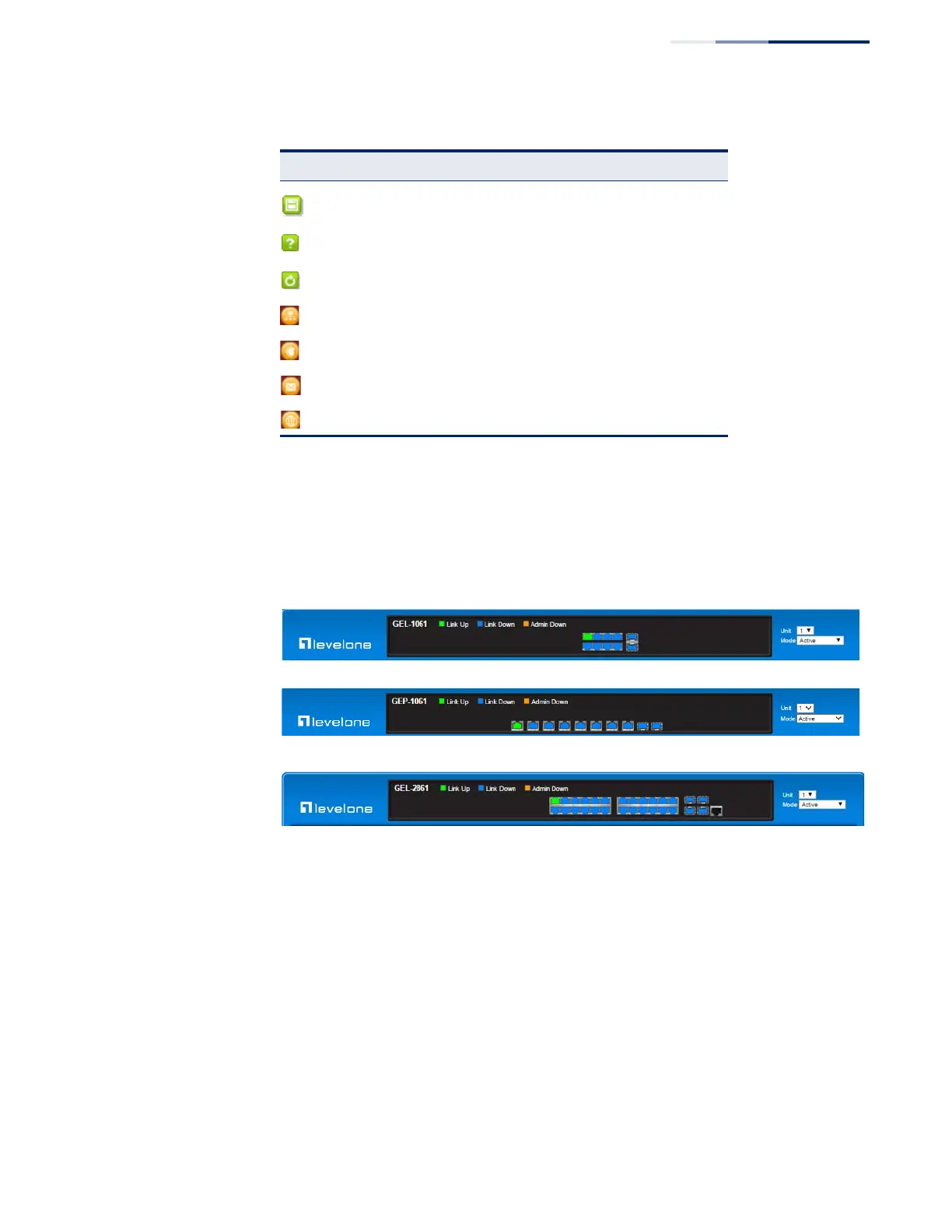
The web agent displays an image of the switch’s ports. The Mode can be set to
display different information for the ports, including Active (i.e., up or down),
Duplex (i.e., half or full duplex), or Flow Control (i.e., with or without flow control).
Figure 3: Front Panel Indicators
Saves current configuration settings
Displays help for the selected page.
Refreshes the current page.
Displays the site map.
Logs out of the management interface.
Sends mail to the vendor.
Links to the vendor’s web site.
Table 3: Web Page Configuration Buttons (Continued)
Button Action















 To Next Page