Chapter 13
| Basic Administration Protocols
Link Layer Discovery Protocol
– 339 –
Web Interface
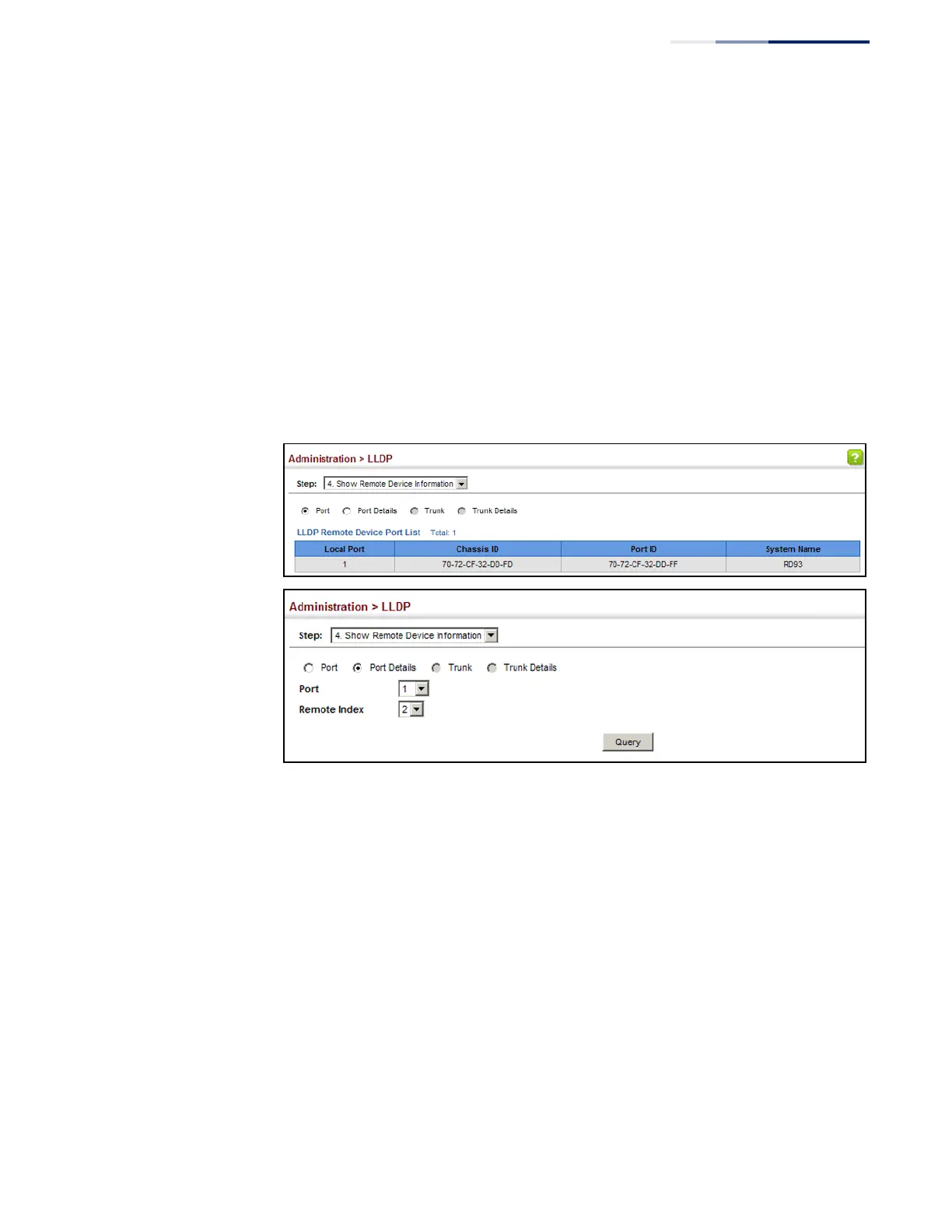
To display LLDP information for a remote port:
1.
Click Administration, LLDP.
2.
Select Show Remote Device Information from the Step list.
3.
Select Port, Port Details, Trunk, or Trunk Details.
4.
When the next page opens, select a port on this switch and the index for a
remote device attached to this port.
5.
Click Query.
Figure 211: Displaying Remote Device Information for LLDP (Port)















 To Next Page