Chapter 3
| Basic Management Tasks
Displaying Bridge Extension Capabilities
– 66 –
◆
Configurable PVID Tagging – This switch allows you to override the default
Port VLAN ID (PVID used in frame tags) and egress status (VLAN-Tagged or
Untagged) on each port. (Refer to “VLAN Configuration” on page 139.)
◆
Max Supported VLAN Numbers – The maximum number of VLANs supported
on this switch.
◆
Max Supported VLAN ID – The maximum configurable VLAN identifier
supported on this switch.
Web Interface
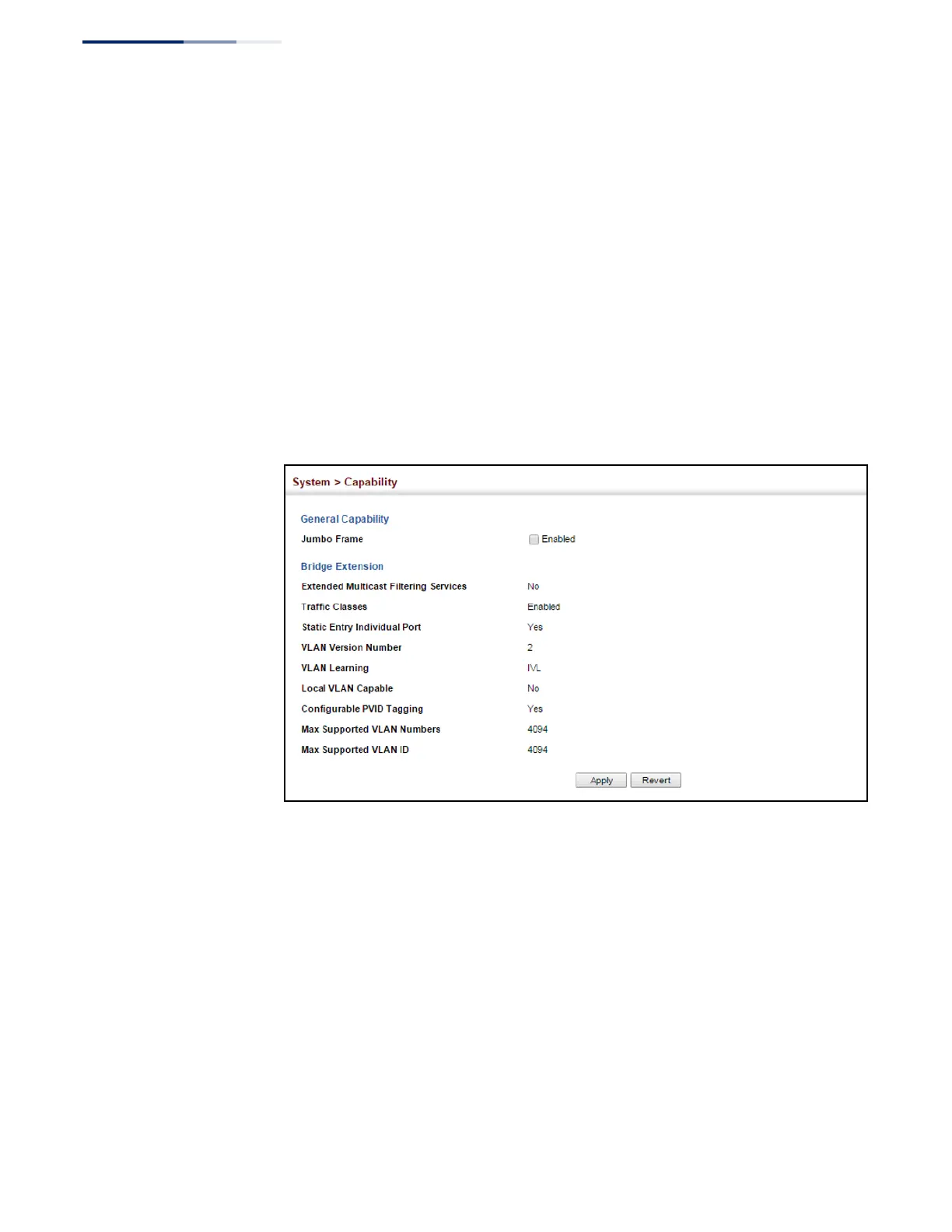
To view Bridge Extension information:
1.
Click System, then Capability.
Figure 7: Displaying Bridge Extension Configuration















 To Next Page