Chapter 13
| Basic Administration Protocols
Remote Monitoring
– 384 –
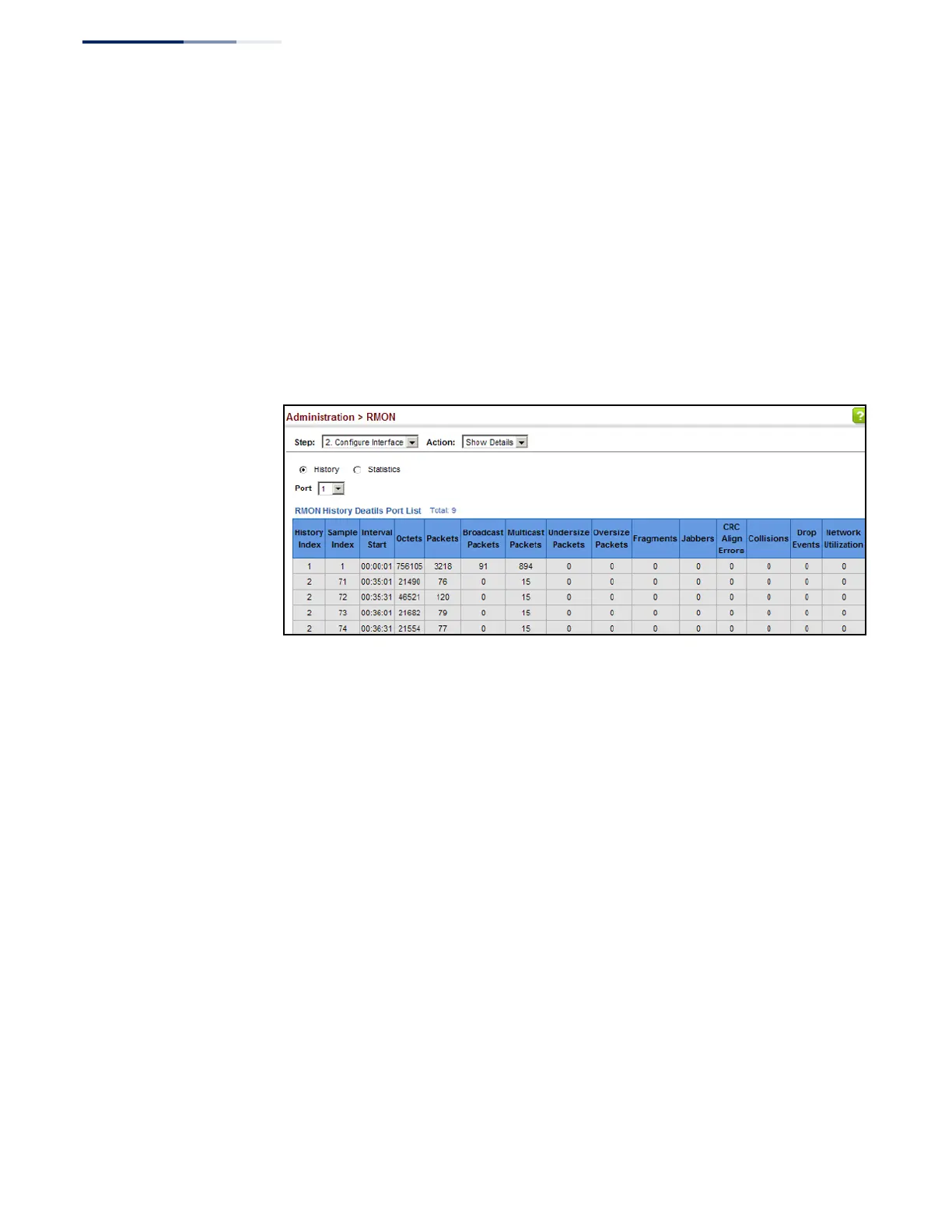
To show collected RMON history samples:
1.
Click Administration, RMON.
2.
Select Configure Interface from the Step list.
3.
Select Show Details from the Action list.
4.
Select a port from the list.
5.
Click History.
Figure 248: Showing Collected RMON History Samples
Configuring RMON
Statistical Samples
Use the Administration > RMON (Configure Interface - Add - Statistics) page to
collect statistics on a port, which can subsequently be used to monitor the network
for common errors and overall traffic rates.
Command Usage
◆
If statistics collection is already enabled on an interface, the entry must be
deleted before any changes can be made.
◆
The information collected for each entry includes:
input octets, packets, broadcast packets, multicast packets, undersize packets,
oversize packets, CRC alignment errors, jabbers, fragments, collisions, drop
events, and frames of various sizes.
Parameters
These parameters are displayed:
◆
Port – The port number on the switch. (Range: 1-10/28)
◆
Index - Index to this entry. (Range: 1-65535)
◆
Owner - Name of the person who created this entry. (Range: 1-32 characters)















 To Next Page