101
DHCP
Use the DHCP Snooping Configuration page to filter IP traffic on insecure ports for which the
source address cannot be identified via DHCP snooping. The addresses assigned to DHCP
clients on insecure ports can be carefully controlled using the dynamic bindings registered
with DHCP Snooping (or using the static bindings configured with IP Source Guard). DHCP
snooping allows a switch to protect a network from rogue DHCP servers or other devices
which send port-related information to a DHCP server. This information can be useful in
tracking an IP address back to a physical port.
PATH
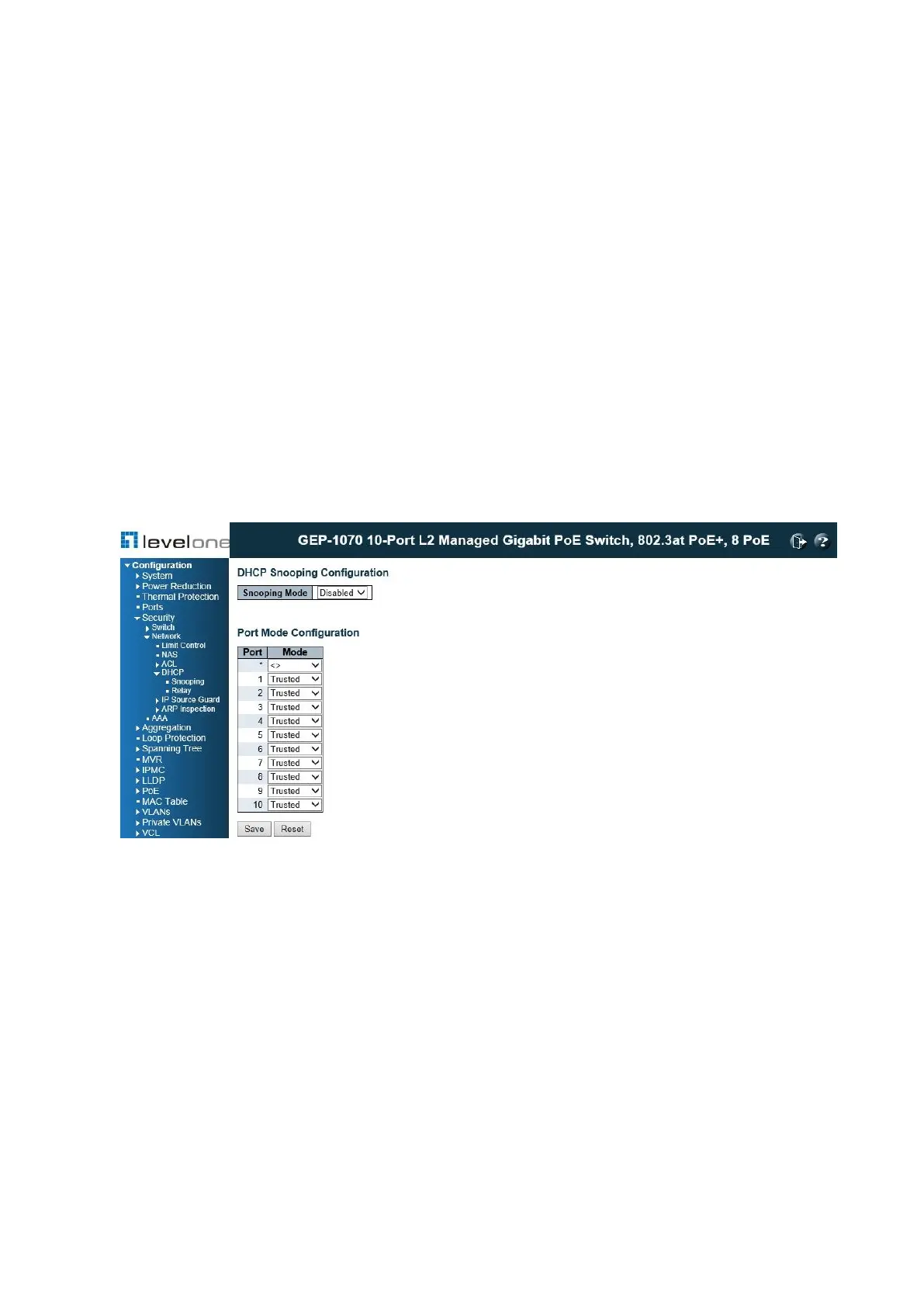
Configuration \ Security \ Network \ DHCP \ Snooping
Figure 35: DHCP Snooping Configuration
COMMAND USAGE
DHCP Snooping Process
◆ Network traffic may be disrupted when malicious DHCP messages are received from an
outside source. DHCP snooping is used to filter DHCP messages received on a non-
secure interface from outside the network or fire wall. When DHCP snooping is enabled
globally and enabled on a VLAN interface, DHCP messages received on an untrusted
interface from a device not listed in the DHCP snooping table will be dropped.
◆ Table entries are only learned for trusted interfaces. An entry is added or removed
dynamically to the DHCP snooping table when a client receives or releases an IP address
from a DHCP server. Each entry includes a MAC address, IP address, lease time, VLAN
identifier, and port identifier.














 To Next Page