213
5.2. Displaying Thermal Protection
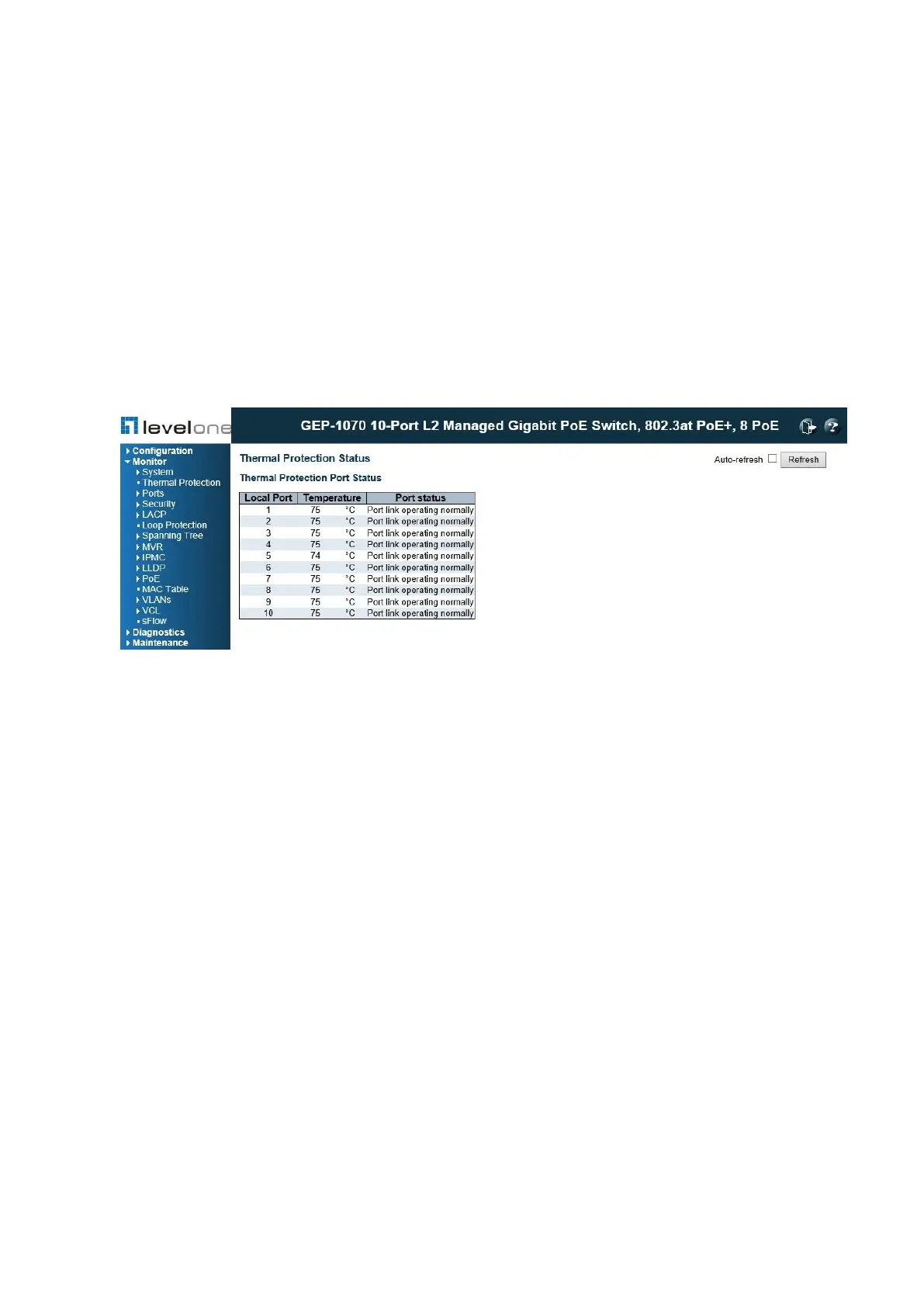
Use the Thermal Protection Status page to show the thermal status for each port and the
current chip temperature.
PATH
Monitor \ Thermal Protection
Figure 95: Thermal Protection Status
PARAMETERS
These parameters are displayed:
◆ Local Port – Port identifier.
◆ Temperature – The temperature of the switch ASIC. Shows if a port link is operating
normally or has been shut down because the temperature threshold has been exceeded.
WEB INTERFACE
To display the current chip temperature, click Monitor, Thermal Protection.














 To Next Page