210
Displaying CPU Load
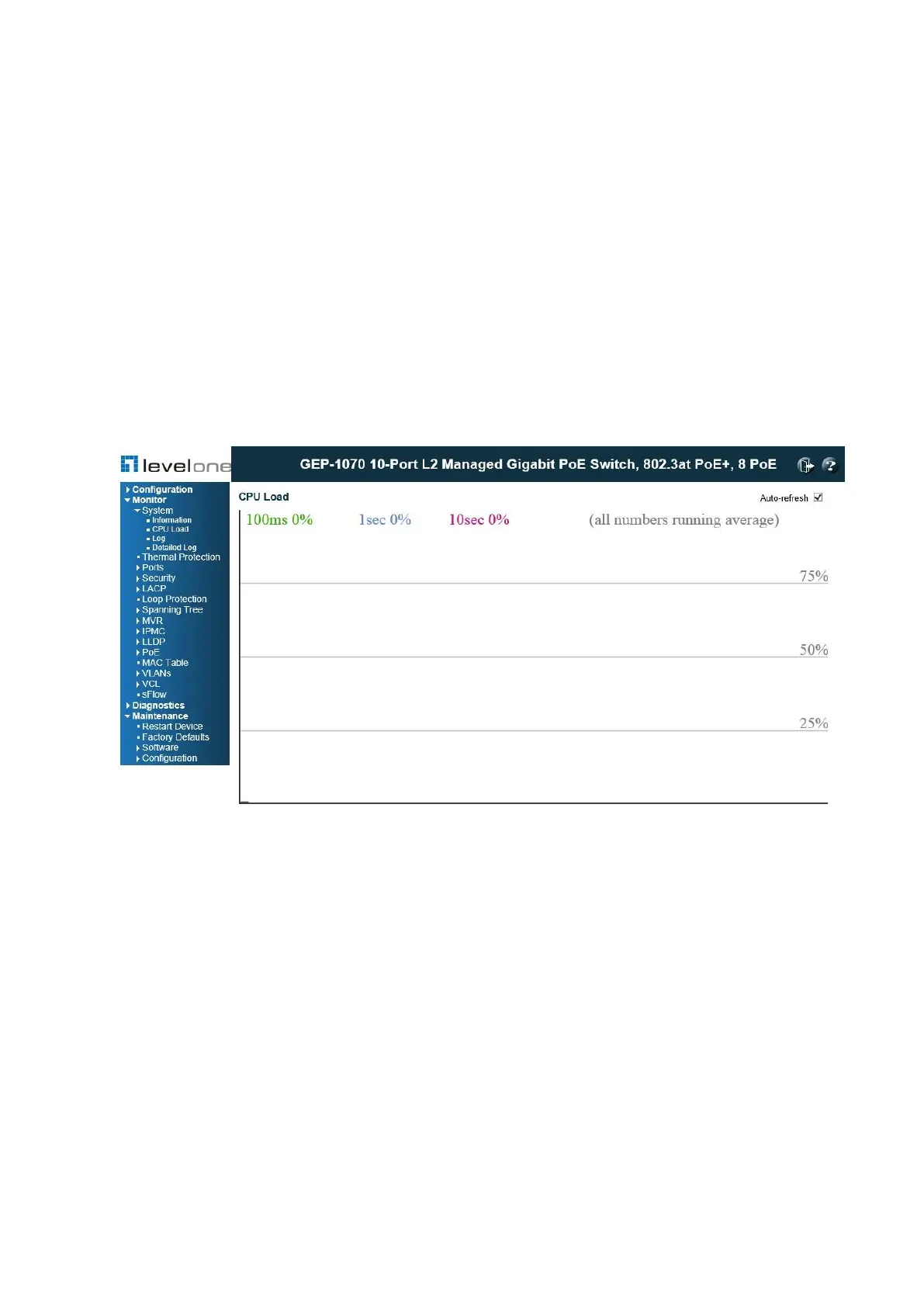
Use the CPU Load page to display information on CPU utilization. The load is averaged over
the last 100ms, 1sec and 10 seconds intervals. The last 120 samples are graphed.
In order to display the graph, your browser must support the Scalable Vector Graphics format.
Consult SVG Wiki for more information on browser support. Depending on your browser
version, Microsoft Internet Explorer will need to have a plugin installed to support SVG.
PATH
Monitor \ System \ CPU Load
Figure 92: CPU Load
WEB INTERFACE
To display CPU utilization: Click System, then CPU Load.
Displaying Log Messages
Use the System Log Information page to scroll through the logged system and event
messages.
PATH
Monitor \ System \ Log














 To Next Page